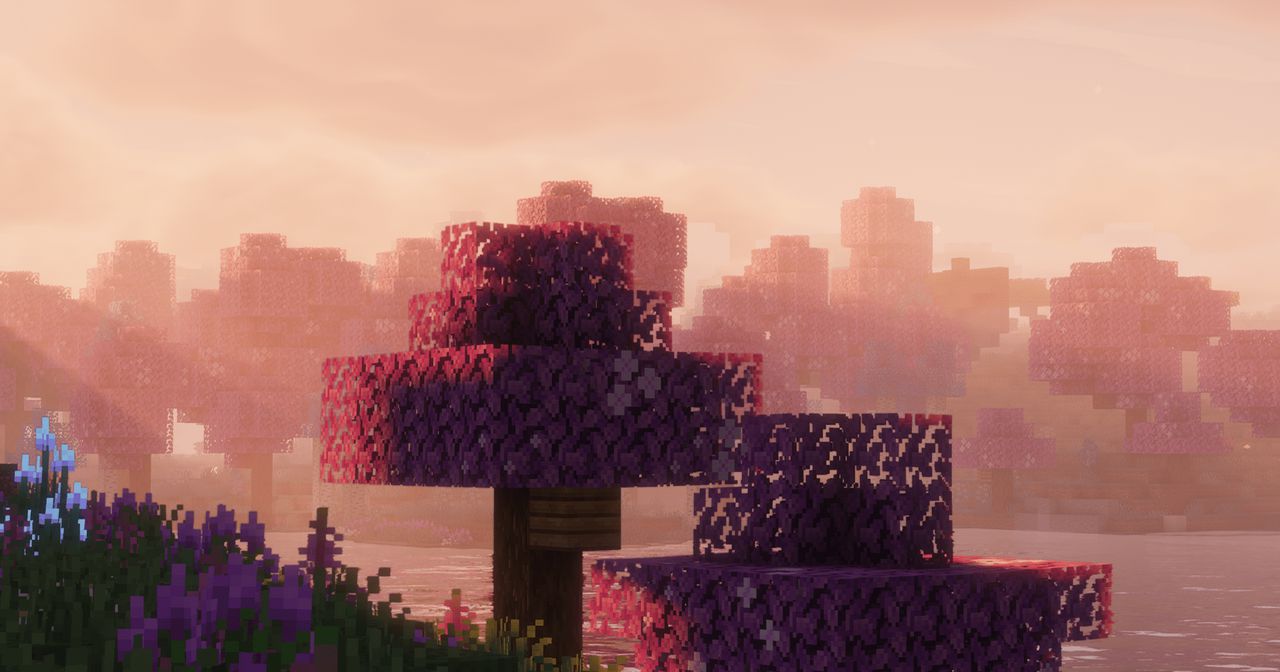
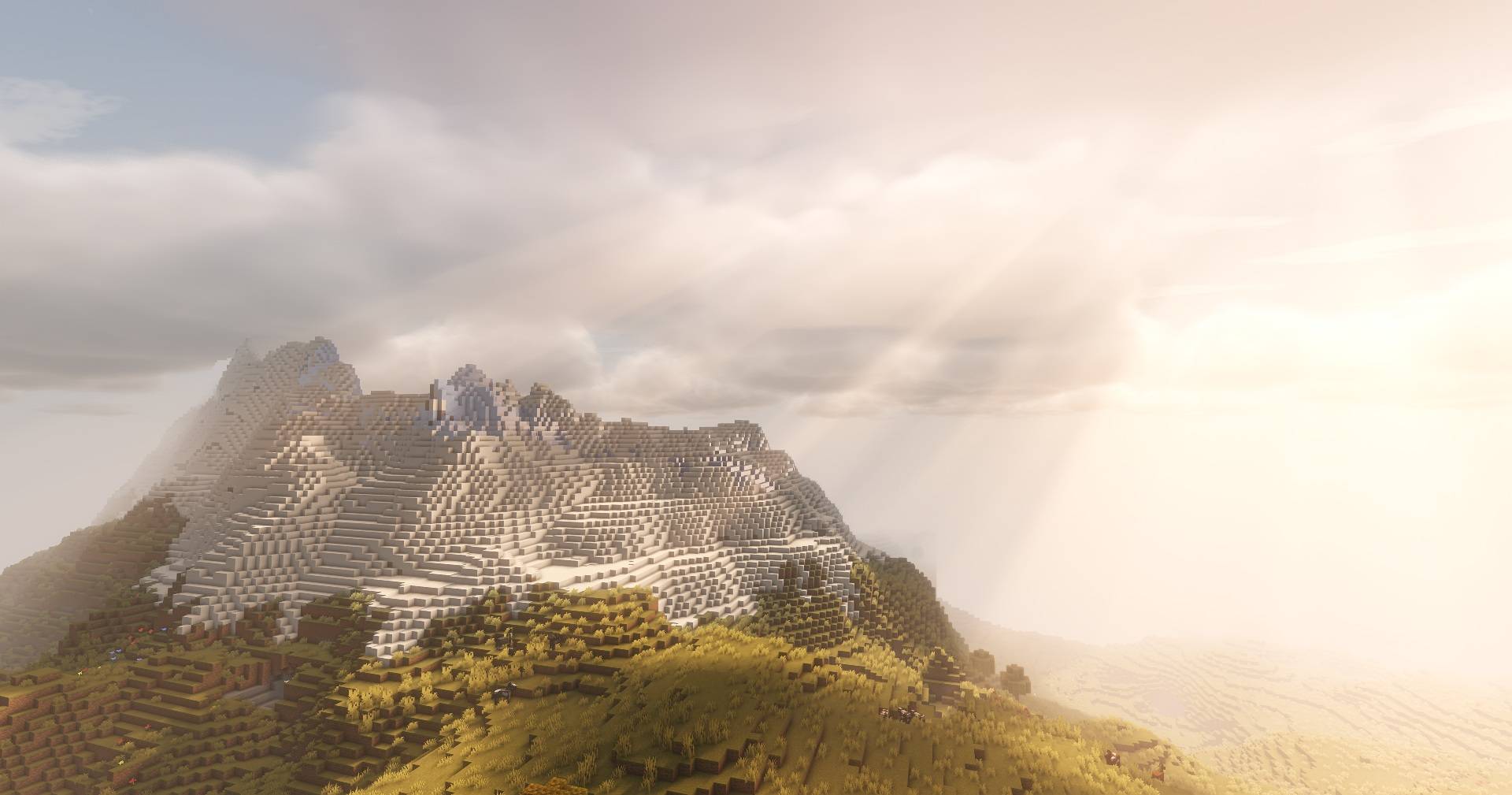
In the ever-evolving world of Minecraft shaders, Solas Shader by Septonious stands out as a beacon for players seeking a harmonious blend of fantasy aesthetics and performance optimization. Designed for Minecraft: Java Edition, Solas introduces a suite of visual enhancements that elevate the game’s ambiance without compromising on frame rates
✨ Key Features of Solas Shader
1. Advanced Lighting and Colored Illumination
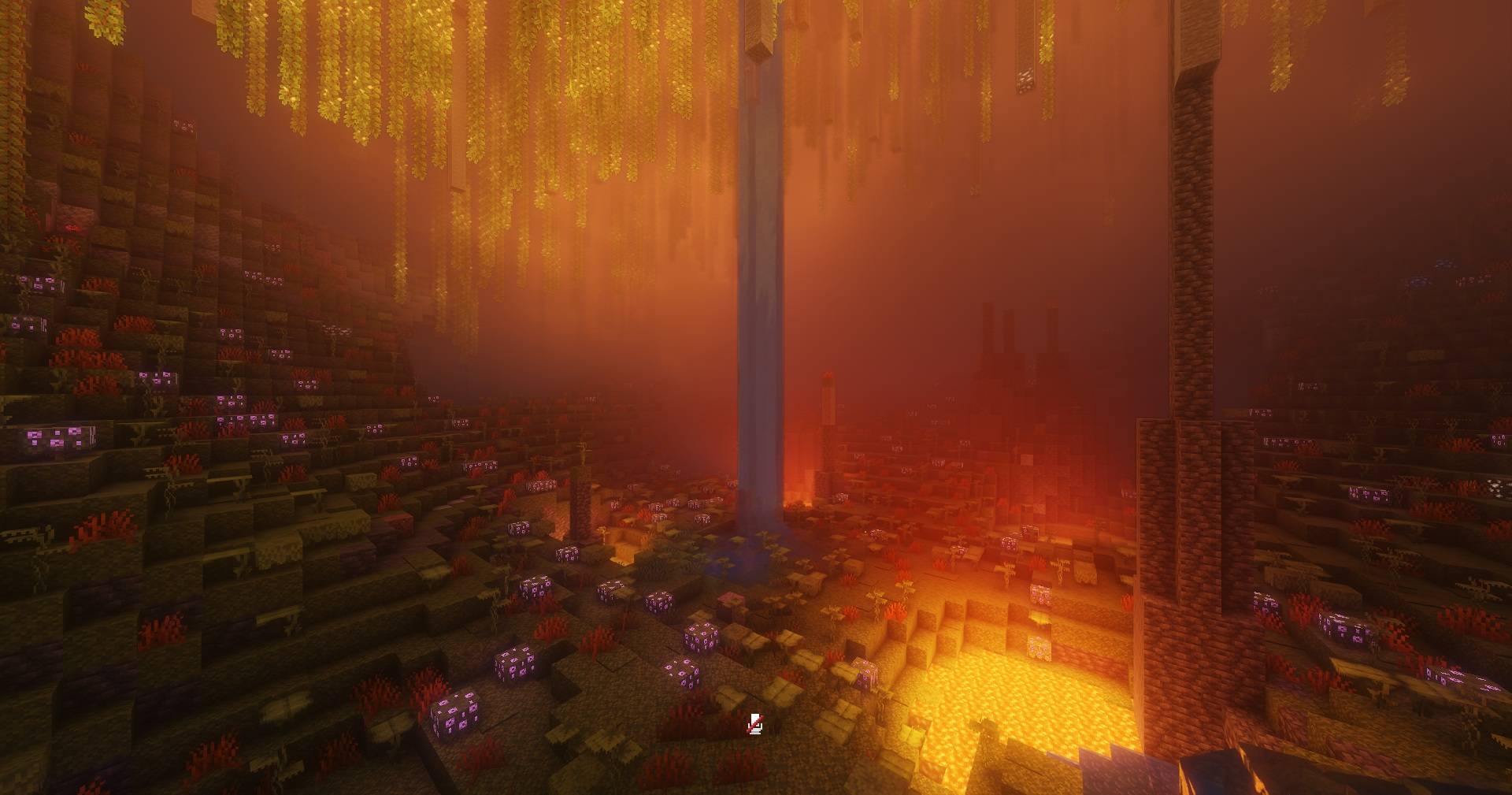
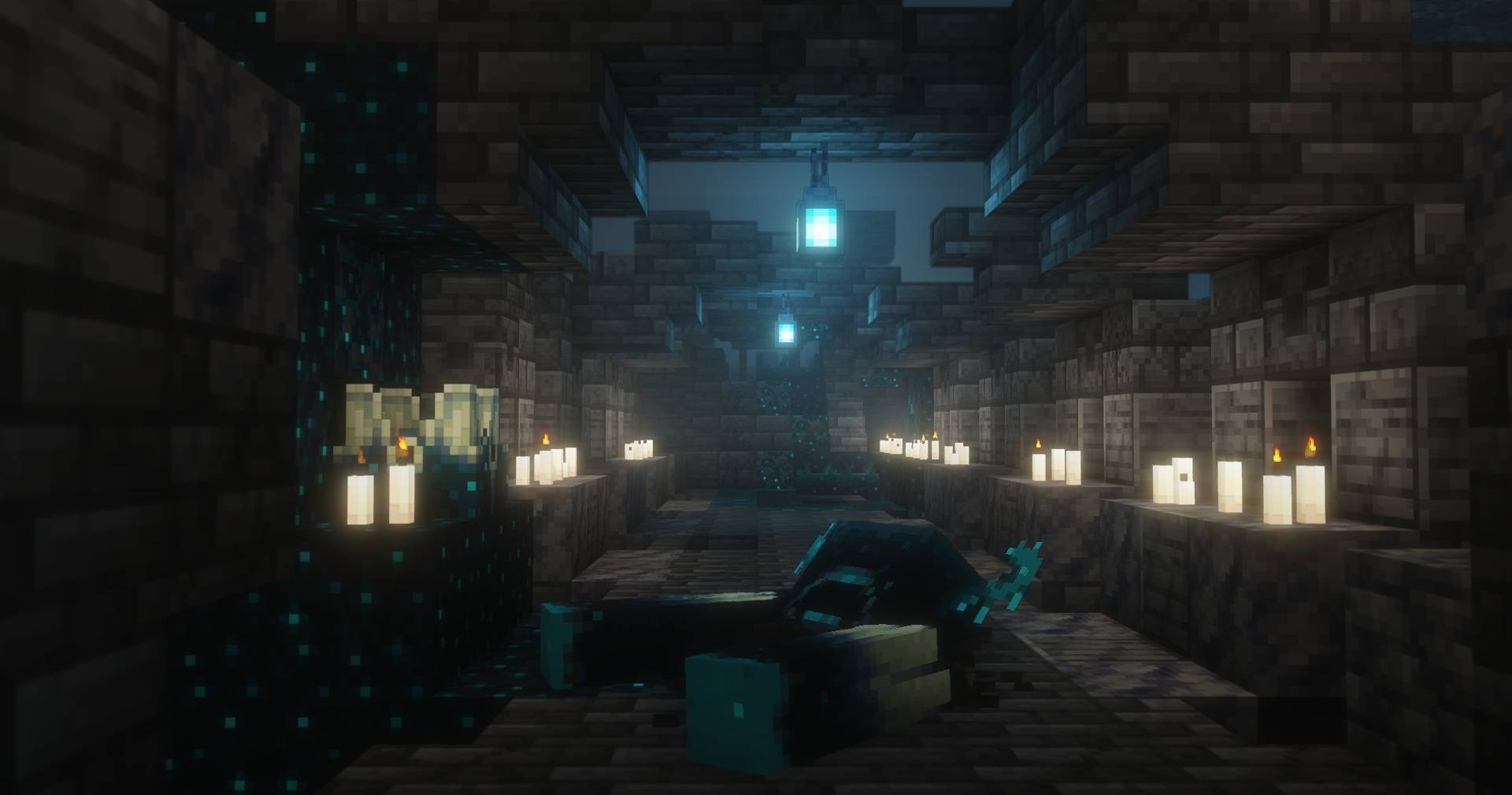
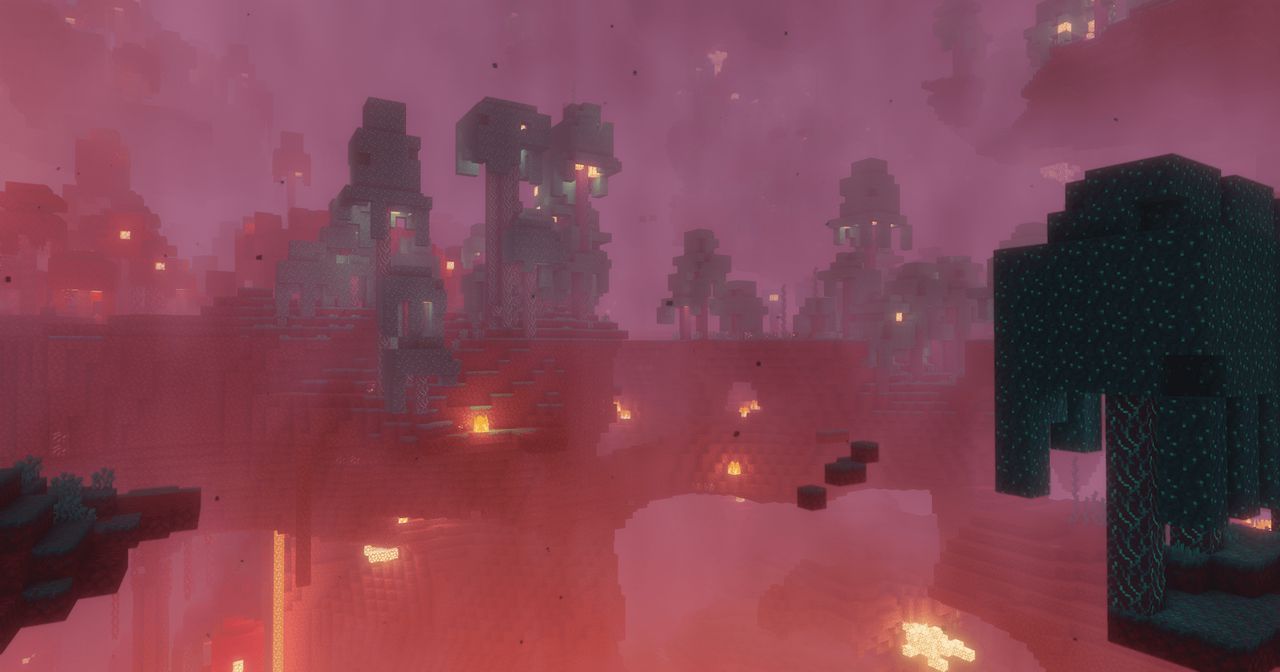
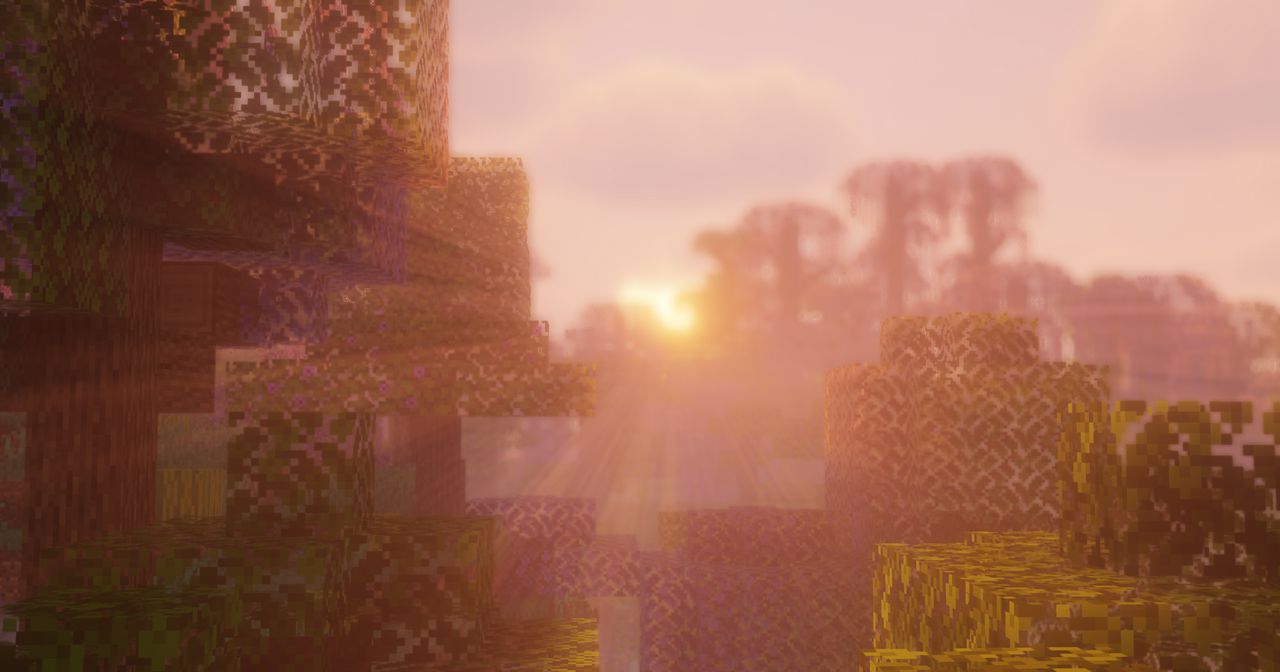
Solas Shader pioneers in delivering super-fast and FPS-efficient colored lighting and global illumination. This means that light sources emit hues that interact dynamically with the environment, creating a more immersive and realistic atmosphere.
2. Volumetric Clouds and Atmospheric Effects
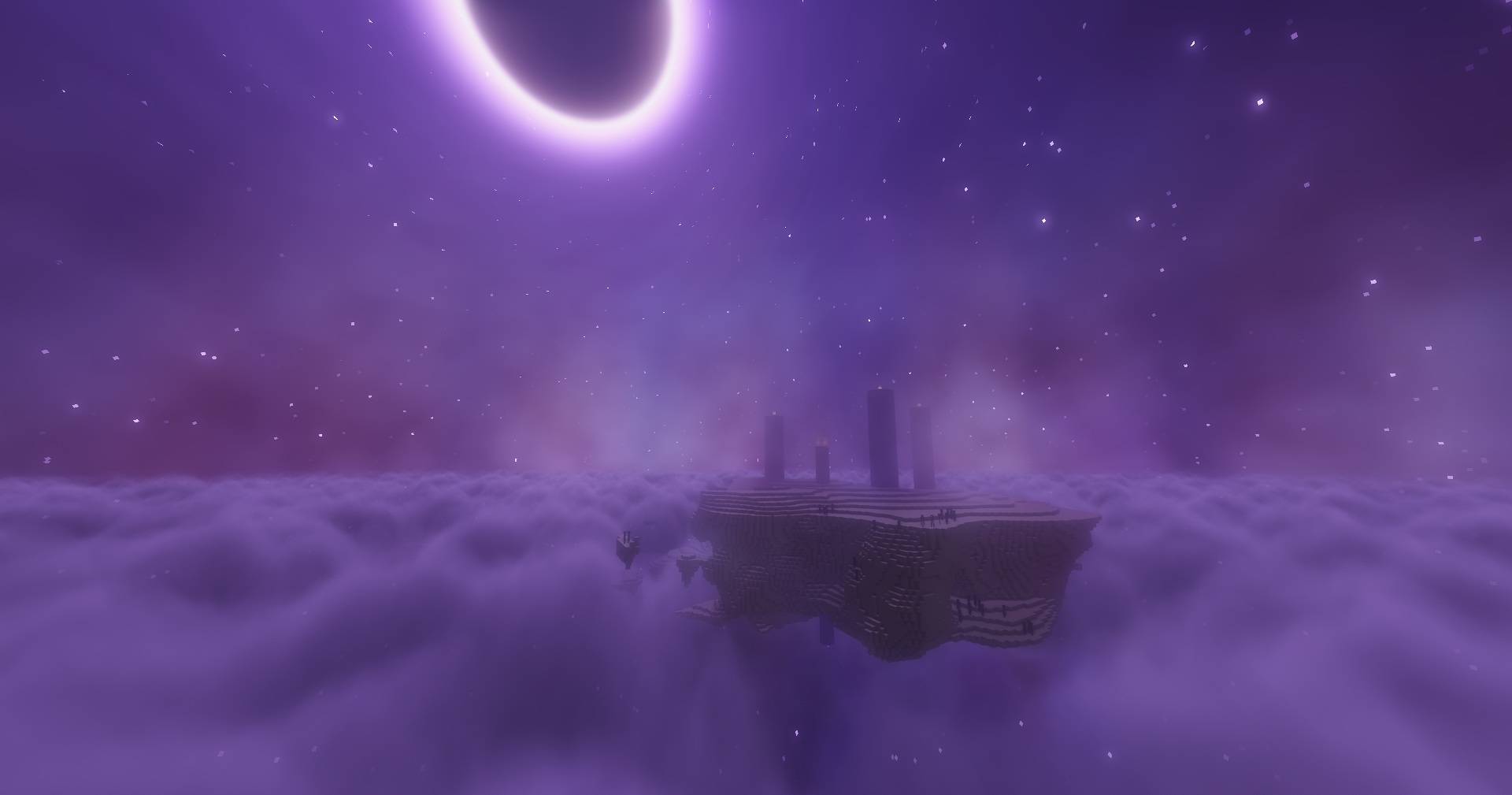
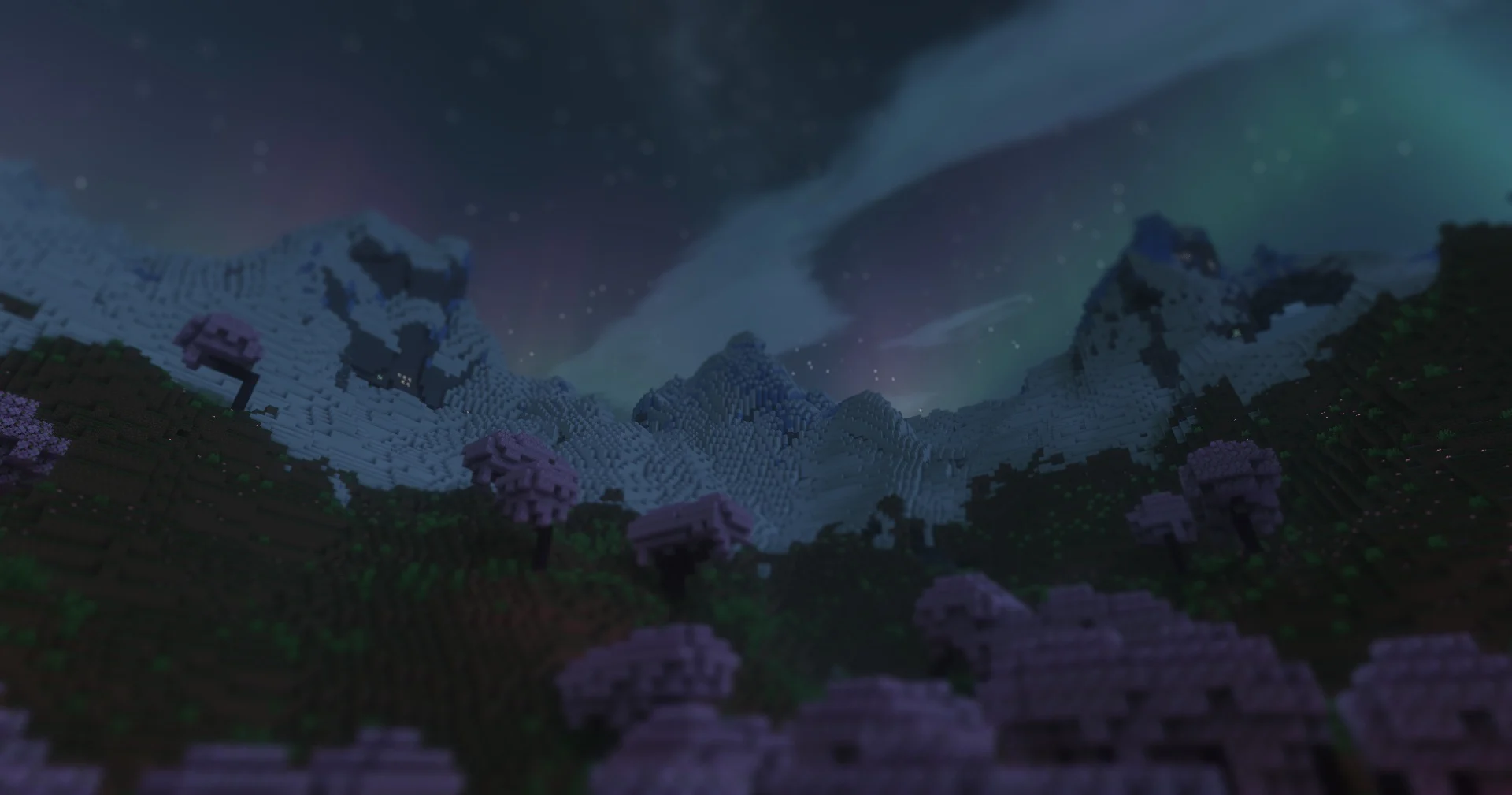
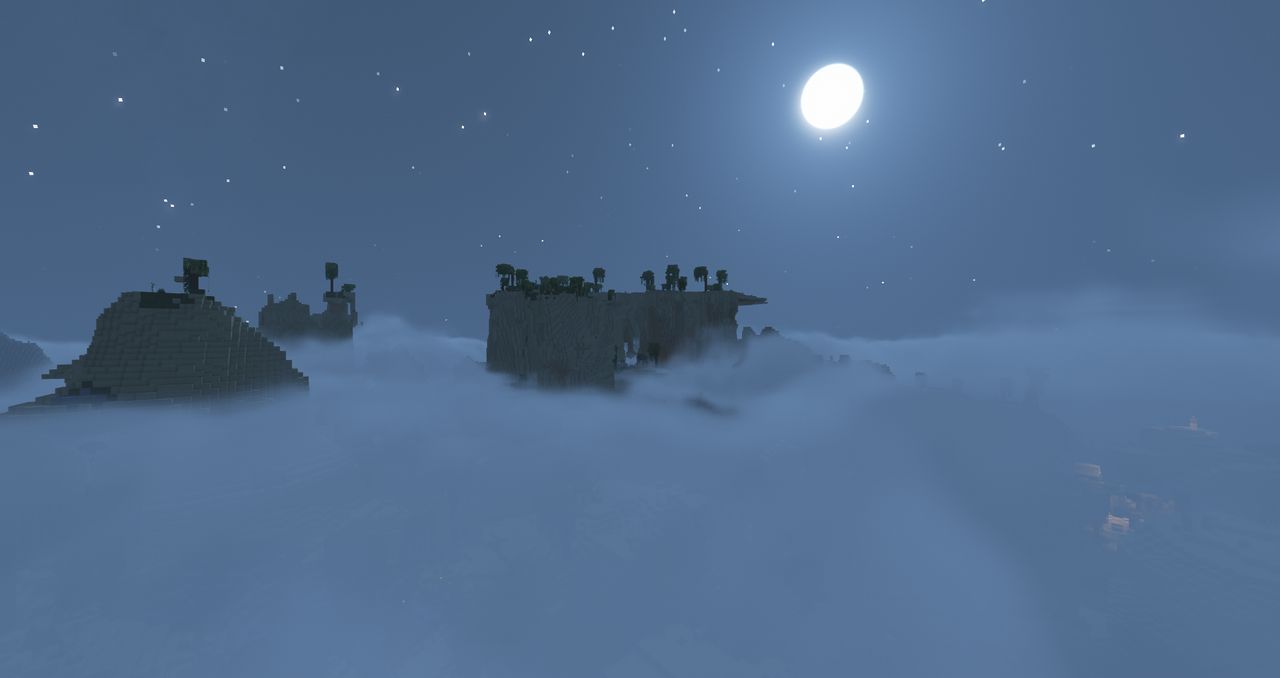
Experience the sky like never before with 3D volumetric clouds, aurora borealis, Milky Way, and Ender nebulae. These elements add depth and dynamism to the game’s skybox, enhancing both day and night cycles.
3. Realistic Water Rendering
Water bodies are transformed with procedural waves, caustics, and light absorption/refraction effects. This results in oceans, rivers, and lakes that shimmer and flow with lifelike realism.
4. Integrated PBR Resource Pack
Solas comes bundled with a Physically Based Rendering (PBR) resource pack, introducing emissive textures, specular highlights, and normal mapping. This integration ensures that blocks and items have depth and reflectivity, enhancing the tactile feel of the game world.
5. Cinematic Post-Processing Effects
Elevate your gameplay visuals with effects like bloom, chromatic aberration, depth of field, tilt-shift, Temporal Anti-Aliasing (TAA), and Fast Approximate Anti-Aliasing (FXAA). These features add a cinematic touch, making every scene screenshot-worthy.
Players across various platforms have lauded Solas Shader for its balance between visual fidelity and performance. One user remarked, “Solas Shader brings my Minecraft world to life without dragging down my FPS. It’s the perfect blend of beauty and efficiency.
By featuring the Solas Shader on your website with detailed descriptions, high-quality images, and optimized SEO practices, you can attract a broader audience and provide valuable resources to the Minecraft community.
How to install the Solas Shader Shaders
- Install OptiFine or Iris: Download and install OptiFine or Iris to enable shader support in Minecraft.
- Download The Shaders: Obtain the shader pack from the official links provided below.
- Place in Shaderpacks Folder: Move the downloaded shader pack file to the
.minecraft\shaderpacksdirectory. - Activate in Minecraft: Launch Minecraft, go to Options > Video Settings > Shaders, and select The Shaders from the list.
✅ None of the files are hosted on our server. All direct download links on our website are official authors links. The packs are free of viruses. Therefore, they are completely safe and secure.
✅ Please share this post on social media.
✅ Are there any thoughts you’d like to share? Please write a comment and rate the pack.