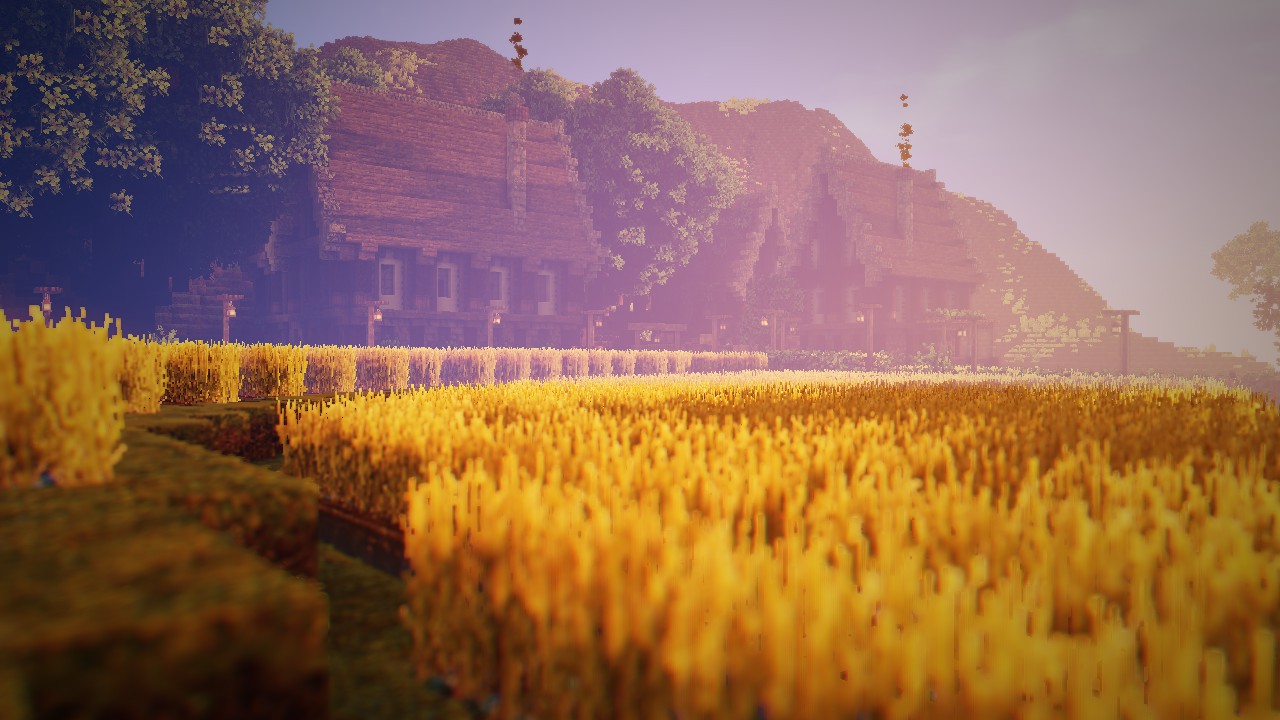
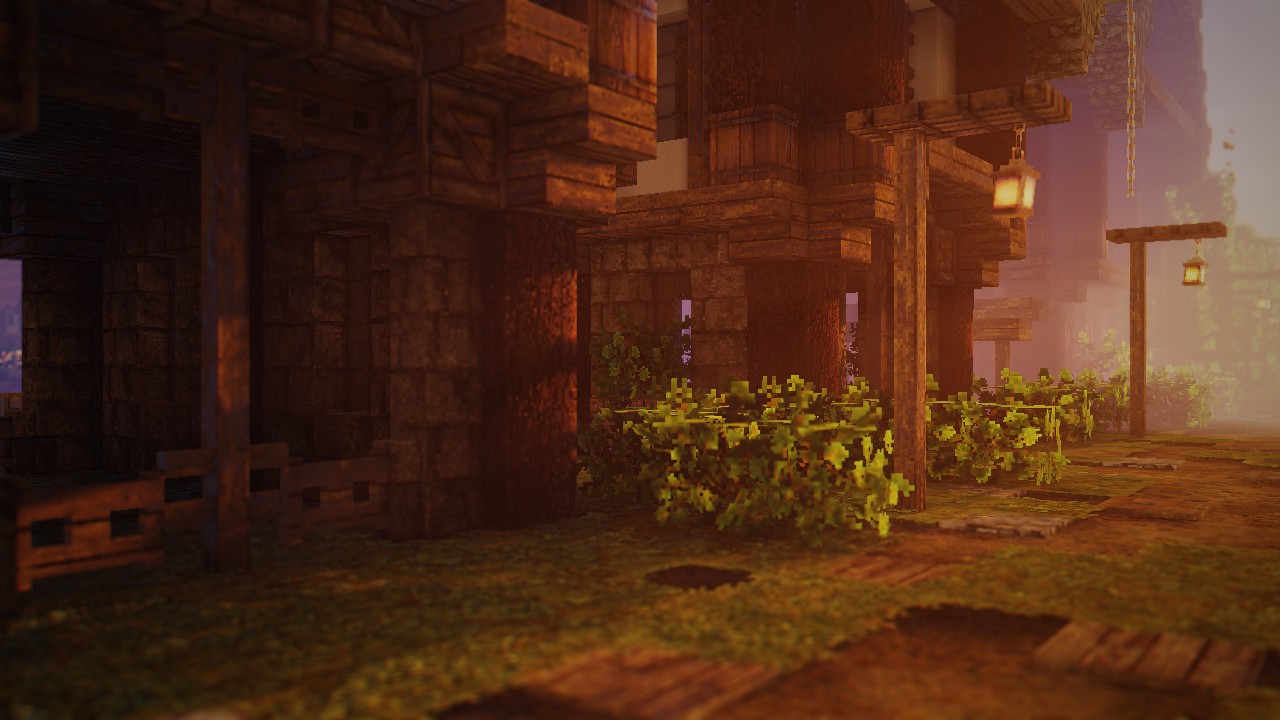
RedHat Shaders is a meticulously crafted shader pack developed by mlgimposter, designed to enhance Minecraft’s visual aesthetics by introducing realistic lighting, dynamic shadows, and atmospheric effects. Based on the renowned Chocapic13 shader, RedHat Shaders offers a balance between performance and visual fidelity, making it suitable for a wide range of systems.
🌟 Key Features
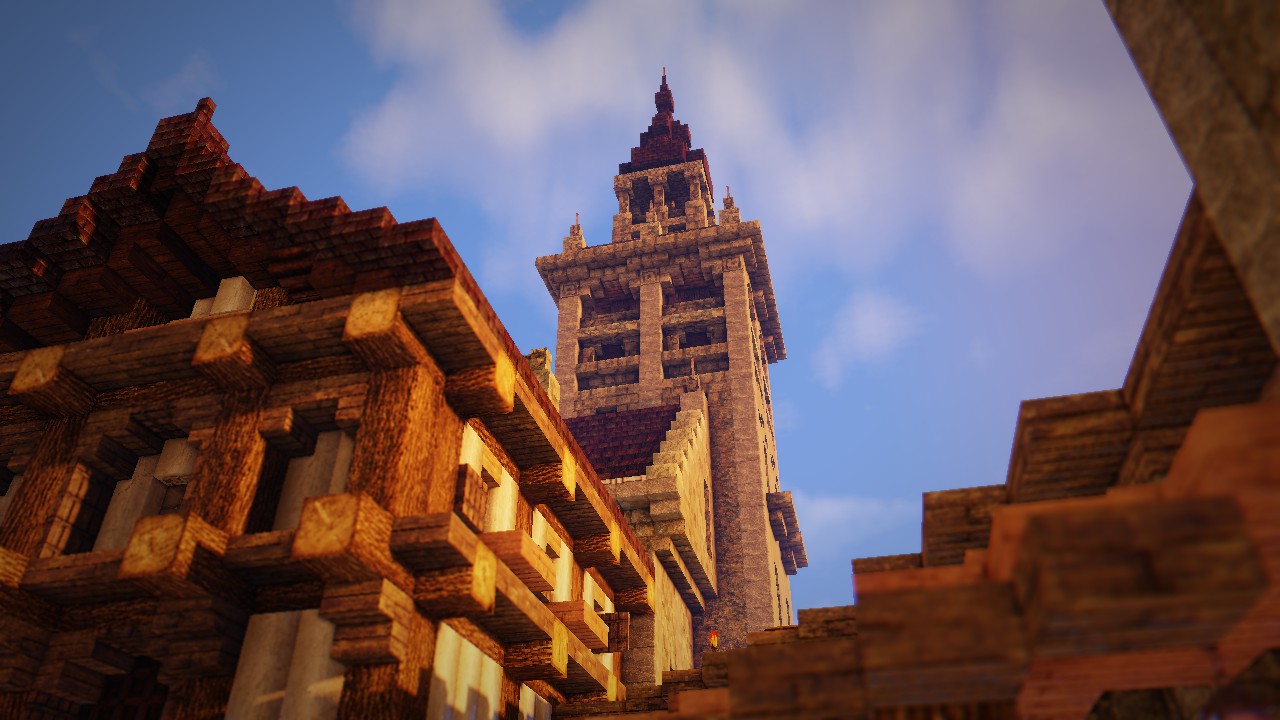
🎨 Enhanced Lighting and Shadows
RedHat Shaders introduces advanced lighting effects, including:
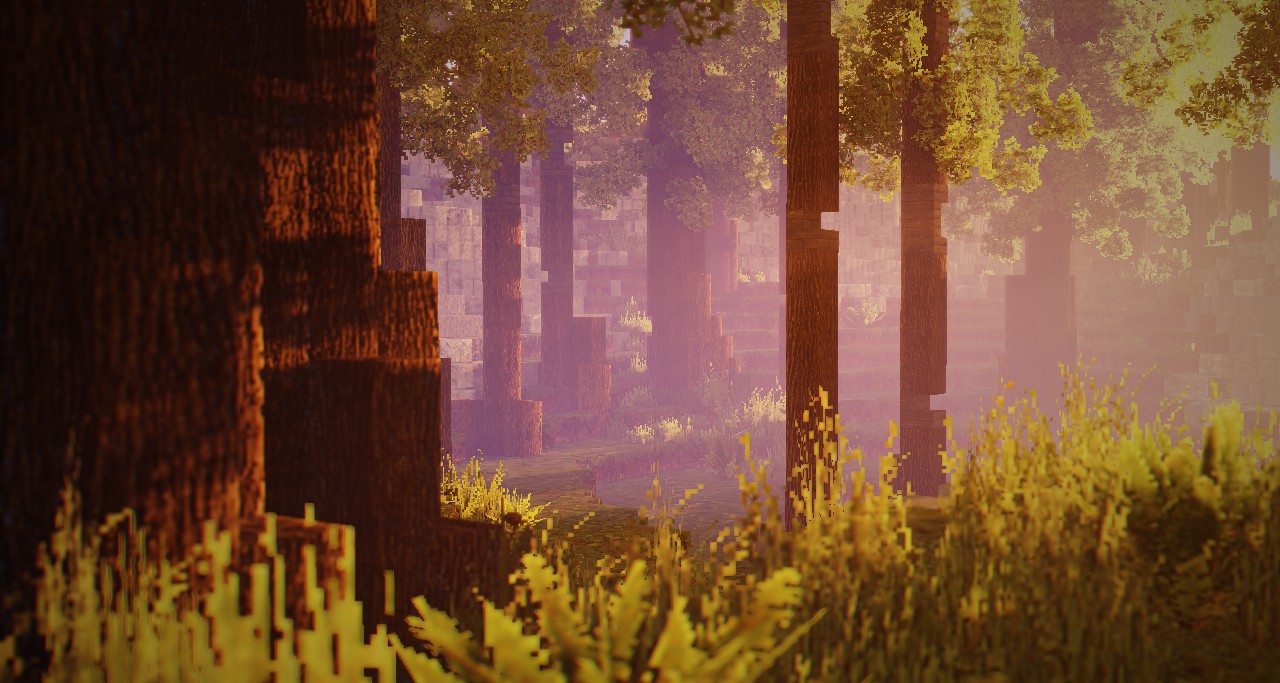
Godrays: Simulates realistic sun rays filtering through foliage.
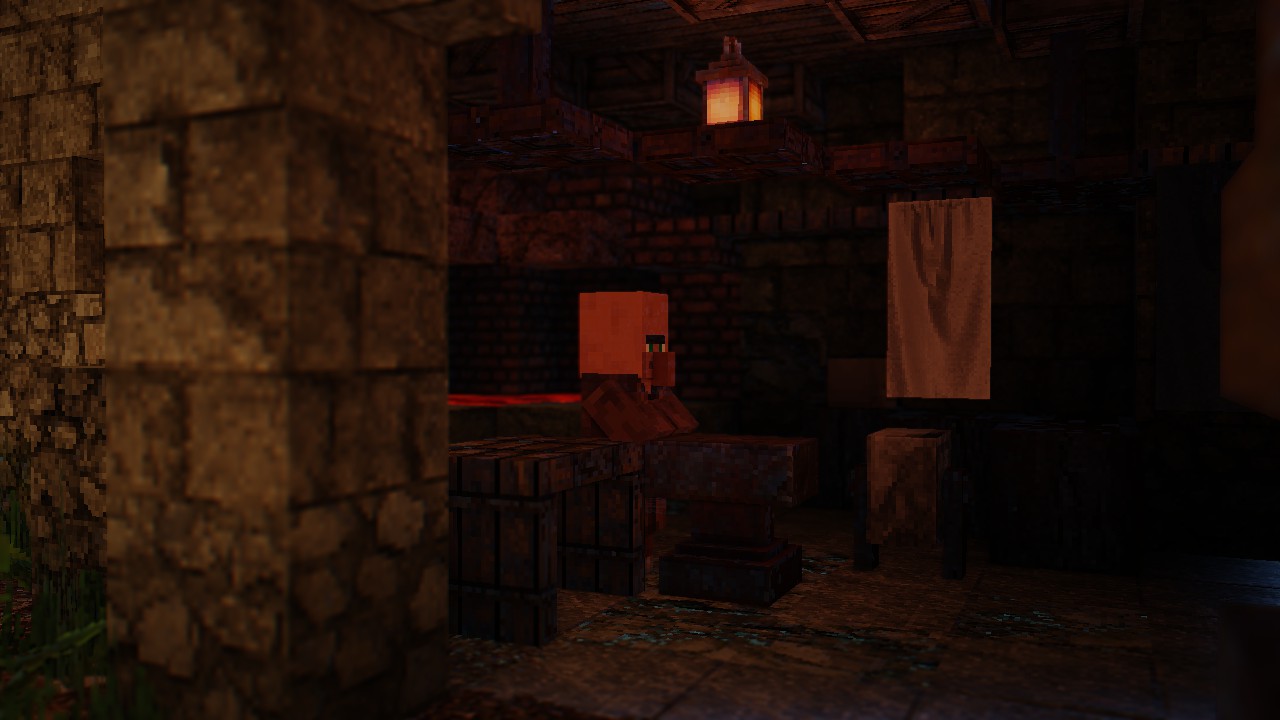
Dynamic Shadows: Shadows that respond accurately to light sources and time of day.
Underwater Light Absorption: Improves the realism of underwater environments.
🌫️ Atmospheric Effects
To create an immersive environment, the shader pack includes:
Volumetric Fog and Clouds: Adds depth and atmosphere to landscapes.
Custom Skyboxes: Supports custom skies from texture packs.
Round Sun and Moon: Enhances celestial bodies for a more natural look.
💧 Realistic Water and Reflections
Water bodies are transformed with:
3D Waves and Ripples: Simulates realistic water movement.
Reflections: Accurate reflections on water surfaces and wet blocks.
Rain Reflections: Surfaces reflect surroundings during rain, enhancing realism.
🎥 Cinematic Visuals
For a movie-like experience, RedHat Shaders offers:
Lens Flares: Adds flares to bright light sources.
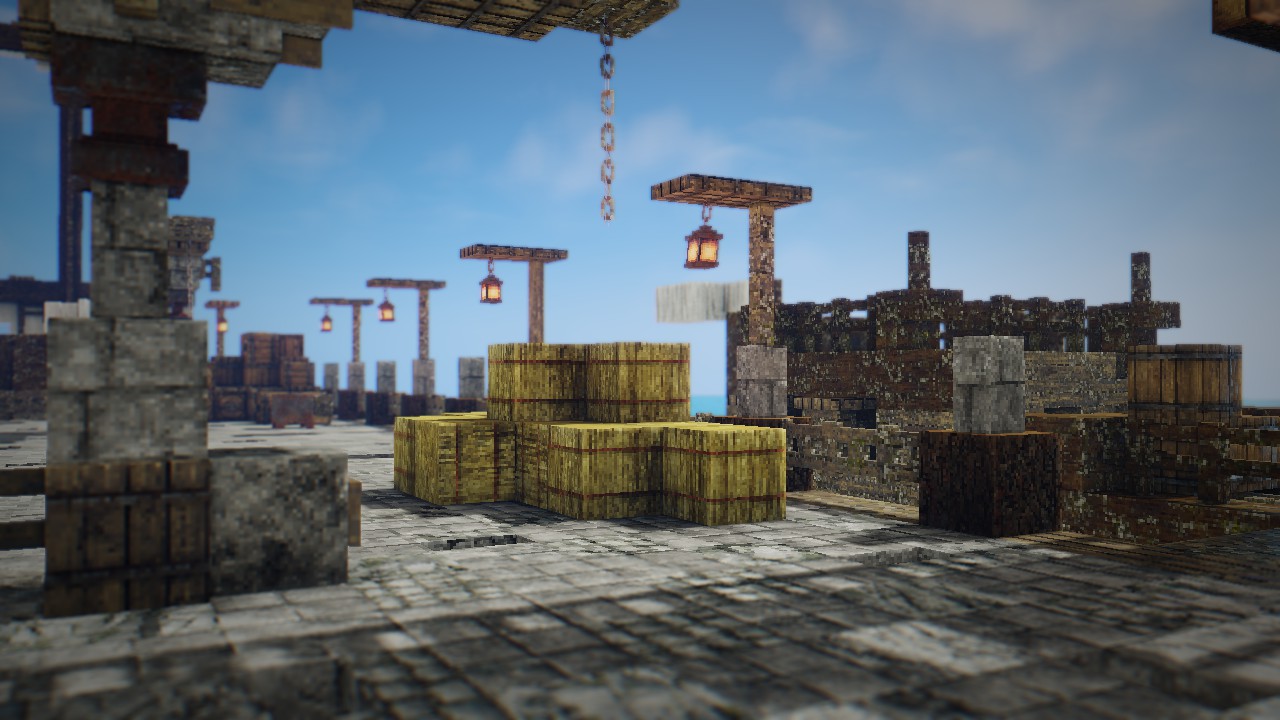
Depth of Field: Focuses on specific areas, blurring the background.
Tilt Shift and Grain Effects: Provides a stylized visual effect.
🌿 Dynamic Environment
The world feels more alive with:
Waving Foliage: Leaves and plants sway with the wind.
Animated Lanterns: Hanging lanterns move subtly, adding to the ambiance.
How to install the RedHat Shaders
- Install OptiFine or Iris: Download and install OptiFine or Iris to enable shader support in Minecraft.
- Download The Shaders: Obtain the shader pack from the official links provided below.
- Place in Shaderpacks Folder: Move the downloaded shader pack file to the
.minecraft\shaderpacksdirectory. - Activate in Minecraft: Launch Minecraft, go to Options > Video Settings > Shaders, and select The Shaders from the list.
✅ None of the files are hosted on our server. All direct download links on our website are official authors links. The packs are free of viruses. Therefore, they are completely safe and secure.
✅ Please share this post on social media.
✅ Are there any thoughts you’d like to share? Please write a comment and rate the pack.