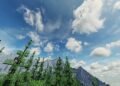
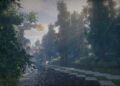
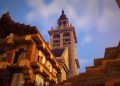
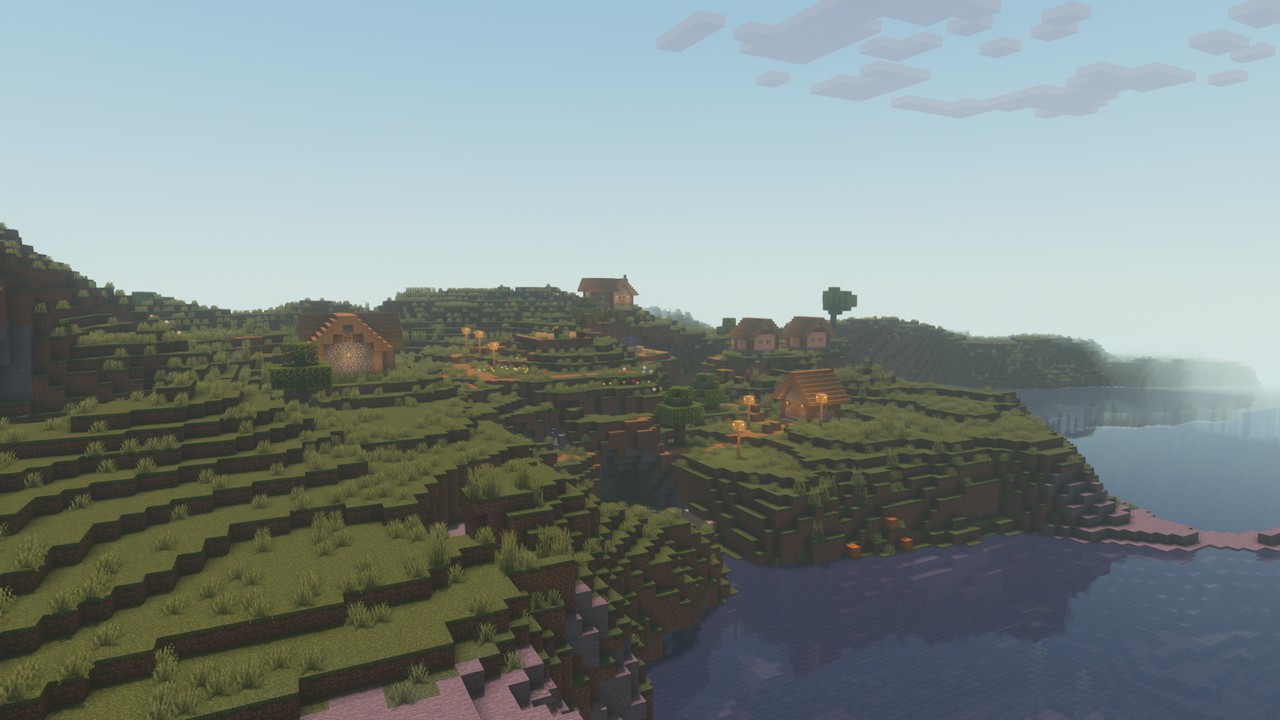
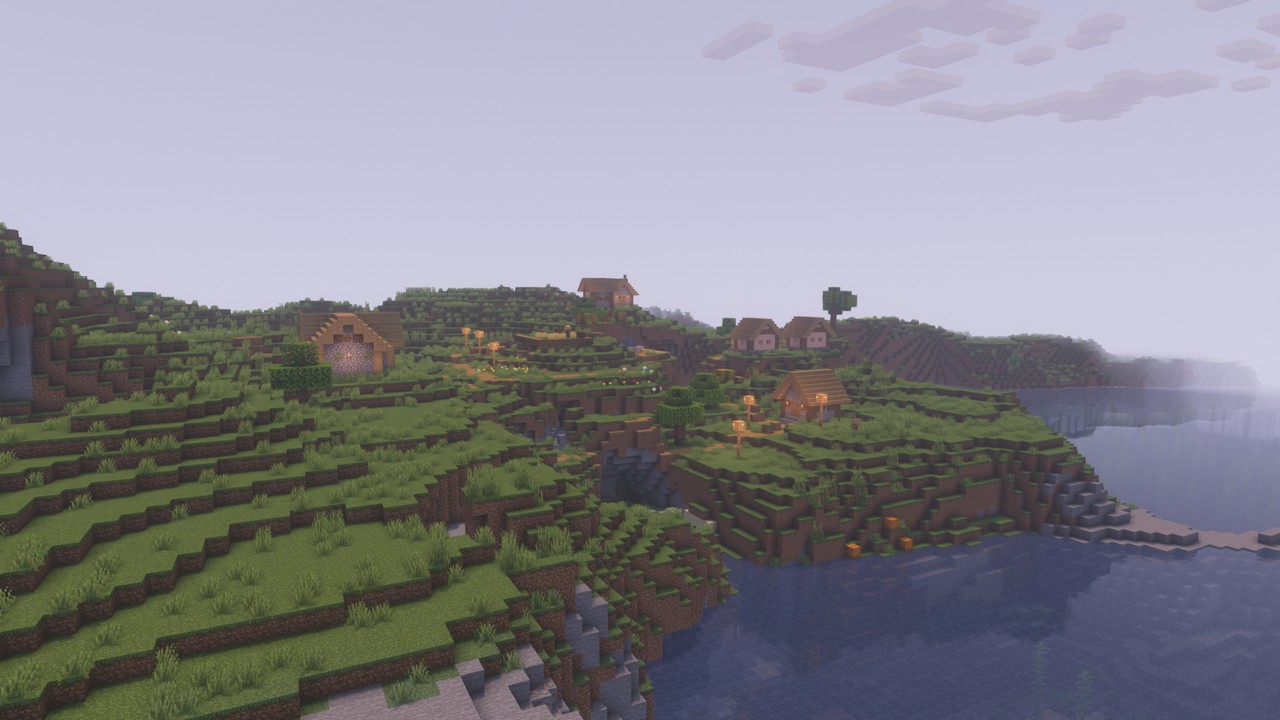
The Pastel Shader is a stylized aesthetic shader pack developed by ElocinDev, designed to transform Minecraft’s visuals into a soft, dreamy landscape. With multiple color presets and a focus on performance, it offers players a unique and immersive experience.
🌟 Key Features
🎨 Multiple Color Presets
Pastel Shaders offers a variety of color palettes, including pinkish, blueish, and yellowish tones. These presets allow players to customize the game’s atmosphere to their liking, creating a serene and visually appealing environment.
🌌 Clear Starry Nights and Beautiful Sunsets
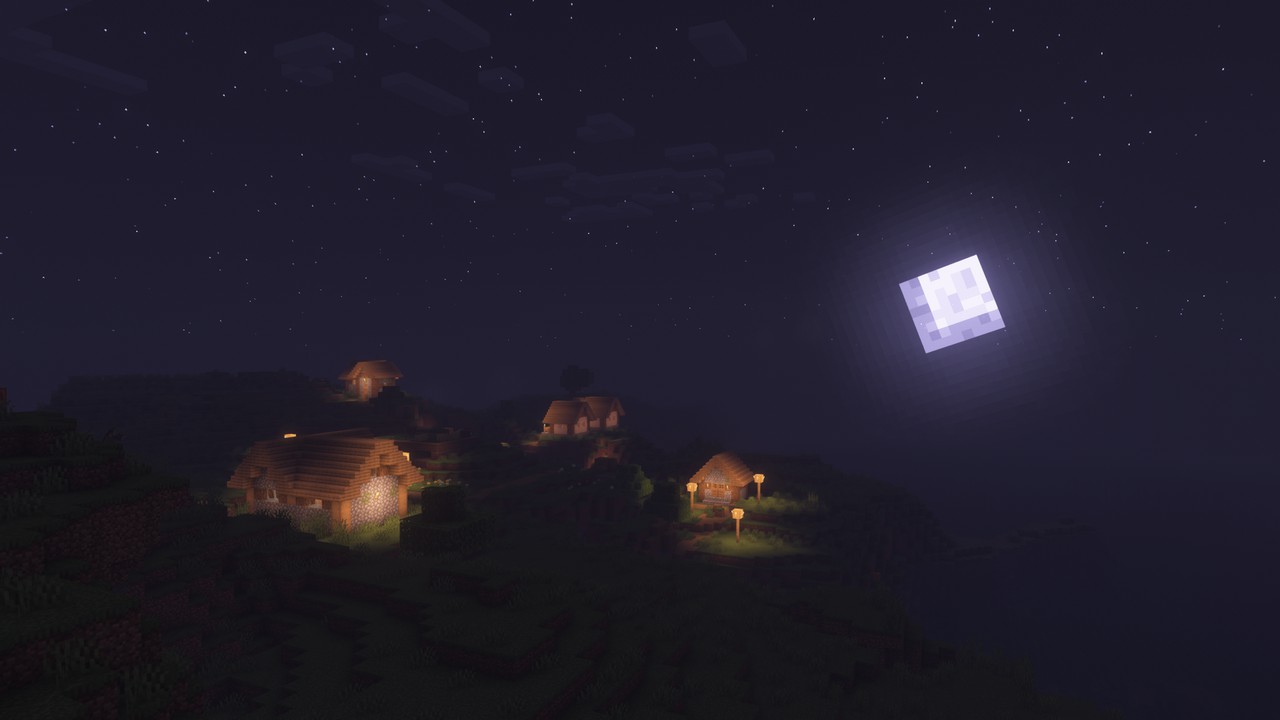
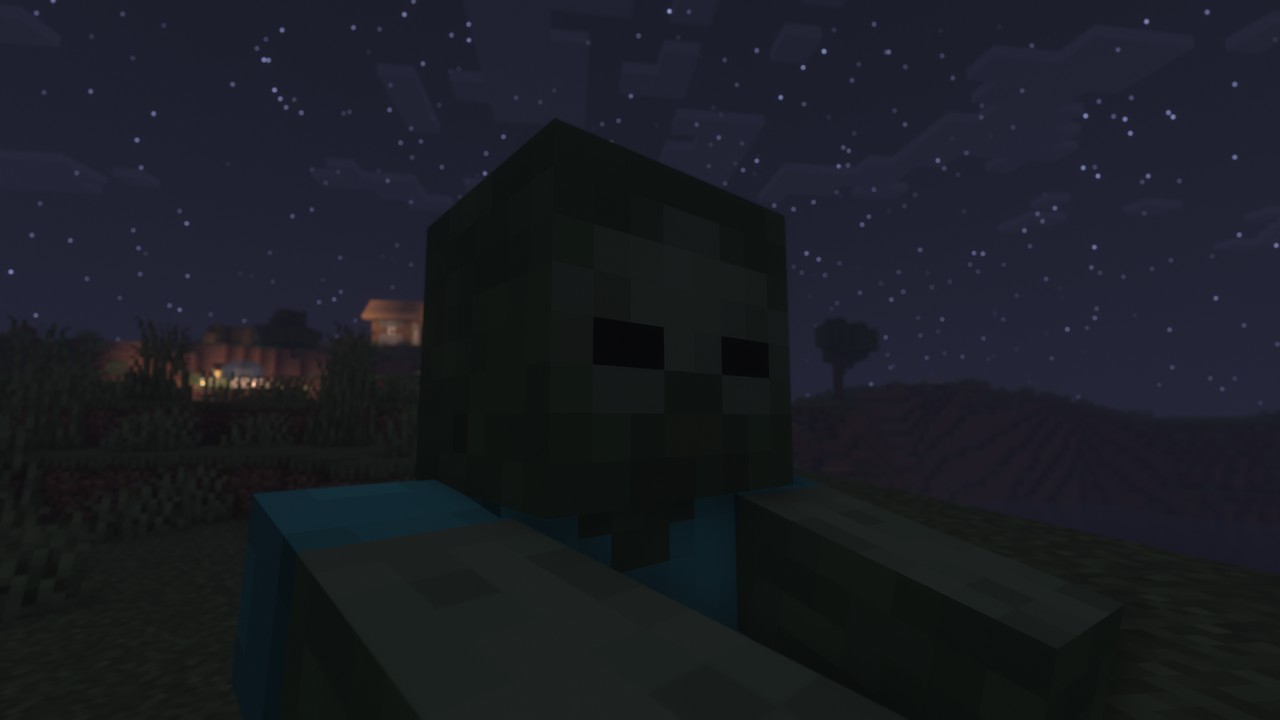
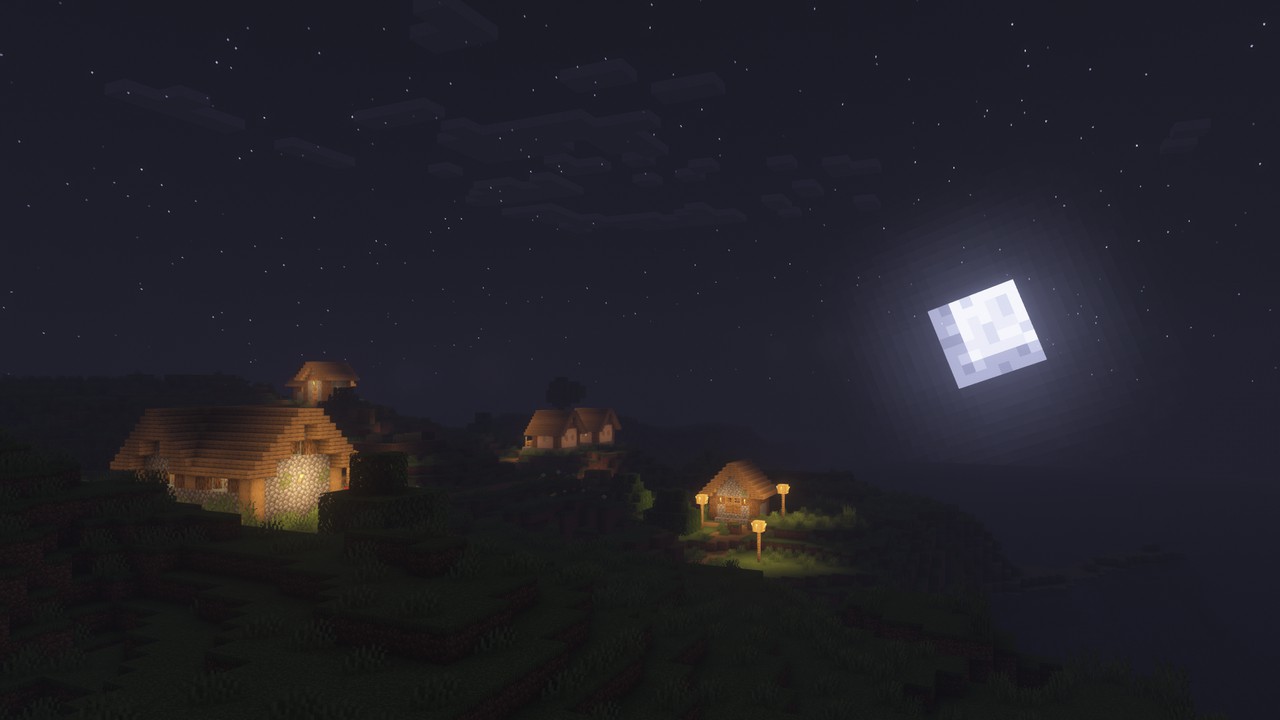
The shader enhances the game’s sky, providing clear, starry nights and breathtaking sunsets and sunrises. This feature adds depth and realism to the game world, making exploration more enjoyable.
⚙️ High Customization and User-Friendly Settings
Designed with both new and advanced users in mind, Pastel Shaders offers easy and almost unlimited customization options. Its user-friendly settings menu ensures that players can tweak visuals without feeling overwhelmed.
💻 Optimized Performance
Despite its visual enhancements, Pastel Shaders is optimized for performance. It runs smoothly on most modern PCs, including those with low-end GPUs and integrated graphics, ensuring a wide range of players can enjoy its features.
🌬️ Simulated Wind and Aurora Borealis
The shader introduces simulated wind effects, causing flora like tree leaves and flowers to sway gently. Additionally, it features an Aurora Borealis simulation, adding a mesmerizing touch to the night sky.
By featuring the Pastel Shader on your website with detailed descriptions, high-quality images, and optimized SEO practices, you can attract a broader audience and provide valuable resources to the Minecraft community.
How to install the Pastel Shaders
- Install OptiFine or Iris: Download and install OptiFine or Iris to enable shader support in Minecraft.
- Download The Shaders: Obtain the shader pack from the official links provided below.
- Place in Shaderpacks Folder: Move the downloaded shader pack file to the
.minecraft\shaderpacksdirectory. - Activate in Minecraft: Launch Minecraft, go to Options > Video Settings > Shaders, and select The Shaders from the list.
✅ None of the files are hosted on our server. All direct download links on our website are official authors links. The packs are free of viruses. Therefore, they are completely safe and secure.
✅ Please share this post on social media.
✅ Are there any thoughts you’d like to share? Please write a comment and rate the pack.