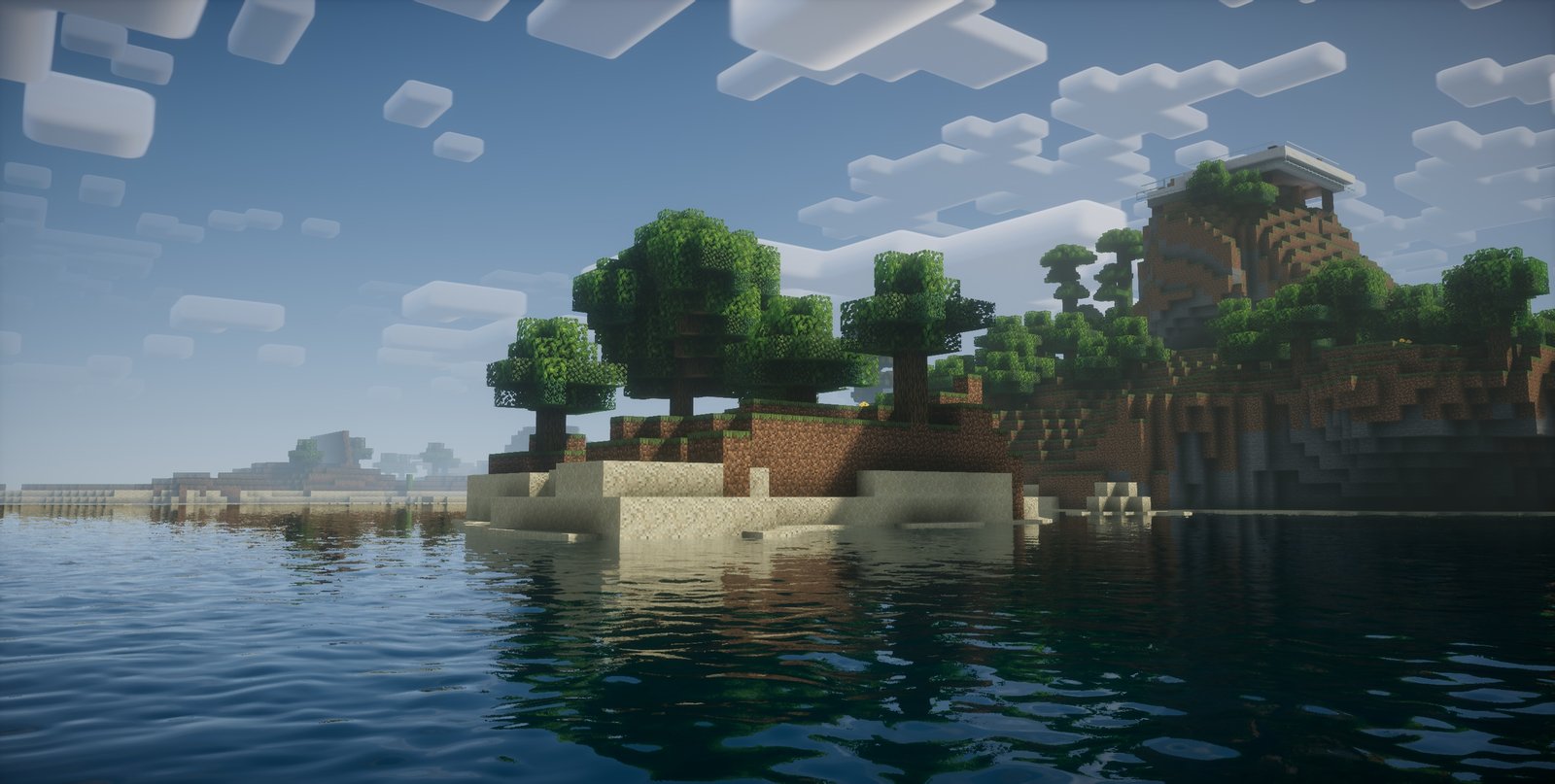
The Nostalgia Shader is a meticulously crafted shader pack designed to evoke the essence of Minecraft’s early visual aesthetics. Developed by RRe36, this shader combines the nostalgic feel of first-generation shader packs with modern enhancements, offering players a unique blend of classic and contemporary visuals.
Key Features
1. Classic Visual Aesthetics
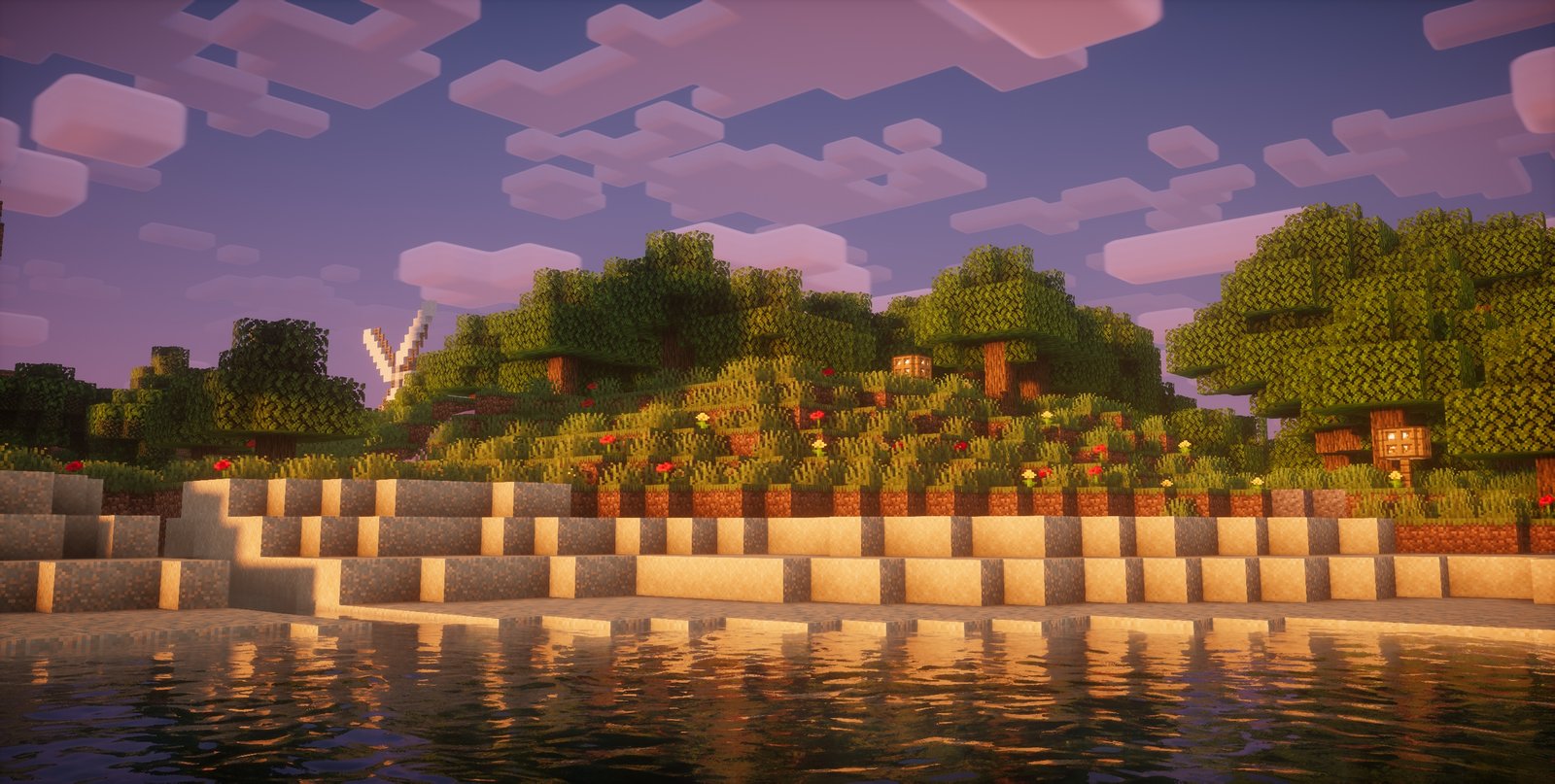
Nostalgia Shader aims to replicate the look and feel of early shader packs like SEUS v08 and Chocapic v3. It introduces features such as:
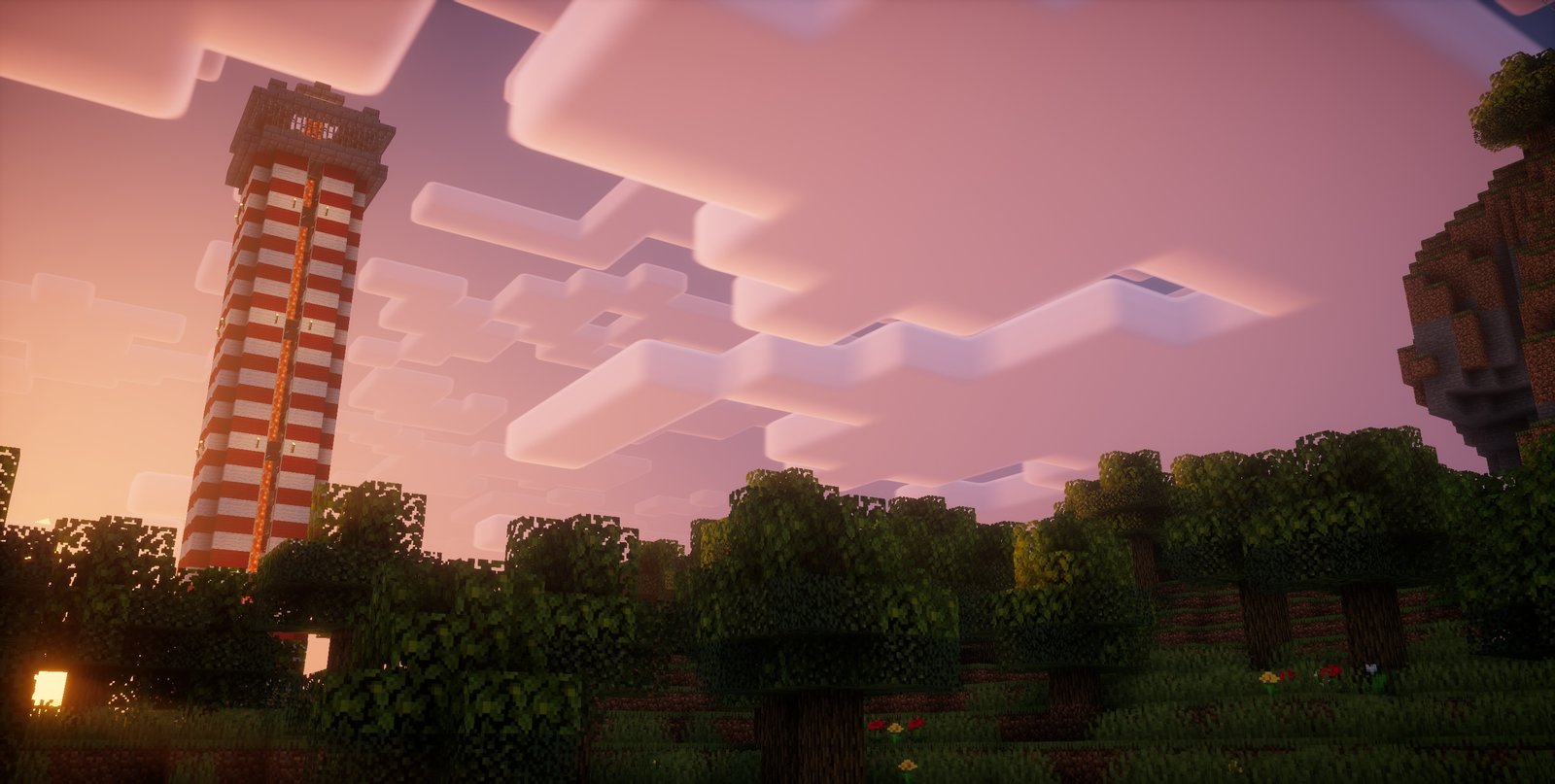
Custom Skybox and Lighting Colors: Enhances the game’s atmosphere with tailored sky and lighting hues.
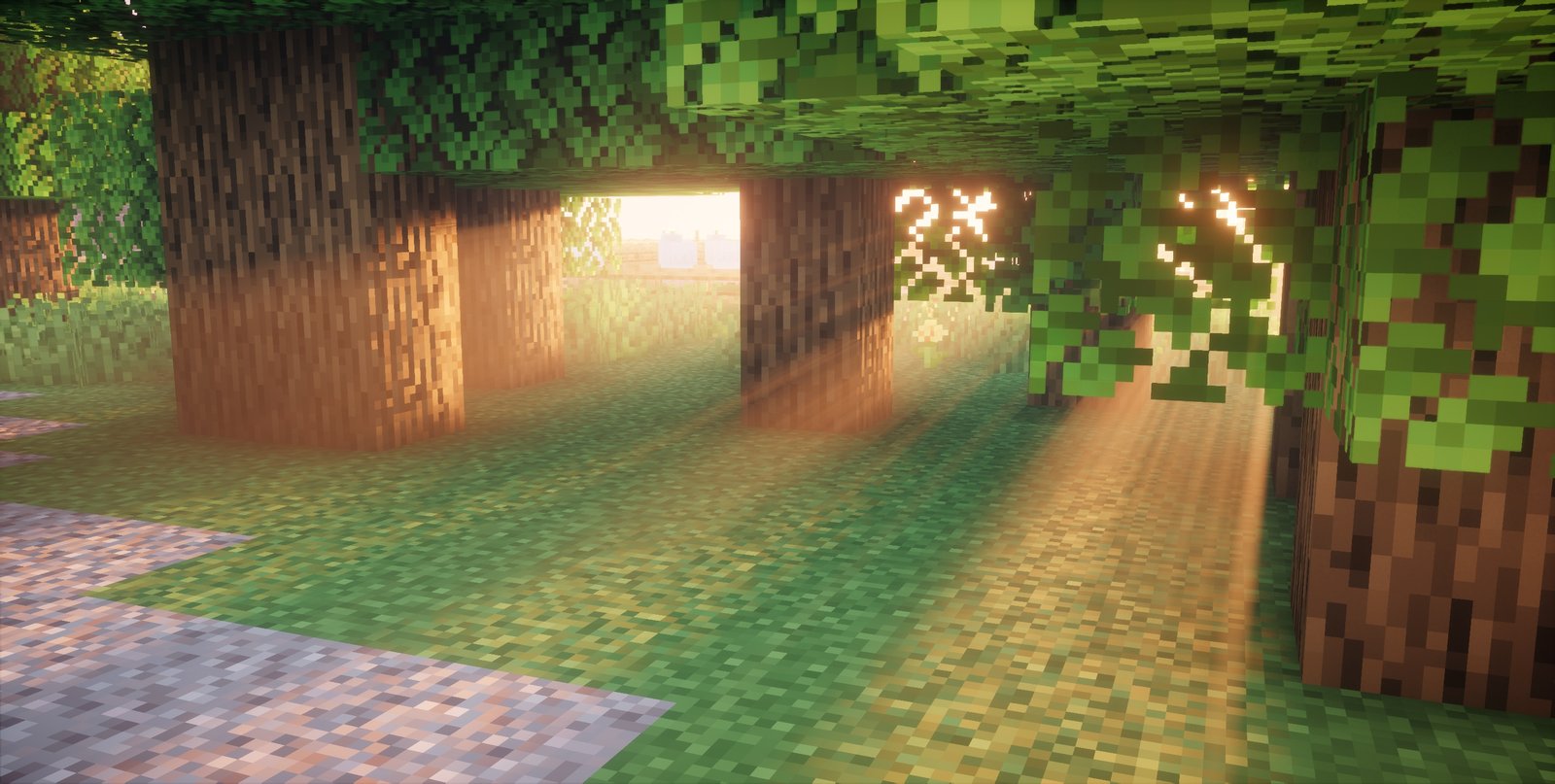
Dynamic Shadows: Adds depth and realism to the game world.
Volumetric Fog: Creates a sense of immersion by simulating realistic fog effects.
Wind Effects on Foliage: Brings life to the environment by animating leaves and plants.
Shader-Based Vanilla-Styled Clouds: Includes an option for story mode-styled clouds, enhancing the sky’s appearance.
Second Layer of Volumetric Clouds: Inspired by the Super Duper Graphics Pack, this feature adds depth to the sky.
Nether and End Support: Ensures consistent visual enhancements across all dimensions.
Temporal Anti-Aliasing (TAA) and Auto Exposure: Provides smoother visuals and automatic brightness adjustments.
These features collectively recreate the ambiance of Minecraft’s early days while integrating modern graphical improvements.
2. Performance Optimization
Despite its visual enhancements, Nostalgia Shader is optimized for performance. It offers a balance between graphical fidelity and system resource usage, making it suitable for a wide range of hardware configurations.
3. Customization and Compatibility
The shader pack supports various customization options, allowing players to tweak settings to their preference. It is compatible with:
Minecraft Versions: 1.16 and newer.
Shader Loaders: OptiFine and Iris.
Operating Systems: Windows and Linux.
Note: A graphics card supporting OpenGL 4.0 or newer is required.
By featuring the Nostalgia Shader on your website with detailed descriptions, high-quality images, and optimized SEO practices, you can attract a broader audience and provide valuable resources to the Minecraft community.
How to install the Nostalgia Shader Shaders
- Install OptiFine or Iris: Download and install OptiFine or Iris to enable shader support in Minecraft.
- Download The Shaders: Obtain the shader pack from the official links provided below.
- Place in Shaderpacks Folder: Move the downloaded shader pack file to the
.minecraft\shaderpacksdirectory. - Activate in Minecraft: Launch Minecraft, go to Options > Video Settings > Shaders, and select The Shaders from the list.
✅ None of the files are hosted on our server. All direct download links on our website are official authors links. The packs are free of viruses. Therefore, they are completely safe and secure.
✅ Please share this post on social media.
✅ Are there any thoughts you’d like to share? Please write a comment and rate the pack.