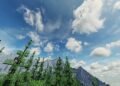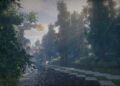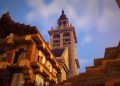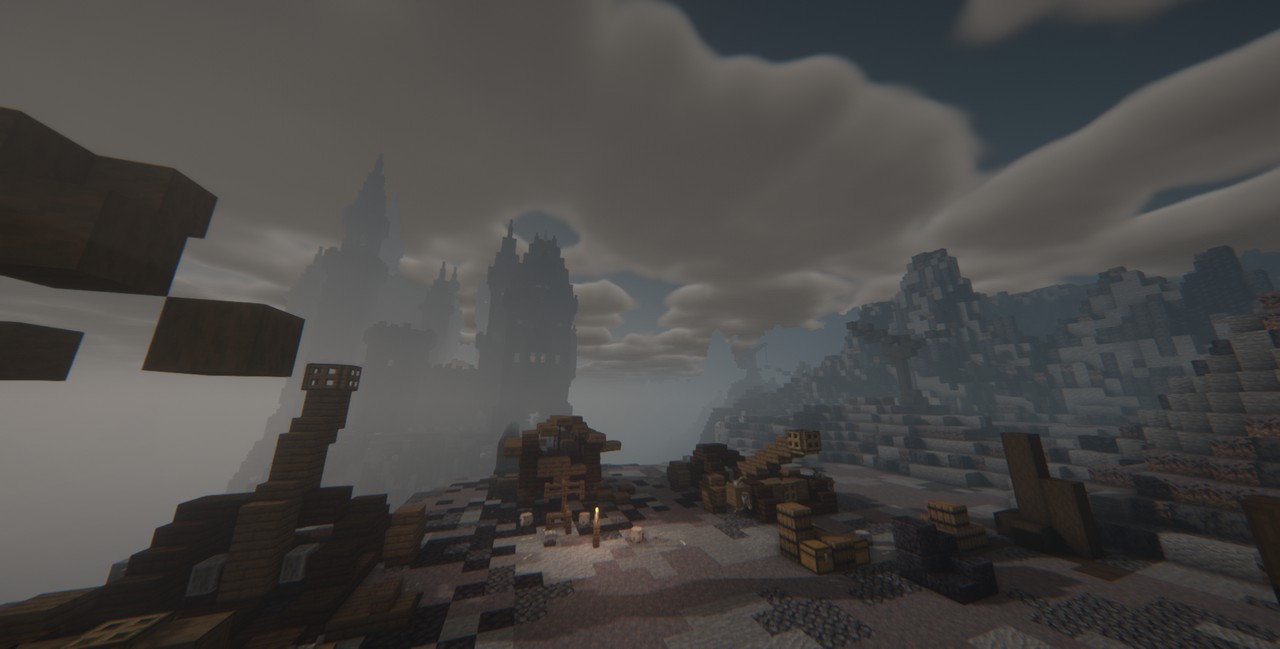
For Minecraft enthusiasts seeking to infuse their gameplay with a chilling atmosphere, Hysteria Shaders by ElocinDev stands out as a premier choice in 2025. Building upon the foundation laid by the renowned Insanity Shader, Hysteria introduces modern enhancements that elevate the horror experience in Minecraft.
Key Features
1. 🎨 Atmospheric Horror Aesthetics
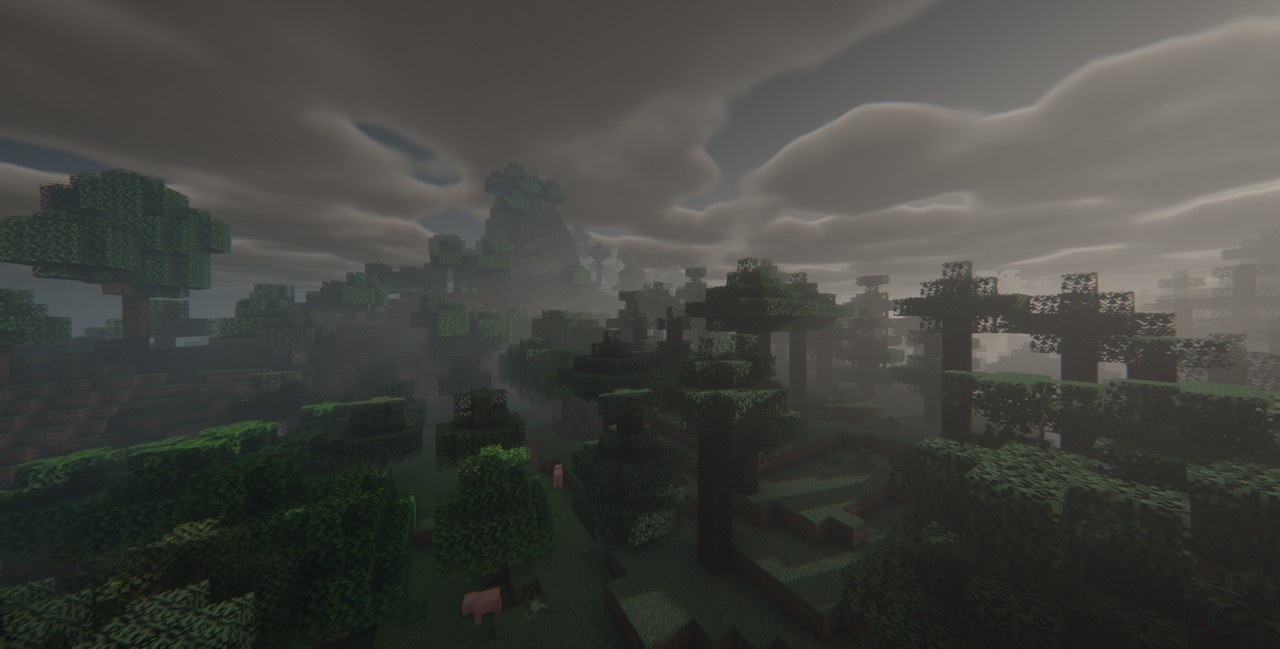
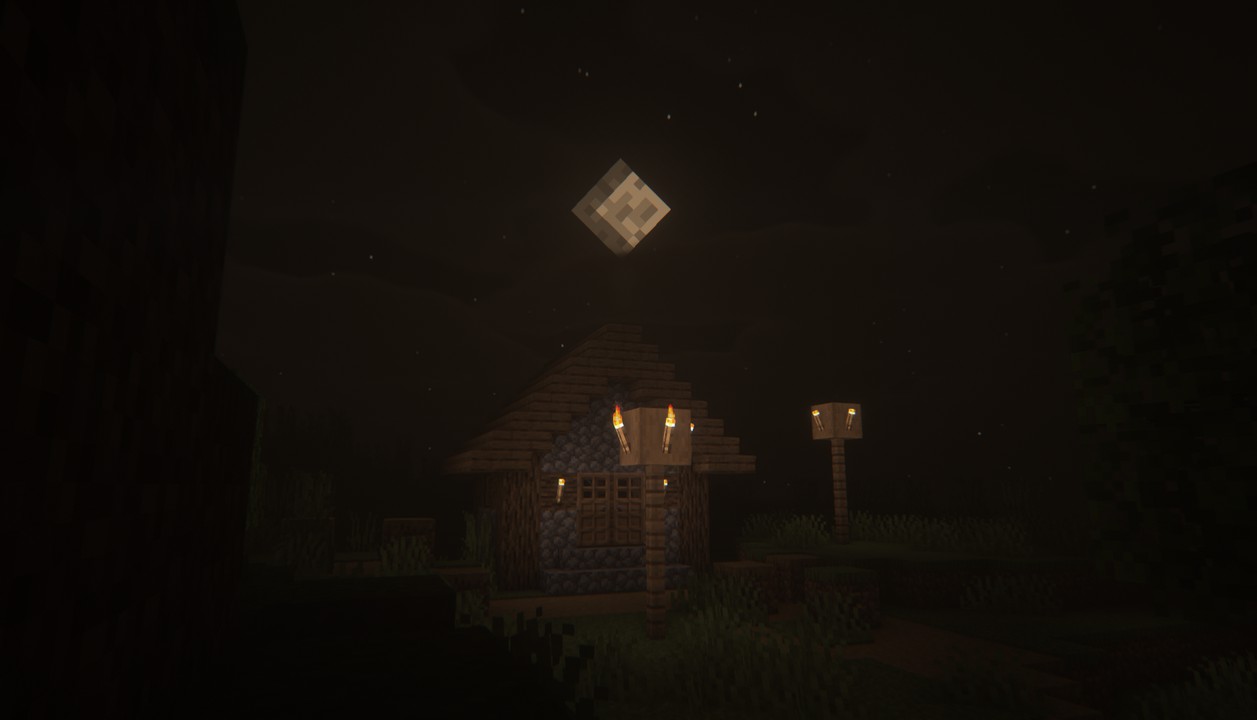
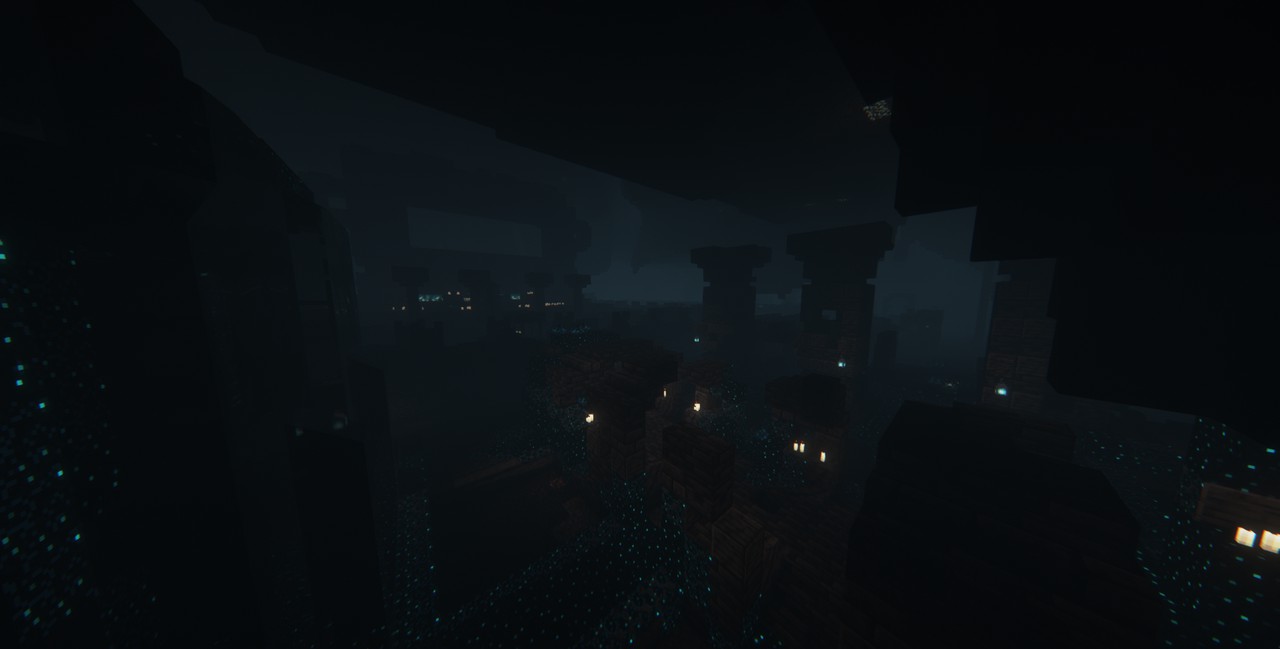
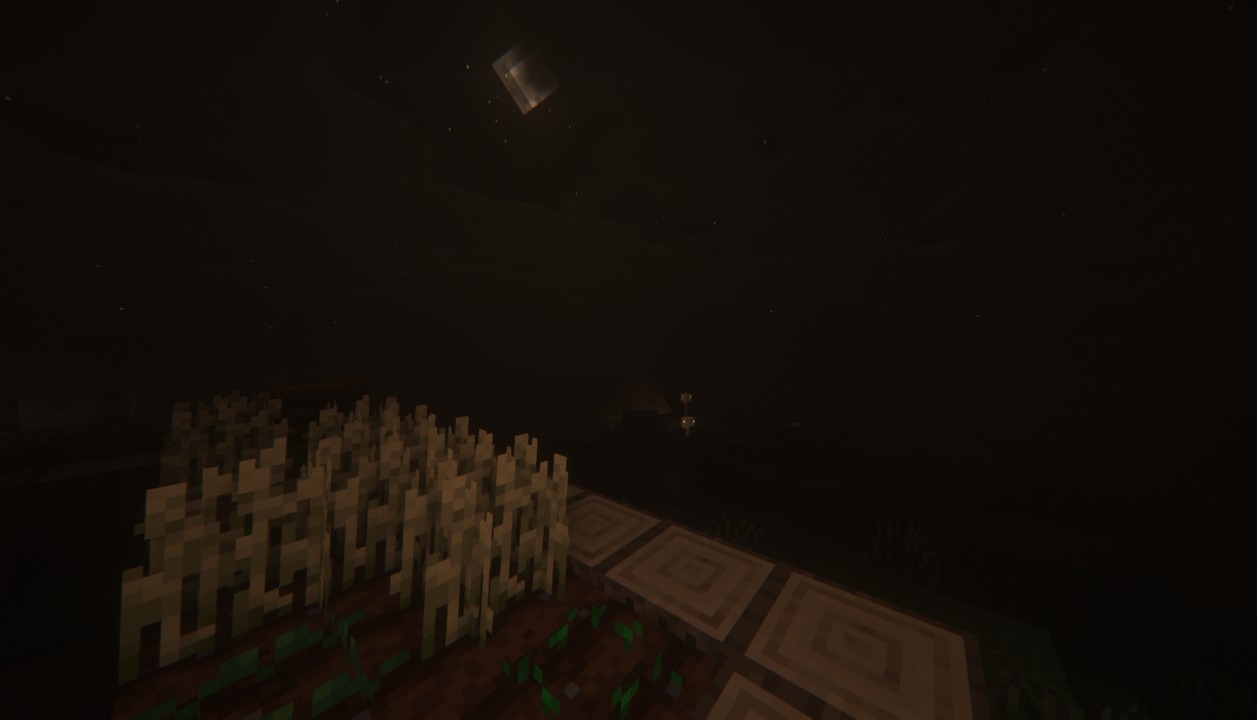
Hysteria Shaders transforms the Minecraft world into a haunting realm filled with dense fog, muted colors, and dynamic lighting. This shader is perfect for players aiming to create a horror-themed environment, reminiscent of classic horror games.
2. 🌫️ Volumetric Fog & Clouds
Experience immersive weather effects with ground-level fog and dynamic cloud formations. These elements add depth and realism, enhancing the eerie ambiance of your Minecraft world
3. 💡 Colored Lighting
Unlike traditional shaders, Hysteria introduces colored lighting, allowing light sources like redstone torches and soul lanterns to emit light that matches their color. This feature adds depth and realism to the game, making environments more vibrant and lifelike.
4. 🌦️ Dynamic Weather System
Every in-game day brings a new weather experience, with varying cloud patterns and lighting conditions. This dynamic system keeps the gameplay fresh and unpredictable.rformance Optimization
Designed with performance in mind, Hysteria Shaders runs smoothly on most modern PCs, including those with mid-range GPUs. Its optimization ensures that players can enjoy enhanced visuals without significant frame rate drops.
By featuring the Hysteria Shaders on your website with detailed descriptions, high-quality images, and optimized SEO practices, you can attract a broader audience and provide valuable resources to the Minecraft community.

How to install the 👻 Hysteria Shaders
- Install OptiFine or Iris: Download and install OptiFine or Iris to enable shader support in Minecraft.
- Download The Shaders: Obtain the shader pack from the official links provided below.
- Place in Shaderpacks Folder: Move the downloaded shader pack file to the
.minecraft\shaderpacksdirectory. - Activate in Minecraft: Launch Minecraft, go to Options > Video Settings > Shaders, and select The Shaders from the list.
✅ None of the files are hosted on our server. All direct download links on our website are official authors links. The packs are free of viruses. Therefore, they are completely safe and secure.
✅ Please share this post on social media.
✅ Are there any thoughts you’d like to share? Please write a comment and rate the pack.