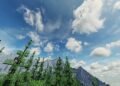
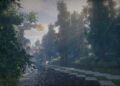
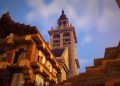
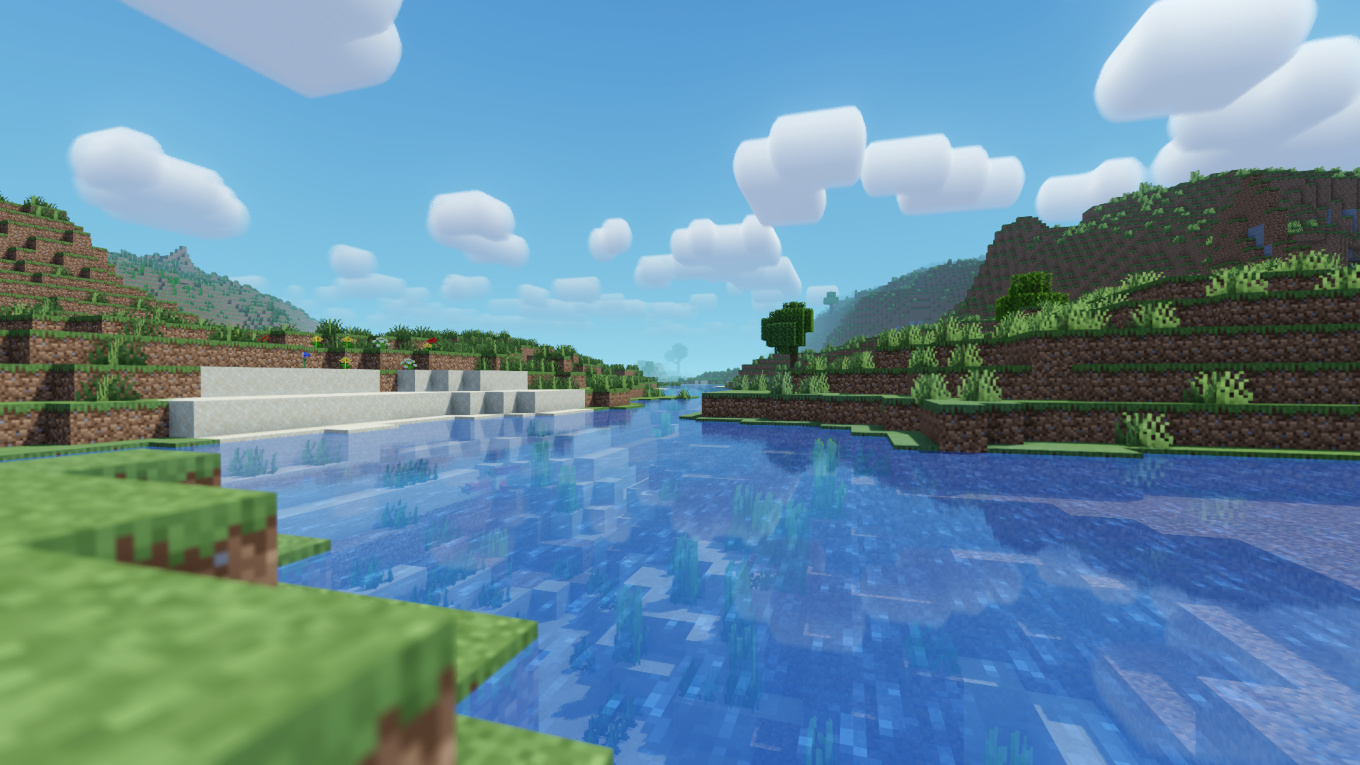
In the vast realm of Minecraft shaders, MakeUp – Ultra Fast Shader stands out as a beacon for players seeking enhanced visuals without compromising game performance. Crafted by XavierFST, this shader pack masterfully balances aesthetic appeal with efficiency, making it a top choice for both high-end and low-spec system users.
Key Features
1. Performance-Oriented Design
Unlike many shaders that demand significant system resources, MakeUp – Ultra Fast Shader is optimized for performance. Its lightweight nature ensures smooth gameplay, even on systems with modest specifications. This optimization doesn’t come at the expense of visual quality, offering players a rich and immersive experience.
2. Customizable Visual Effects
One of the standout features of this shader is its extensive customization options. Players can toggle various effects based on their preferences and system capabilities:
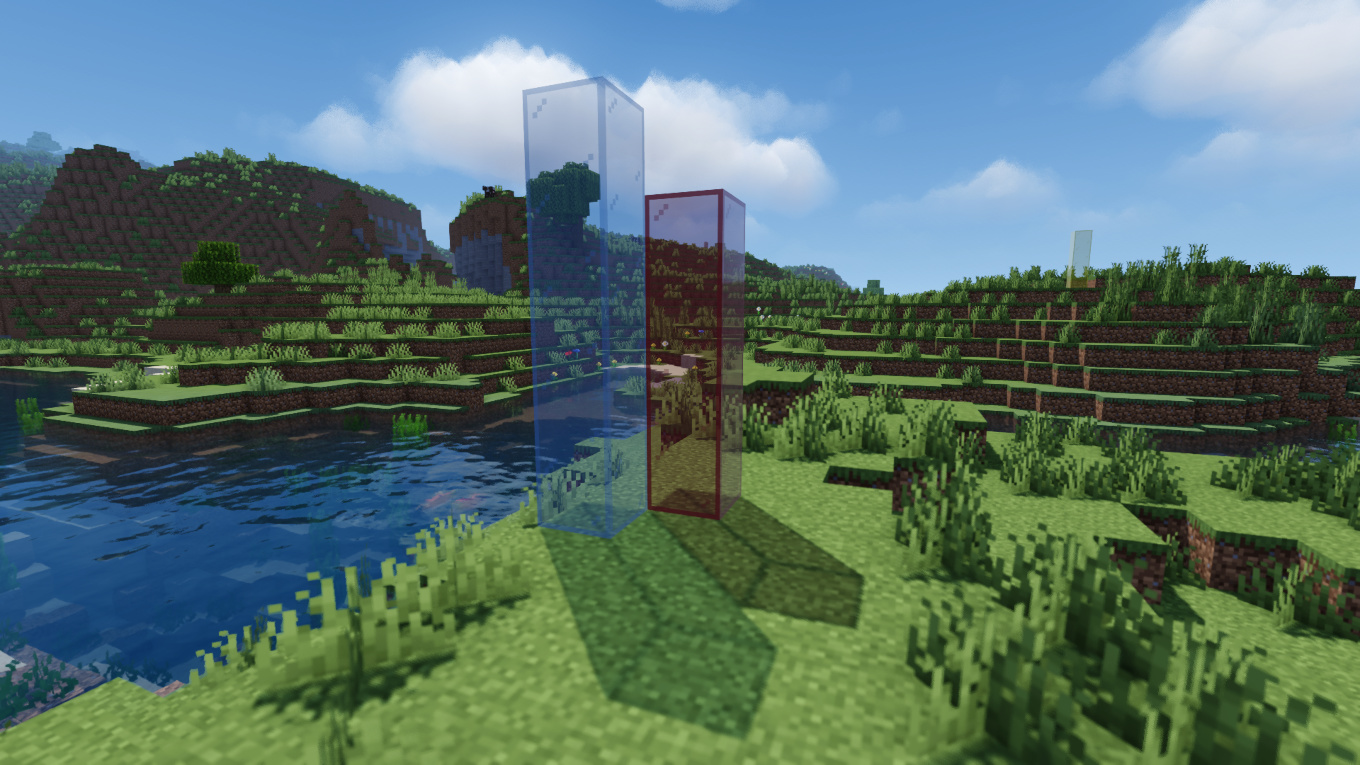
Shadows: Adds depth and realism to the game environment.
Depth of Field: Creates a cinematic blur effect, focusing on specific elements.
Temporal Anti-Aliasing (TAA): Smoothens jagged edges for a cleaner look.
Ambient Occlusion: Enhances the perception of depth by simulating soft shadows.
Chromatic Aberration: Introduces subtle color fringing for a more dynamic visual.
Motion Blur: Simulates the blurring effect seen during rapid movements.
Volumetric Clouds and Lighting: Adds realistic cloud formations and light rays.
Reflections and Refractions: Enhances water bodies with realistic light behavior.
Waving Plants: Animates flora to respond to environmental factors like wind.
These features can be individually enabled or disabled, allowing players to tailor their visual experience.
3. Multiple Color Schemes
To prevent visual monotony, the shader offers various color schemes. Players can switch between these schemes to achieve different moods and atmospheres in their Minecraft worlds.
By featuring the MakeUp – Ultra Fast Shader on your website with detailed descriptions, high-quality images, and optimized SEO practices, you can attract a broader audience and provide valuable resources to the Minecraft community.
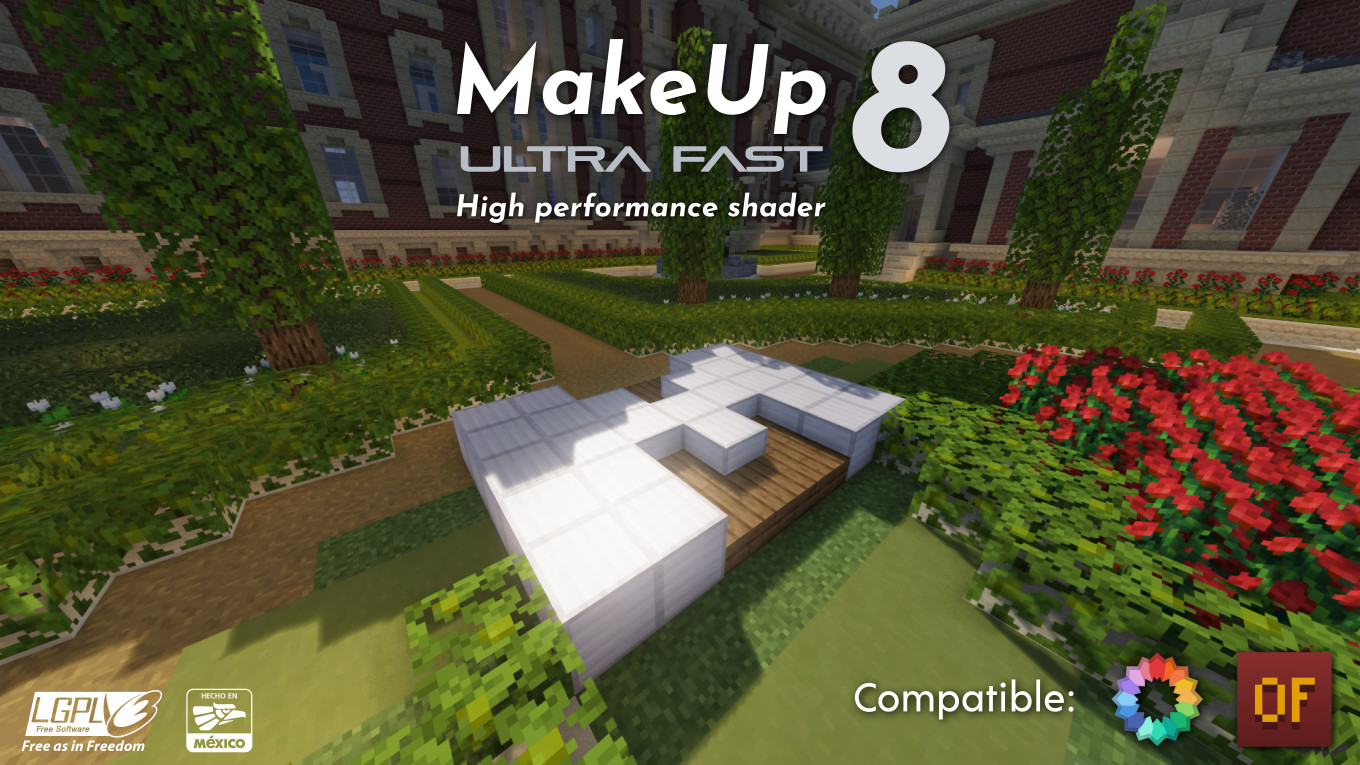
How to install the MakeUp - Ultra Fast Shaders
- Install OptiFine or Iris: Download and install OptiFine or Iris to enable shader support in Minecraft.
- Download The Shaders: Obtain the shader pack from the official links provided below.
- Place in Shaderpacks Folder: Move the downloaded shader pack file to the
.minecraft\shaderpacksdirectory. - Activate in Minecraft: Launch Minecraft, go to Options > Video Settings > Shaders, and select The Shaders from the list.
✅ None of the files are hosted on our server. All direct download links on our website are official authors links. The packs are free of viruses. Therefore, they are completely safe and secure.
✅ Please share this post on social media.
✅ Are there any thoughts you’d like to share? Please write a comment and rate the pack.