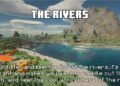
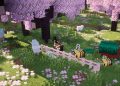
The URBAN Texture Pack, created by Aryan Nikose, is an advanced resource pack designed to bring a realistic and modern aesthetic to Minecraft. Launched in 2021, this texture pack stands out for its high-quality textures and attention to detail, aiming to provide a more immersive experience for players.
Realistic Design and High Resolution
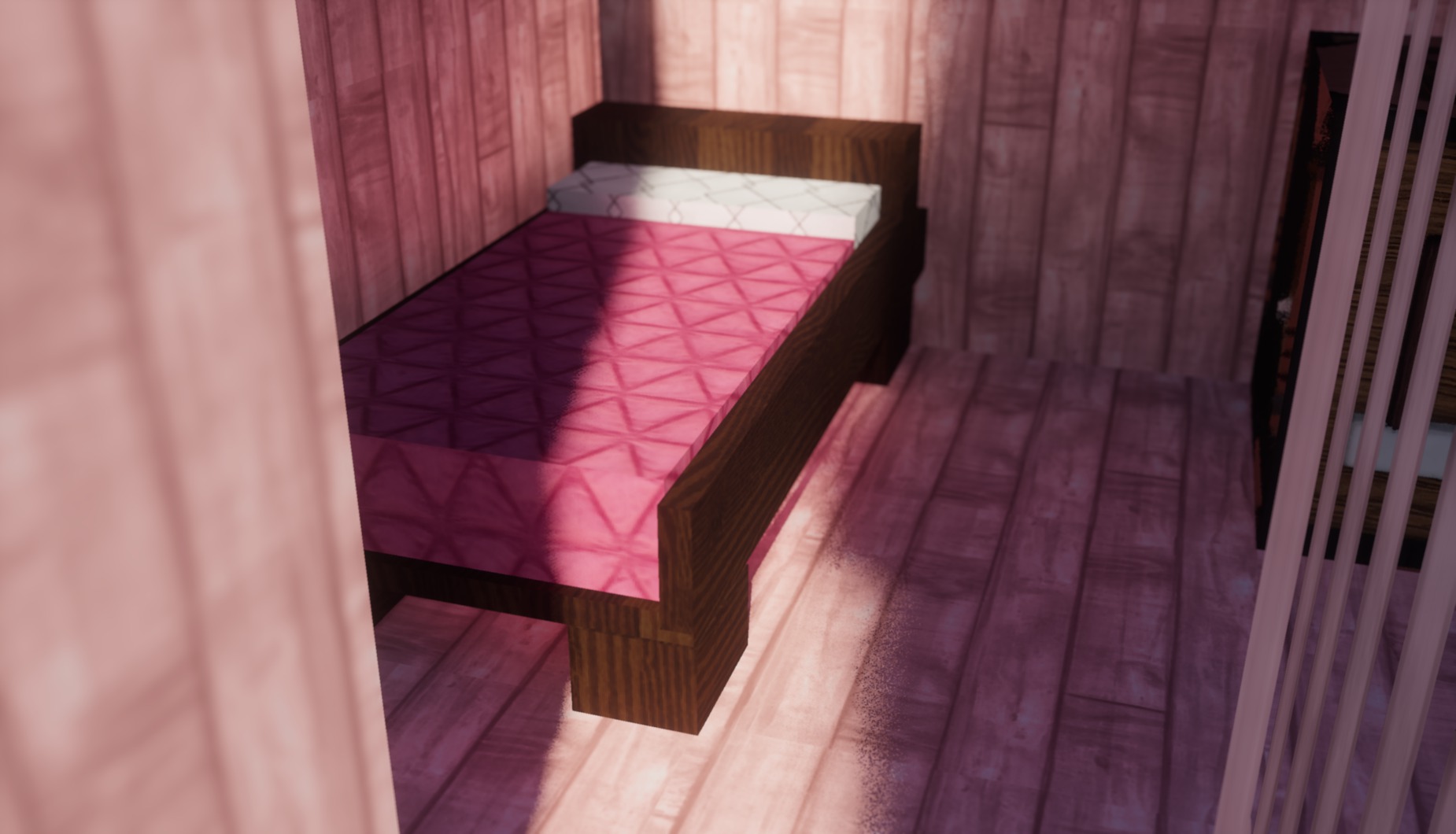
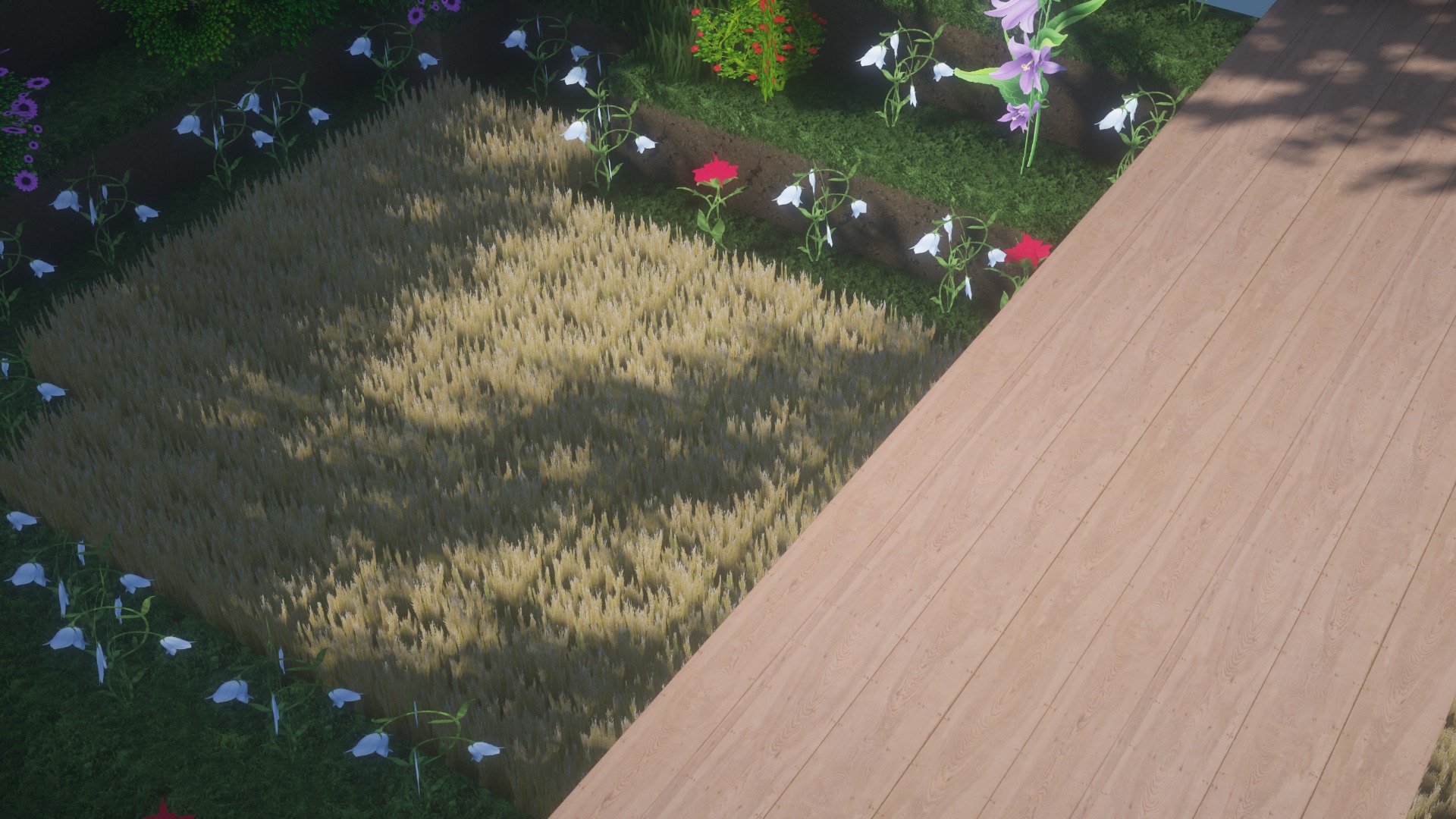
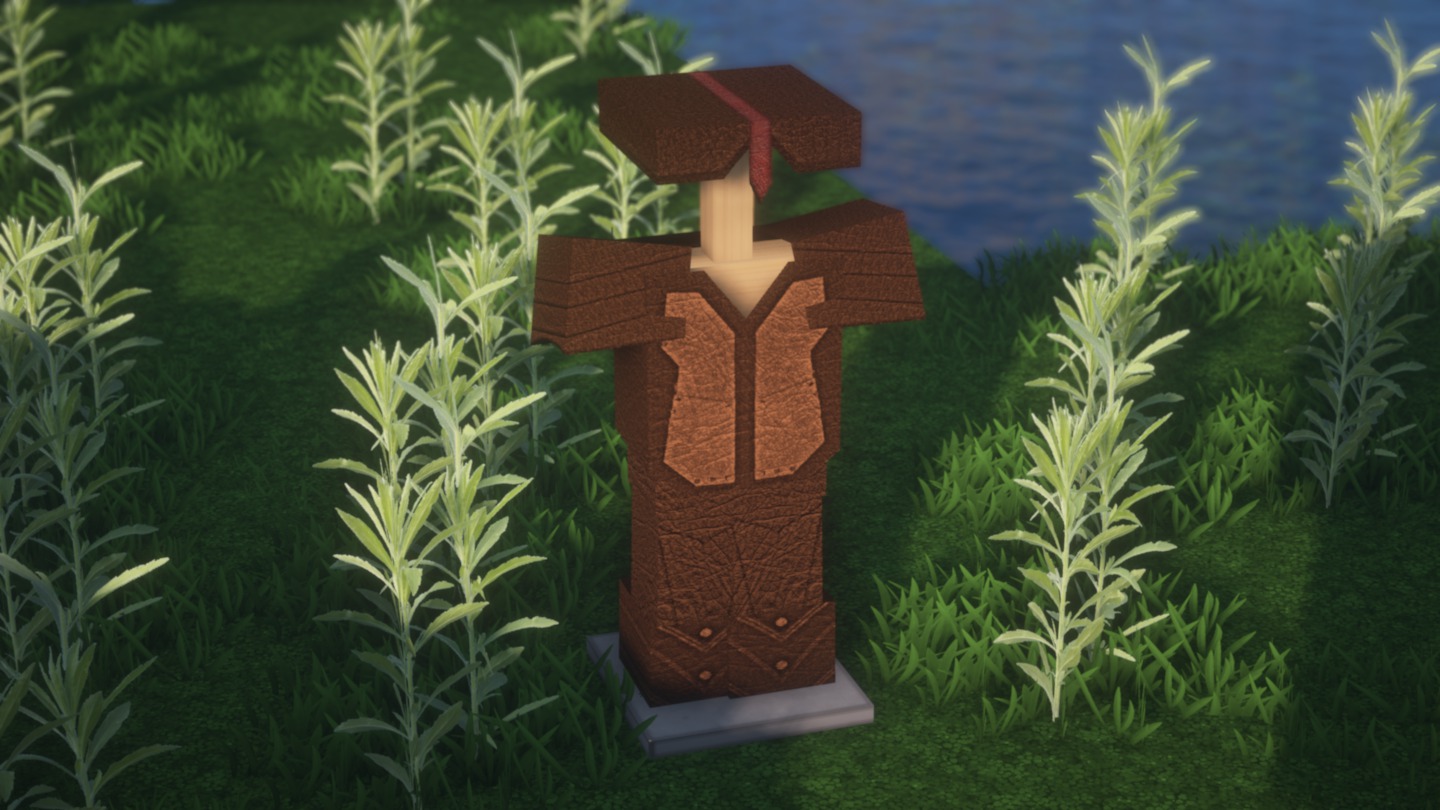
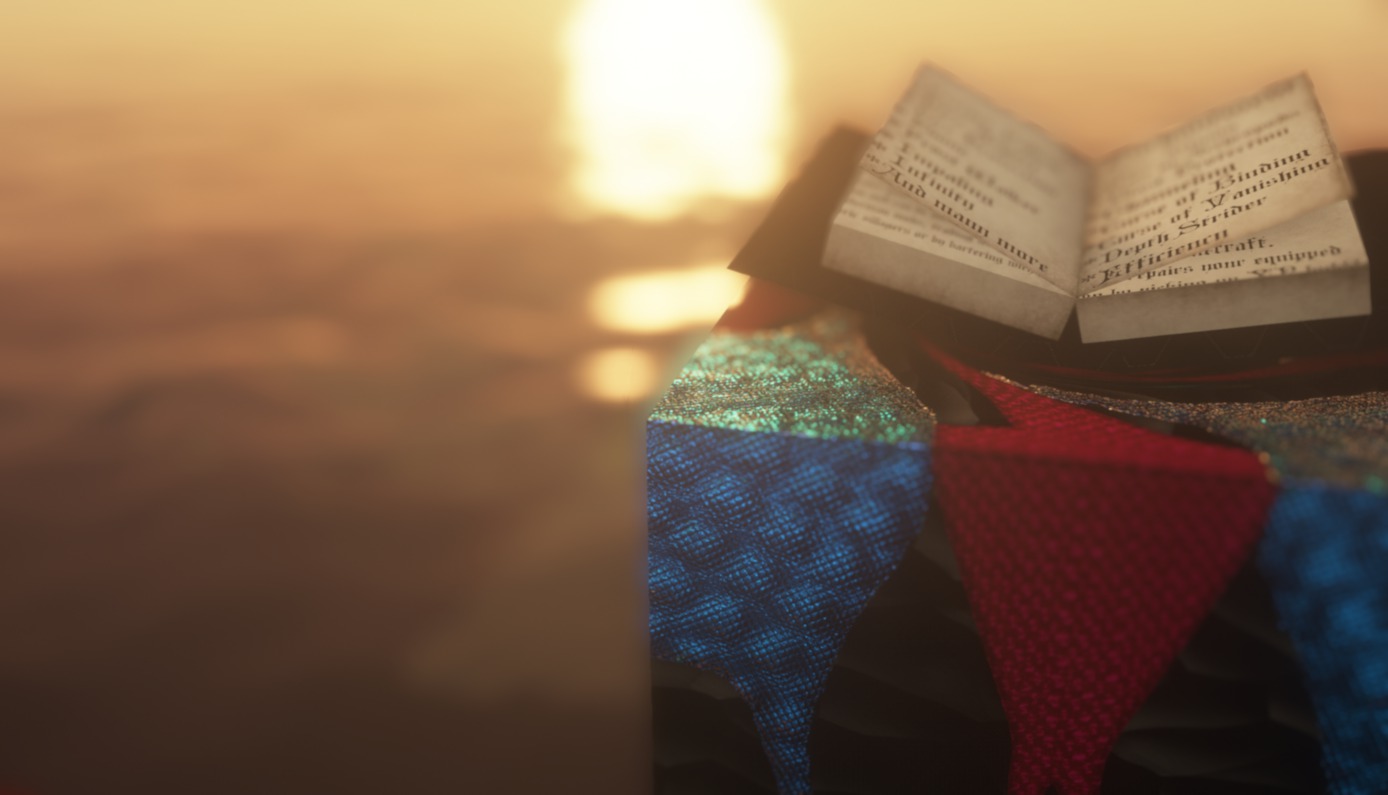
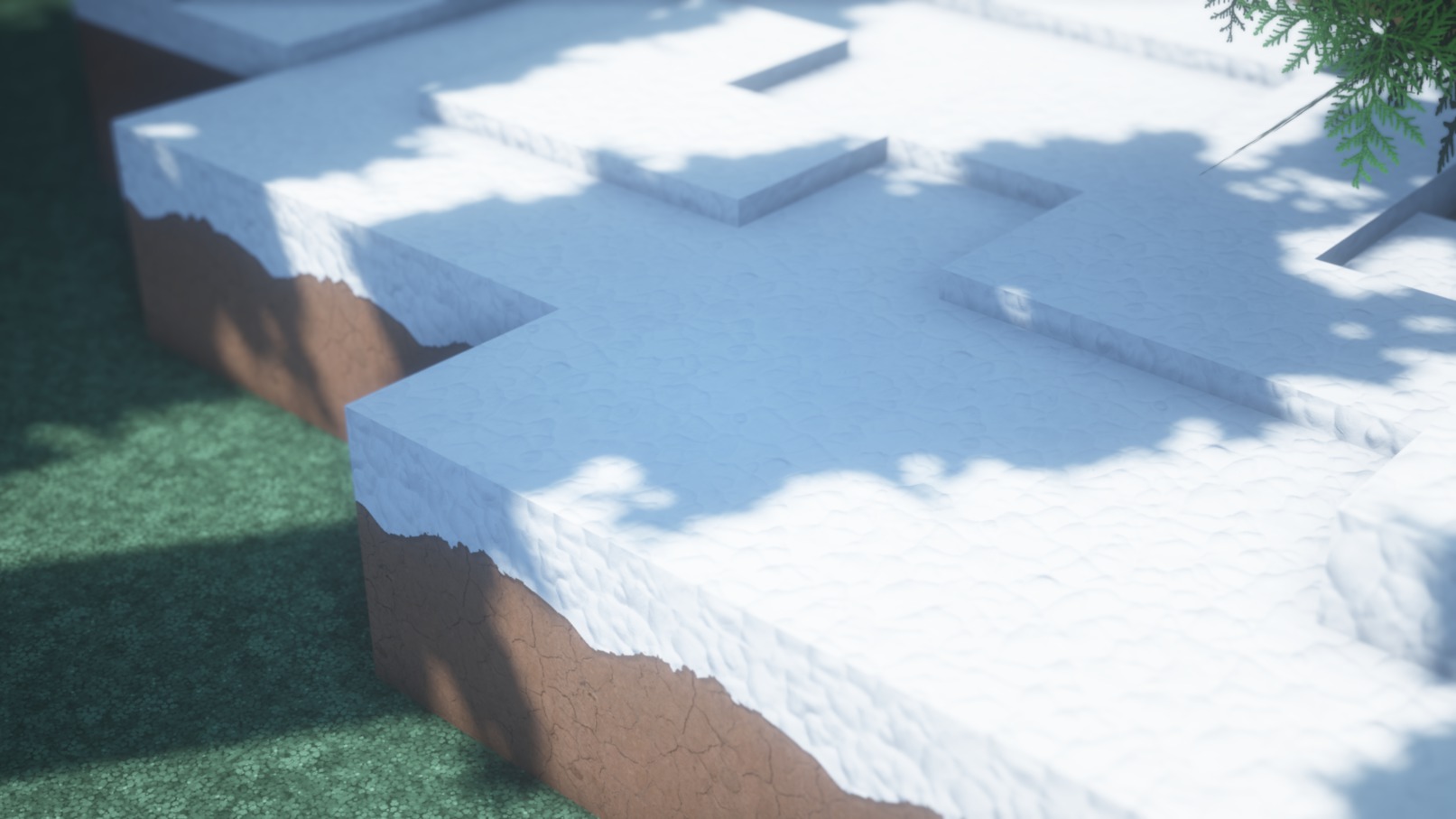
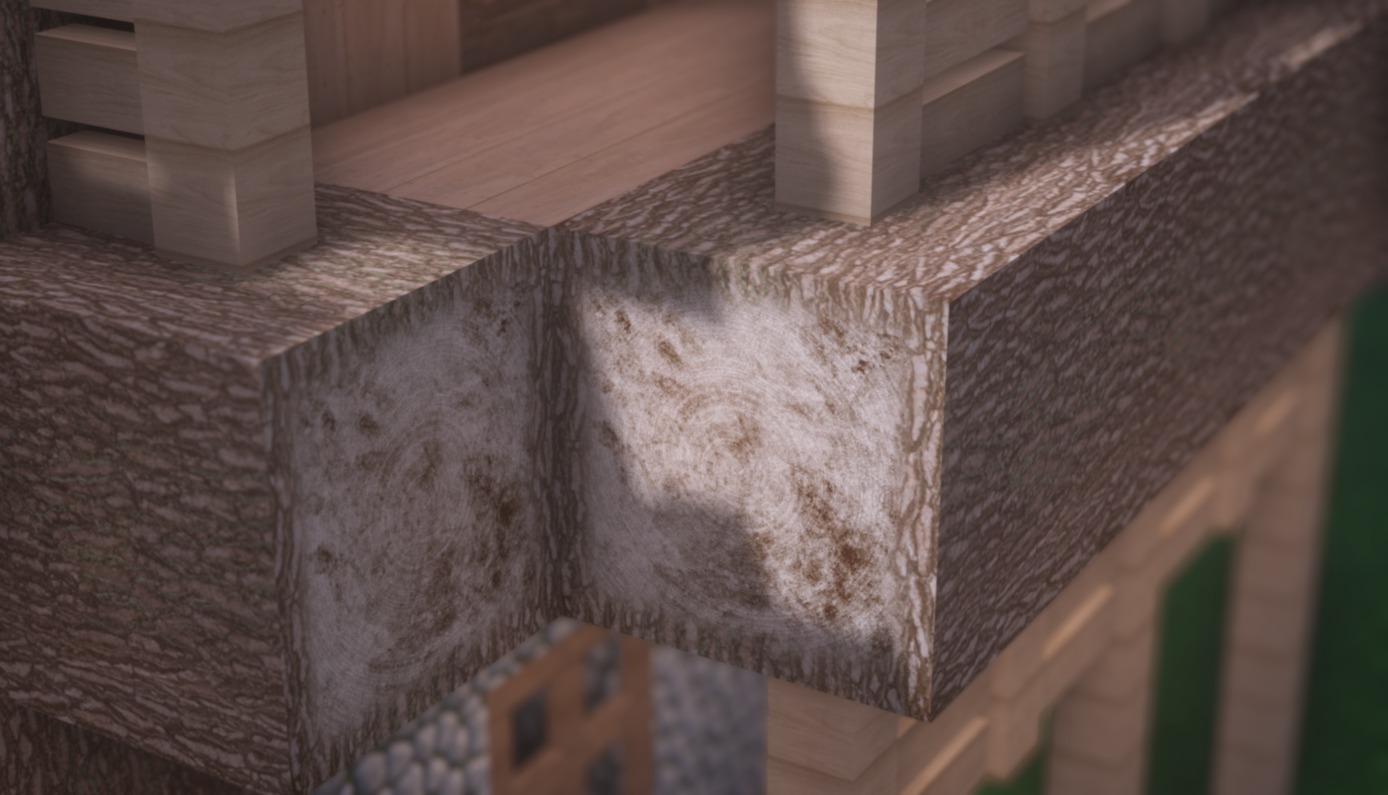
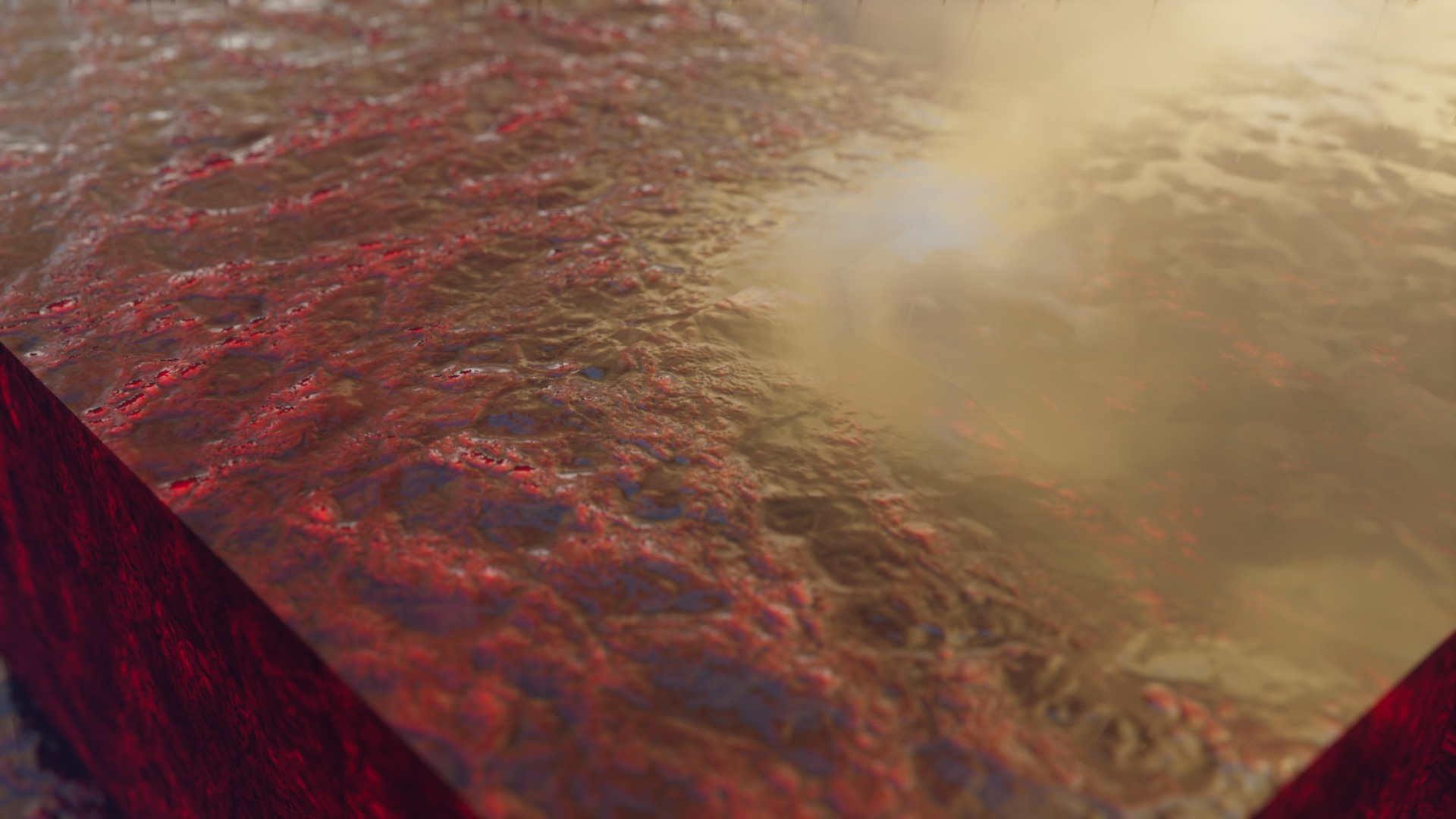
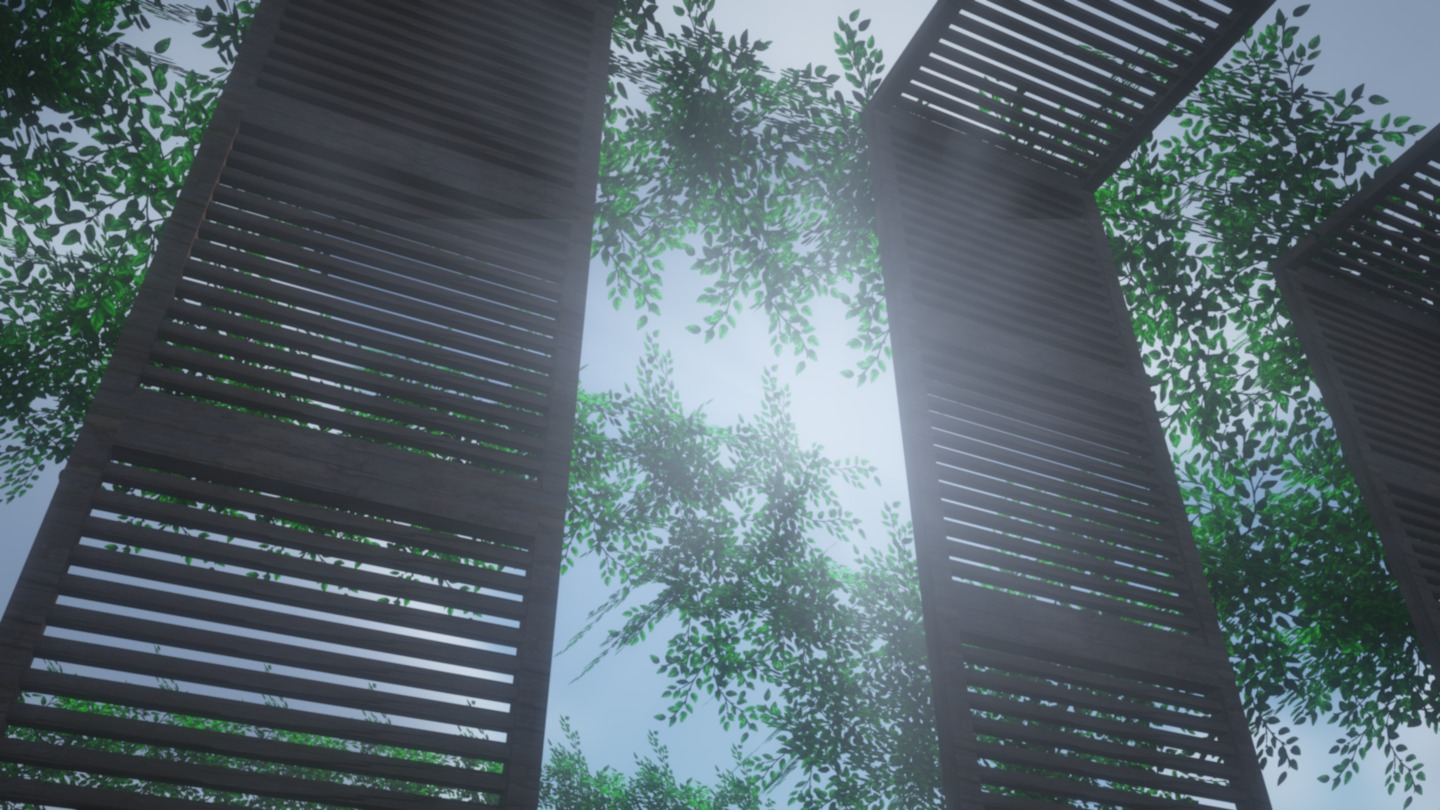
URBAN features highly detailed textures available in multiple resolutions, including 128x, 256x, 512x, and even 1024x, making it suitable for various hardware capabilities. The textures are designed with realism in mind, providing a modern urban look to Minecraft that includes detailed building materials, refined environments, and enhanced item textures.
3D Models and PBR Support
One of the significant aspects of URBAN is its support for Physically Based Rendering (PBR) and Parallax Occlusion Mapping (POM), which enable textures to render with realistic lighting and shadows. The pack includes custom 3D models created using tools like Blender and Mudbox, enhancing the visual depth and complexity of objects in the game.
Shader Compatibility
URBAN is optimized for use with popular shader packs such as BSL and SEUS. These shaders complement the realistic textures by providing advanced lighting effects, reflections, and shadow details. The creator, Aryan Nikose, recommends using BSL shaders with specific settings to get the best visual experience.
Continuous Development and Support
The URBAN Texture Pack is continuously updated to ensure compatibility with the latest versions of Minecraft. While the pack is already feature-rich, Aryan Nikose regularly adds new textures and improvements based on user feedback. The pack’s development is also supported through Patreon, where users can access premium versions with the highest resolution textures and additional perks.
Community and Accessibility
For those who wish to try the texture pack before committing to a premium version, a free 128x resolution pack is available. This ensures that players with lower-end hardware can still enjoy the enhanced visuals without compromising performance.
Installation and Usage
Installing the URBAN Texture Pack is straightforward. It is compatible with both Java and Bedrock editions of Minecraft. Players can easily download the pack from platforms like CurseForge and MinecraftStorage, with clear instructions provided for optimal setup and usage.
In summary, the URBAN Texture Pack by Aryan Nikose offers a comprehensive overhaul of Minecraft’s visuals, catering to players who seek a modern, realistic aesthetic. With its high-resolution textures, 3D models, and compatibility with advanced shaders, it significantly enhances the Minecraft experience.
How to install the URBAN Texture Pack
- Download and install OptiFine.
- Download the texture pack that is compatible with your game version and Minecraft edition.
- Launch Minecraft.
- Click on “Options” in the main menu.
- In the options menu, go to the submenu “Resource Packs”.
- Click on “Open Pack Folder” at the bottom left.
- Move the downloaded ZIP file into your resourcepacks folder.
- You will see the pack on the left half of the resource pack screen.
- Move the cursor to the pack logo and click the arrow pointing to the right.
Click on “Done”.
✅ None of the files are hosted on our server. All direct download links on our website are official authors links. The packs are free of viruses. Therefore, they are completely safe and secure.
✅ Please share this post on social media.
✅ Are there any thoughts you’d like to share? Please write a comment and rate the pack.