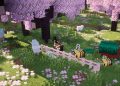
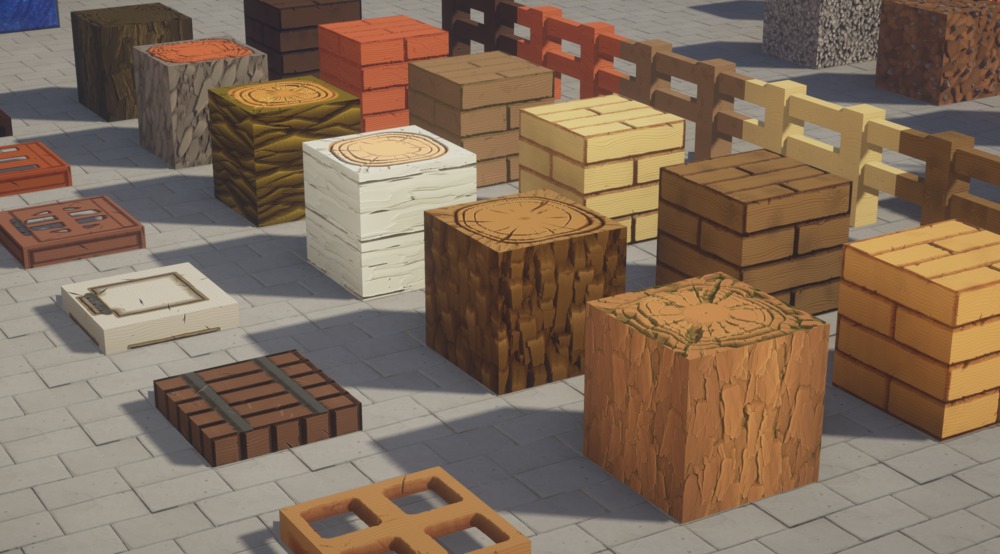
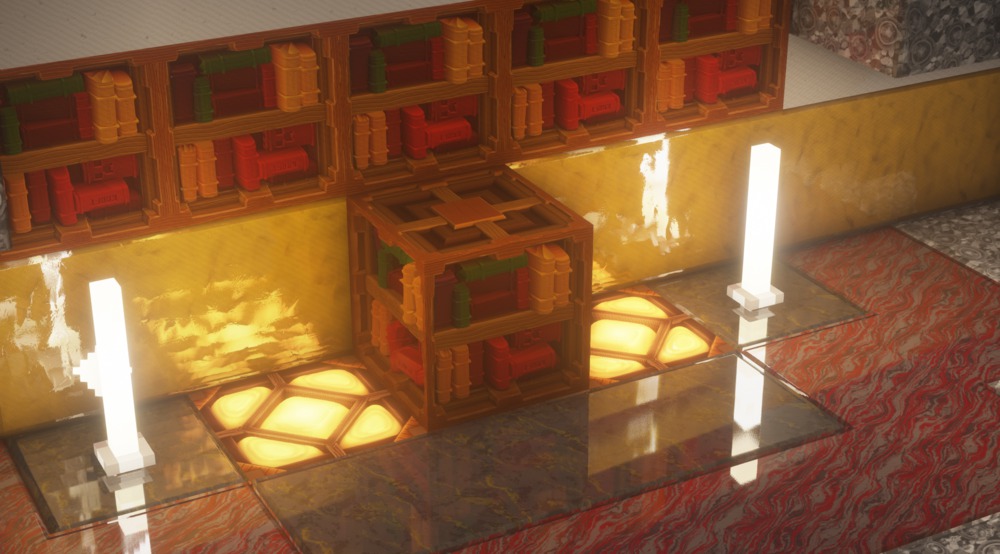
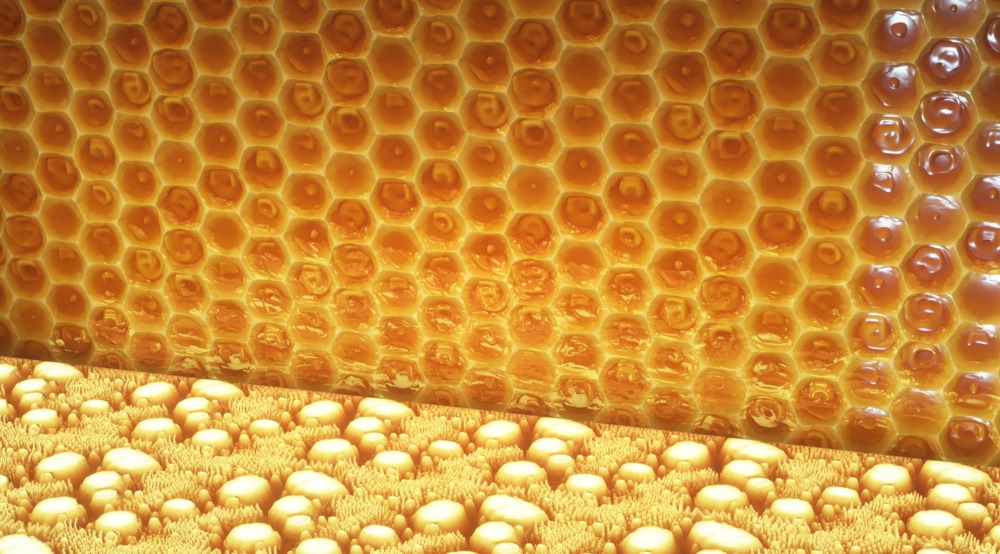
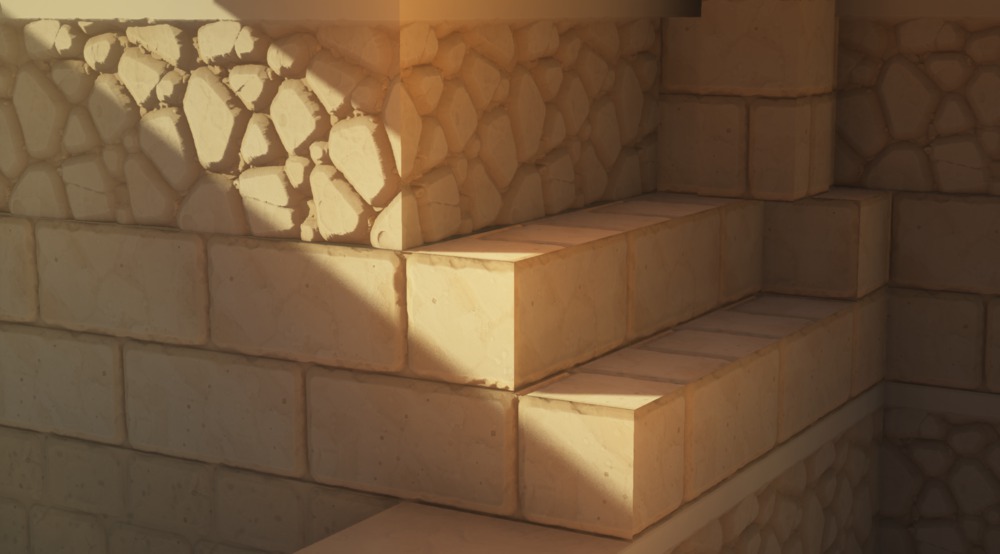
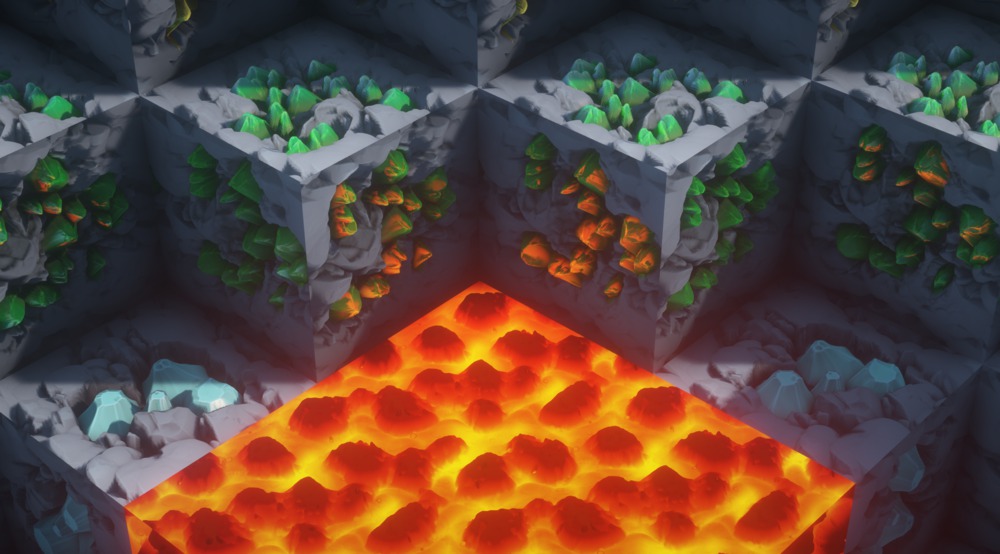
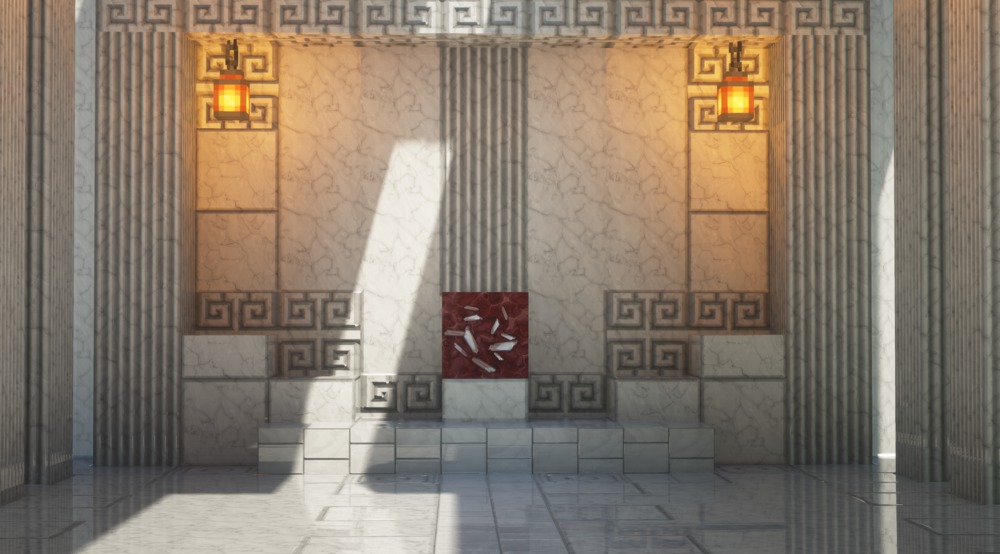
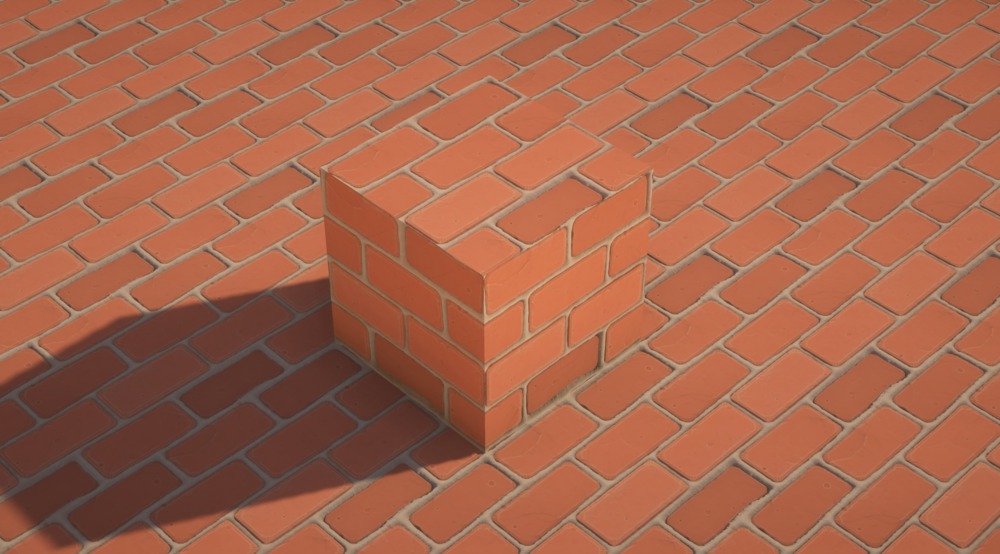
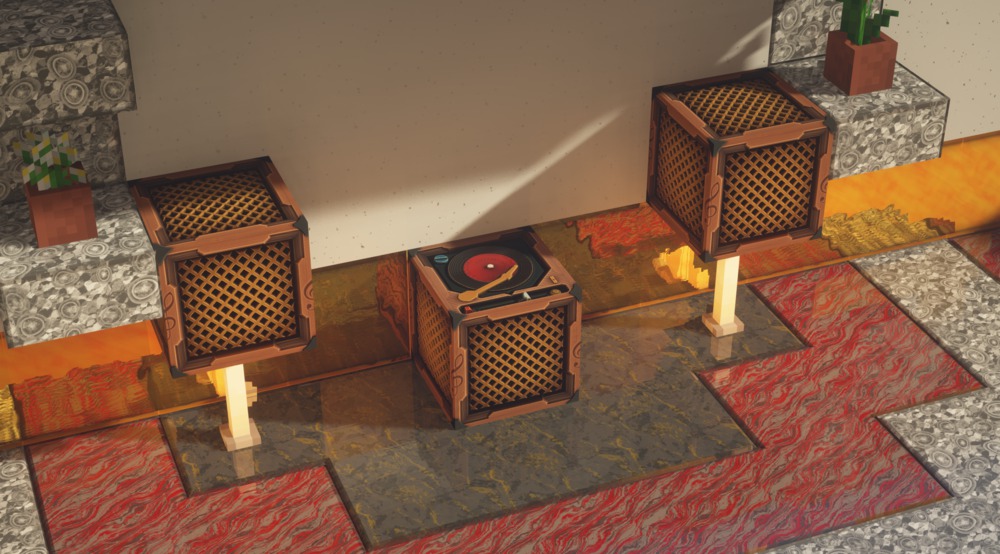
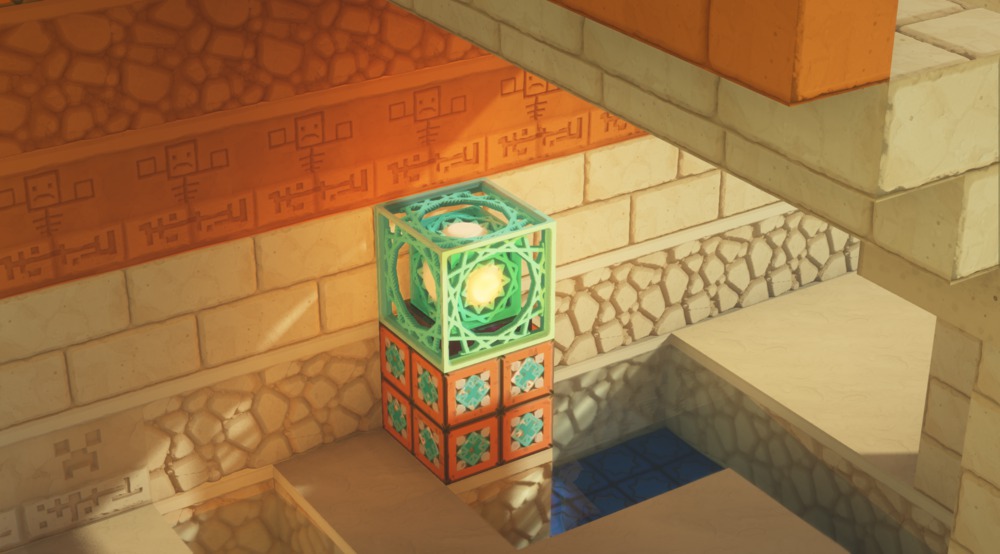
The Stylized Texture Pack, created by Dmitriy, is a highly detailed resource pack for Minecraft that significantly enhances the game’s visuals while maintaining its characteristic blocky aesthetic. This pack uses advanced techniques like bump mapping and parallax occlusion to create textures with remarkable depth and realism, making blocks appear as though they have real physical features and irregularities. This transformation is akin to adding ray tracing to Minecraft, resulting in an immersive and visually stunning experience.
The Stylized Texture Pack is available in two versions: a full pack and a lite pack. The full pack, available to Patreon supporters pledging at least $5 USD per month, offers the most impressive features, including detailed texturing that brings out the intricacies of blocks like cobblestone, chiseled sandstone, and bookshelves. The lite pack, which is free to download, provides a taste of these enhancements but lacks some of the advanced features of the full version
In addition to the detailed texturing, the Stylized Texture Pack supports Physically Based Rendering (PBR), which allows for realistic lighting and shading effects when used with compatible shaders. This compatibility ensures that the pack can deliver a high-quality visual experience even on lower-spec PCs, though the Java edition of Minecraft is required. Dmitriy also plans to extend support to the Bedrock edition in the future
The Stylized Texture Pack is still in development, with Dmitriy continuously adding new textures and improvements. Supporters on Patreon gain early access to updates and can participate in the community by providing feedback and suggestions. They also receive additional perks such as access to a dedicated Minecraft server and an invite to the Discord community, which boasts over 2000 members
How to install the Stylized Texture Pack
- Download and install OptiFine.
- Download the texture pack that is compatible with your game version and Minecraft edition.
- Launch Minecraft.
- Click on “Options” in the main menu.
- In the options menu, go to the submenu “Resource Packs”.
- Click on “Open Pack Folder” at the bottom left.
- Move the downloaded ZIP file into your resourcepacks folder.
- You will see the pack on the left half of the resource pack screen.
- Move the cursor to the pack logo and click the arrow pointing to the right.
Click on “Done”.
✅ None of the files are hosted on our server. All direct download links on our website are official authors links. The packs are free of viruses. Therefore, they are completely safe and secure.
✅ Please share this post on social media.
✅ Are there any thoughts you’d like to share? Please write a comment and rate the pack.