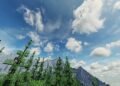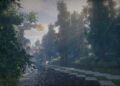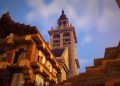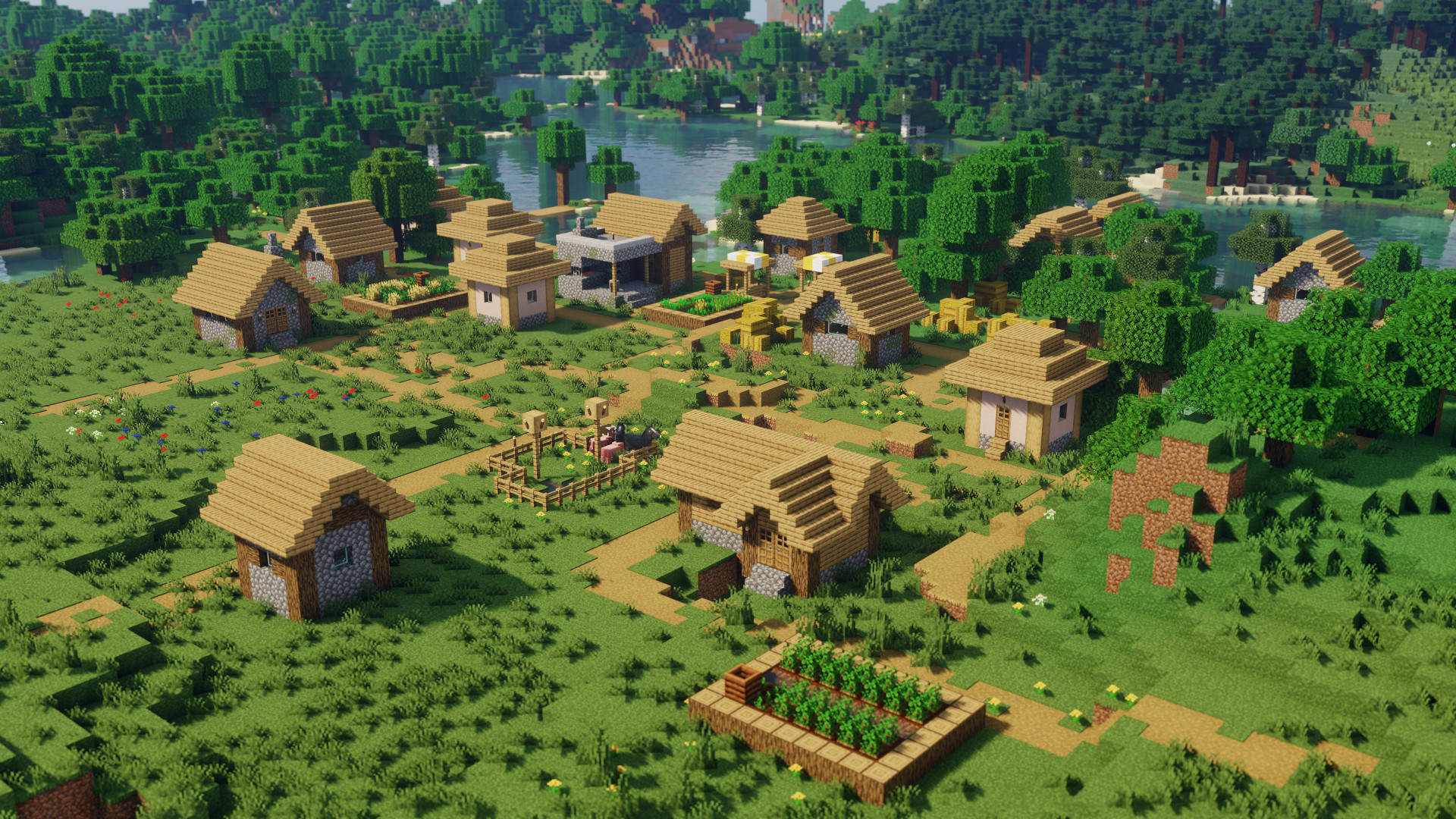
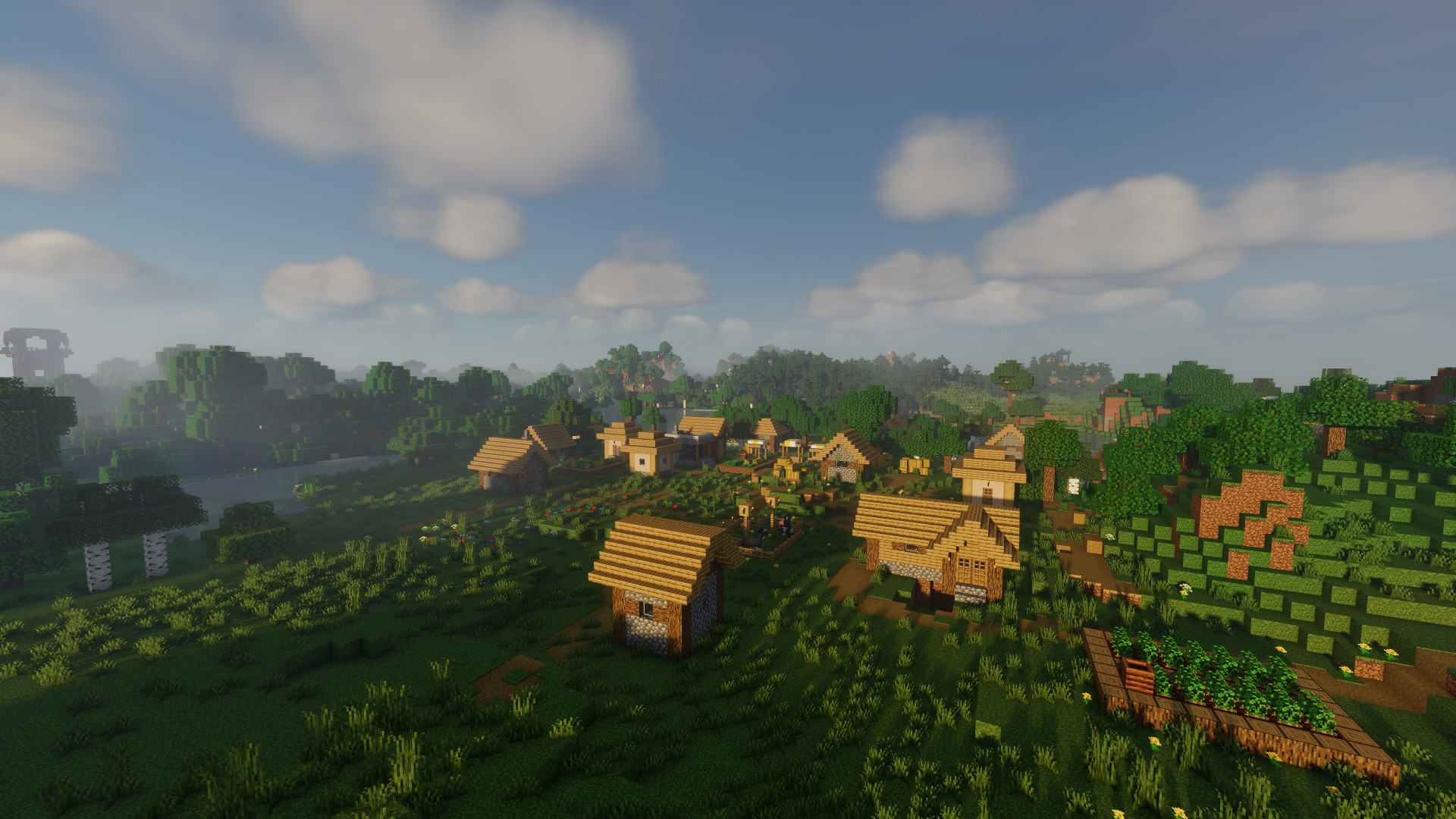
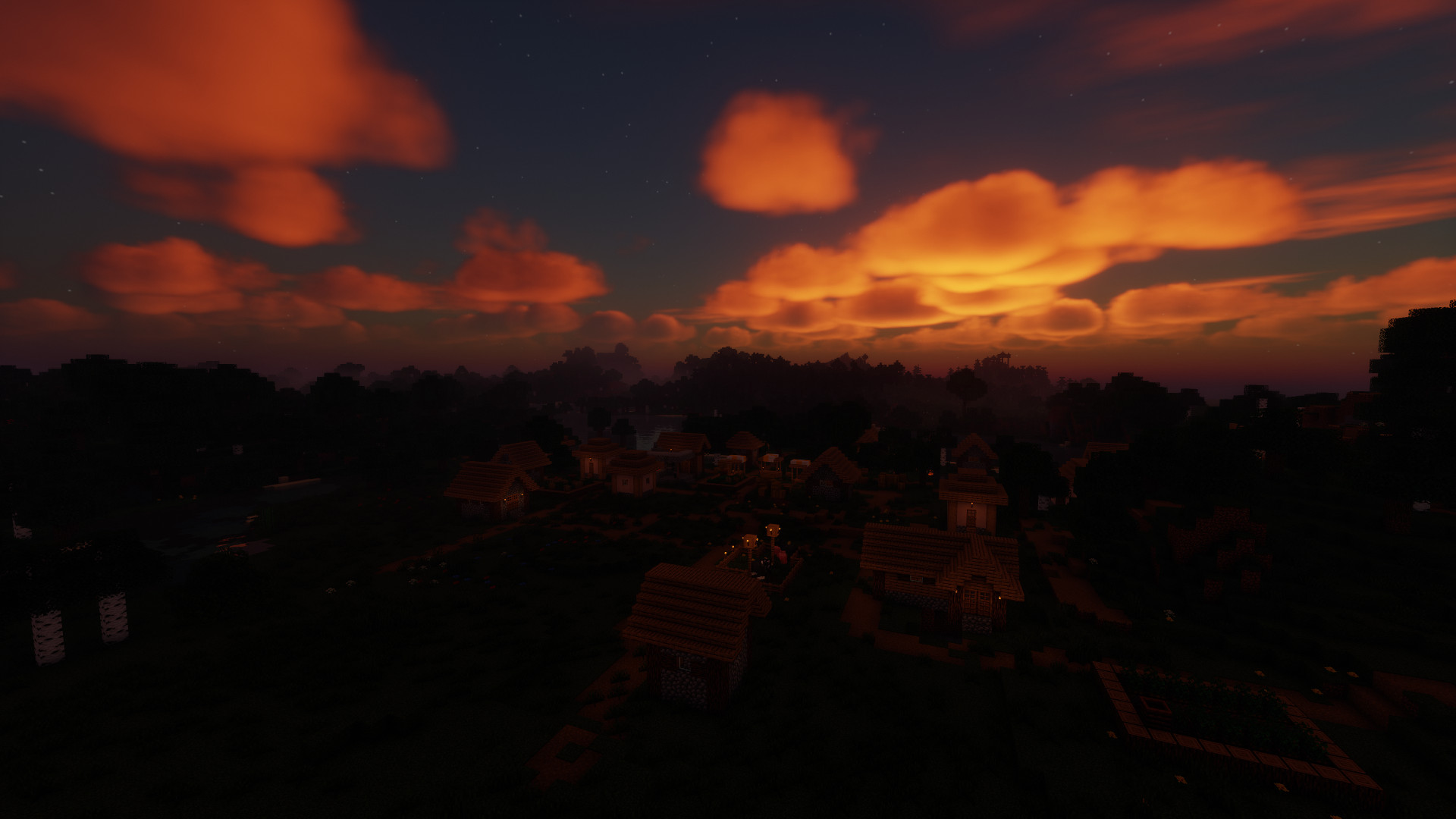
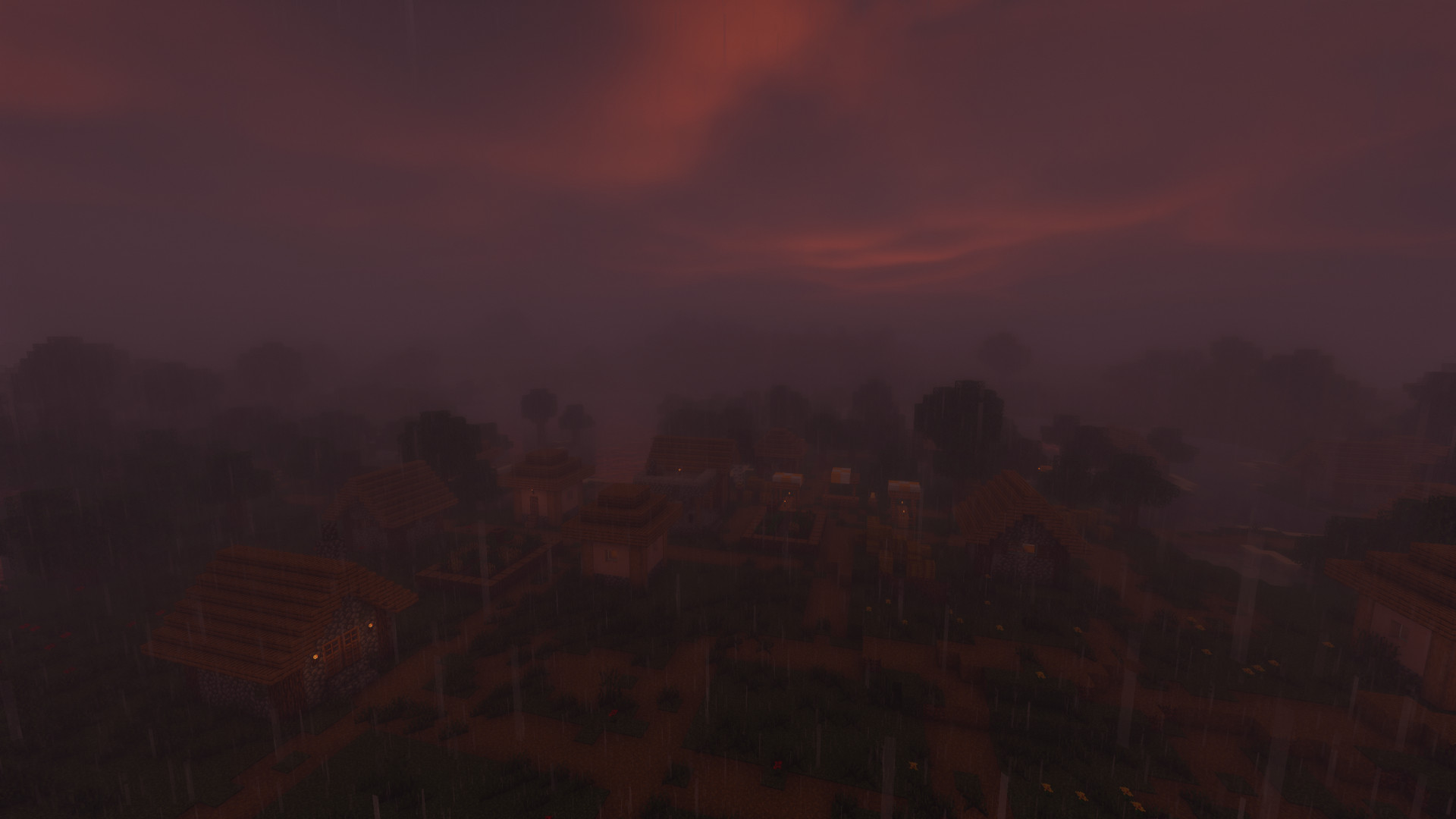
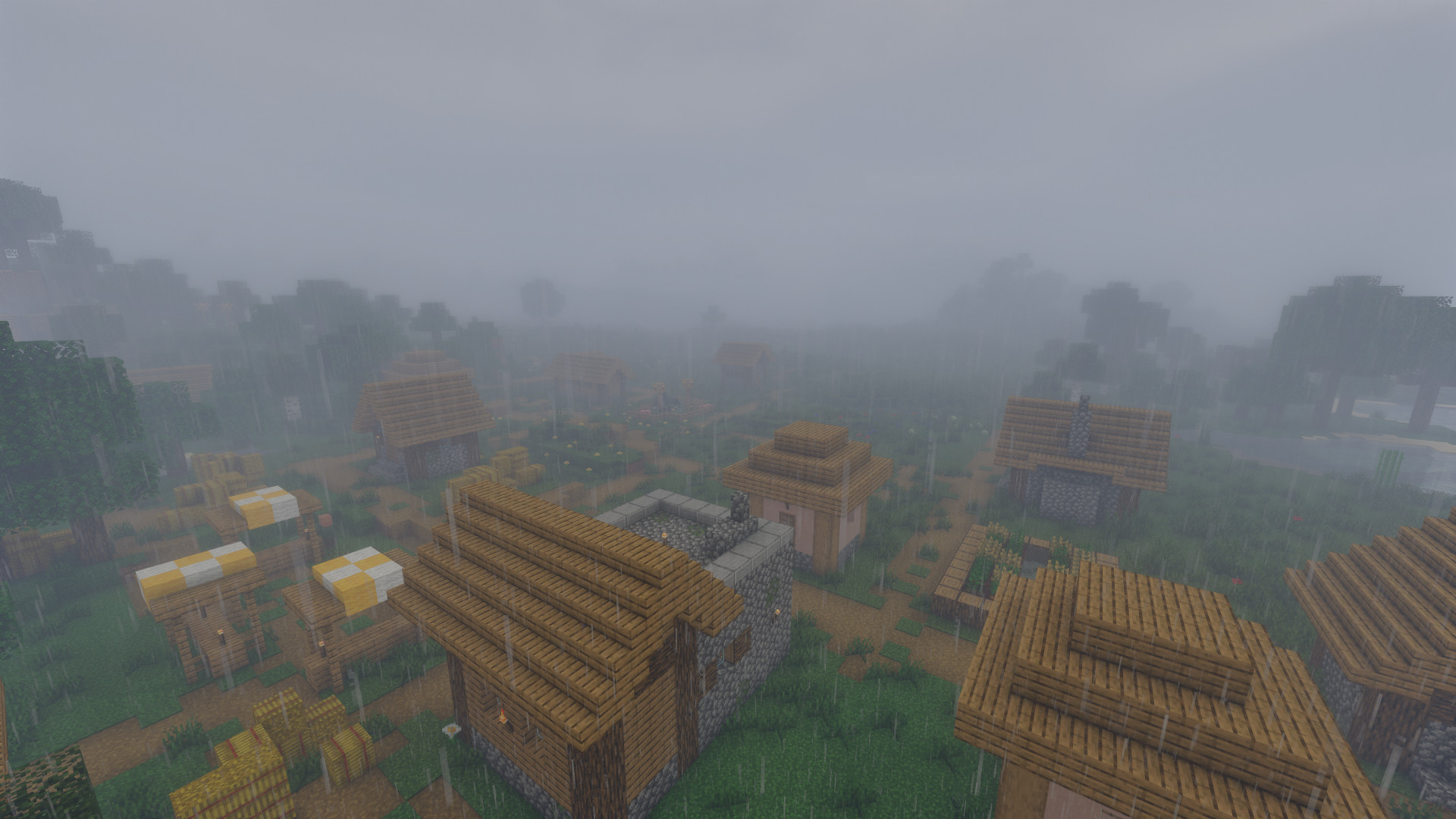
Chocapic13’s Shaders, developed by Choca_13, is a renowned shader pack that enhances Minecraft’s visuals by introducing realistic lighting, shadows, and atmospheric effects. Known for its balance between performance and quality, this shader pack caters to a wide range of hardware configurations.
🎨 Key Features
1. Dynamic Lighting and Shadows
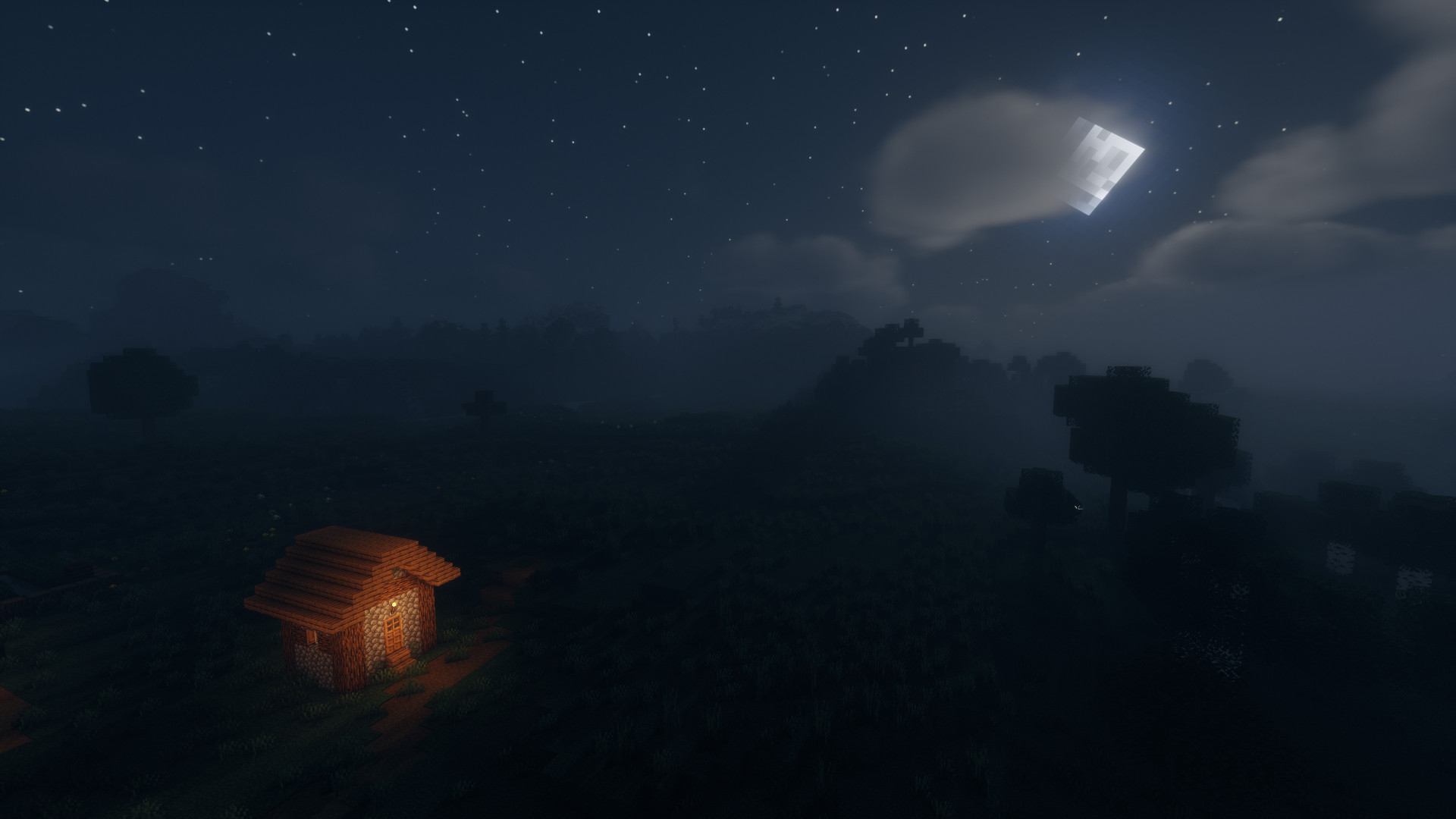
Experience a more immersive world with dynamic lighting that simulates realistic sun and moonlight, casting soft shadows that change with the time of day.
2. Volumetric Fog and Clouds
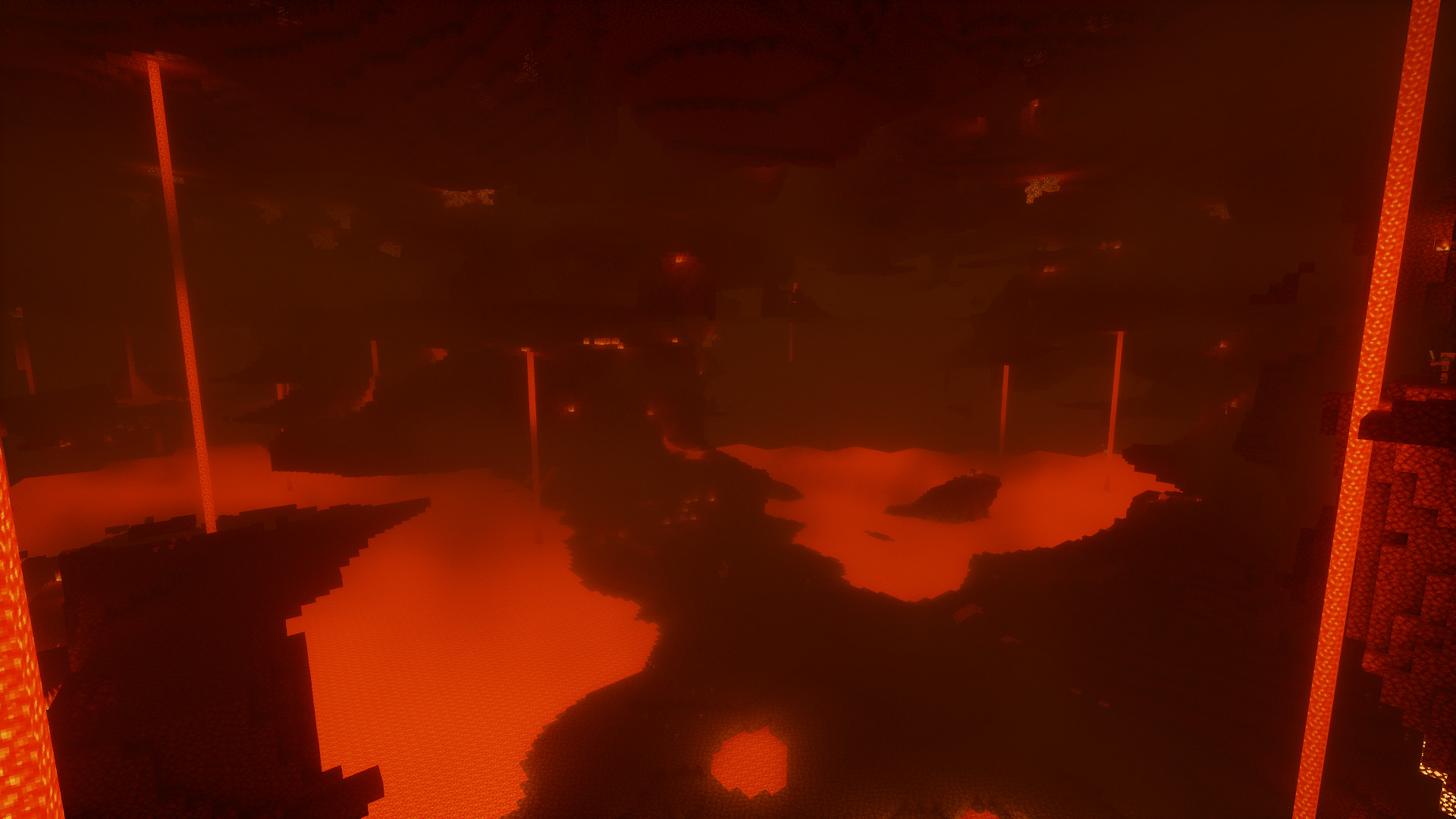
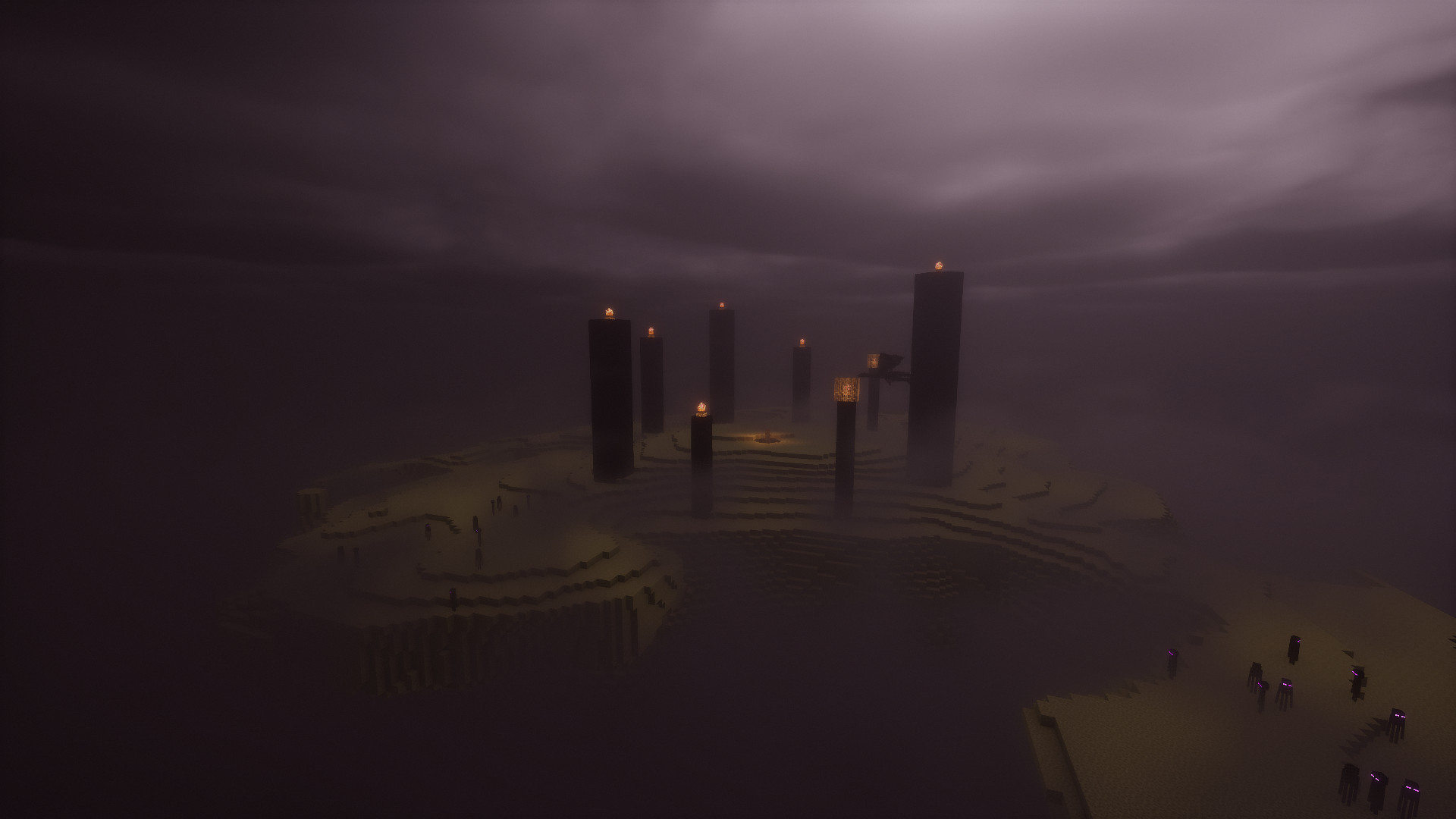
The shader introduces volumetric fog and clouds, adding depth and atmosphere to your game environment.
3. Enhanced Water Effects
Water bodies become more lifelike with reflections, refractions, and caustics, creating a serene and realistic aquatic experience.
4. Customizable Presets
Chocapic13’s Shaders offers multiple presets ranging from low to extreme, allowing players to choose the best balance between visual fidelity and performance for their system.
By featuring Chocapic13’s Shaders on your website with detailed descriptions, high-quality images, and optimized SEO practices, you can attract a broader audience and provide valuable resources to the Minecraft community.
How to install the Chocapic13' Shaders
- Install OptiFine or Iris: Download and install OptiFine or Iris to enable shader support in Minecraft.
- Download The Shaders: Obtain the shader pack from the official links provided below.
- Place in Shaderpacks Folder: Move the downloaded shader pack file to the
.minecraft\shaderpacksdirectory. - Activate in Minecraft: Launch Minecraft, go to Options > Video Settings > Shaders, and select The Shaders from the list.
✅ None of the files are hosted on our server. All direct download links on our website are official authors links. The packs are free of viruses. Therefore, they are completely safe and secure.
✅ Please share this post on social media.
✅ Are there any thoughts you’d like to share? Please write a comment and rate the pack.