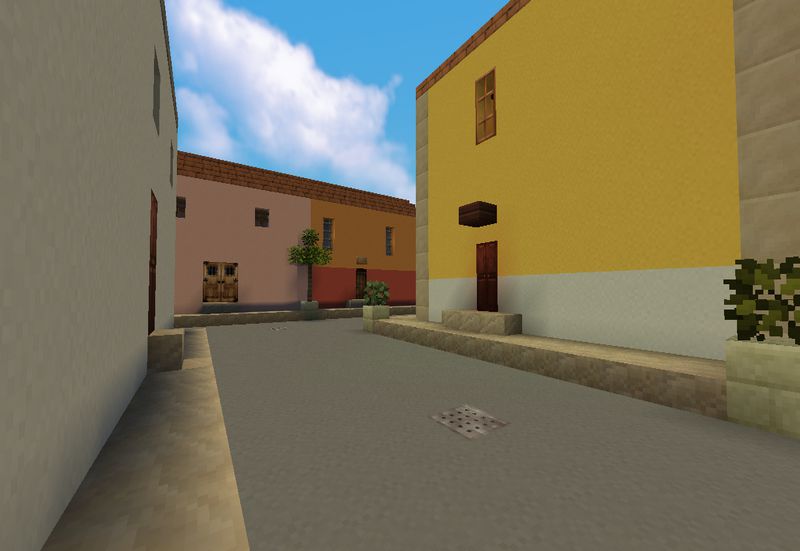
Pixel Reality is a visually refined texture pack created by Wedhro, designed to enhance Minecraft’s world without drastically altering its original feel. Unlike many high-resolution resource packs that push the limits of Minecraft’s aesthetic into hyper-realistic or fantasy-driven territories, Pixel Reality focuses on maintaining the vanilla charm of Minecraft while delivering a more grounded, realistic visual experience.
Released to the public several years ago, Pixel Reality has remained a favorite for players who prefer minimalistic yet immersive changes to their Minecraft world. The texture pack excels at improving the game’s overall atmosphere through subtle adjustments in colors, shading, and block details, without requiring high-end hardware to run smoothly.
Key Features of Pixel Reality Texture Pack
Simplified Realism with Vanilla Feel: One of the standout features of Pixel Reality is its balance between realism and simplicity. Instead of overloading Minecraft with intricate textures that can feel out of place, the pack aims to refine the textures with a slight touch of realism, offering a more natural, grounded look. Each block remains distinctly recognizable, but the subtle adjustments give the game a polished appearance.
Low-Resolution yet Highly Detailed: Despite being a 16x resolution texture pack (the same as the default Minecraft resolution), Pixel Reality manages to deliver an impressive amount of detail. Wedhro used clever shading techniques to give depth to blocks, making them appear more three-dimensional. This approach provides a refreshing visual upgrade without the need for the player to own a high-end PC, making it accessible to a wider audience.
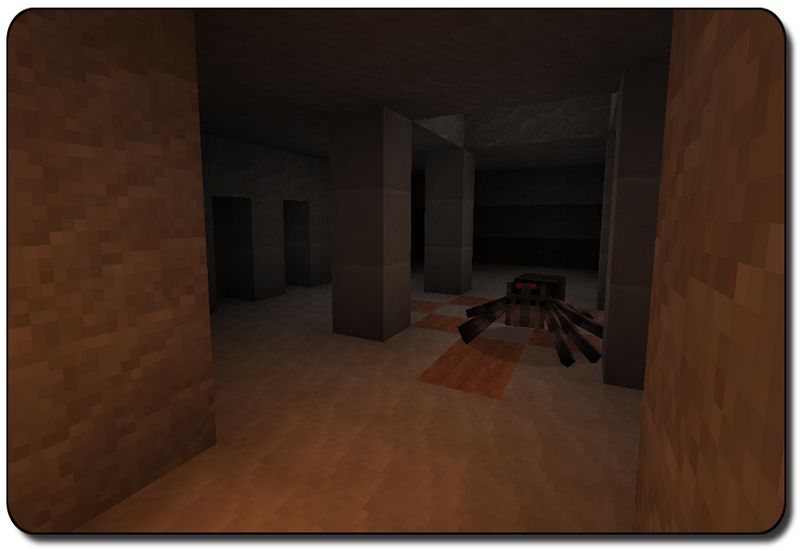
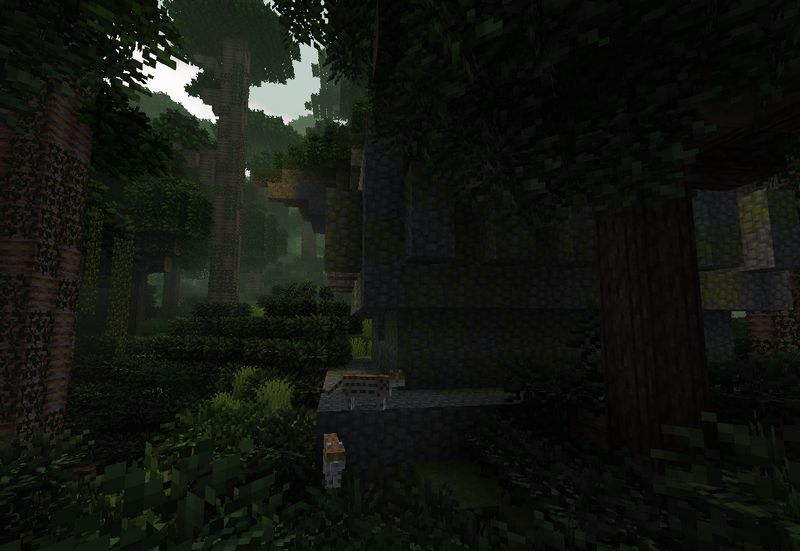
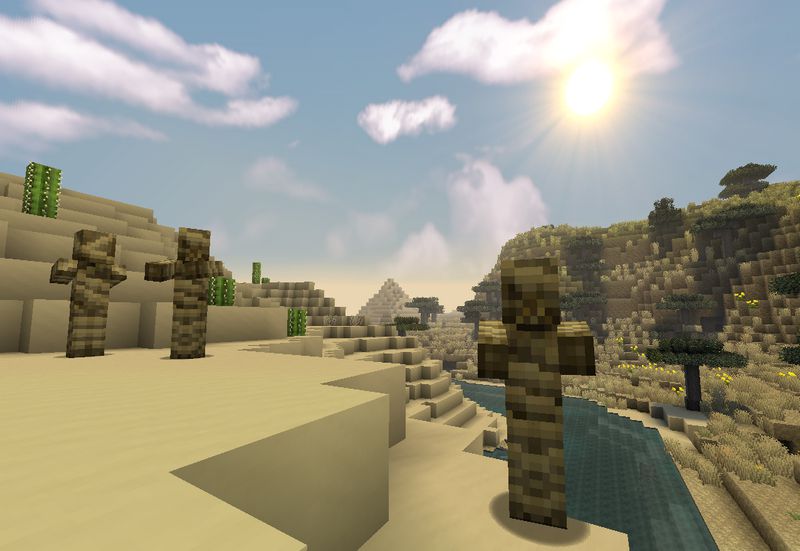
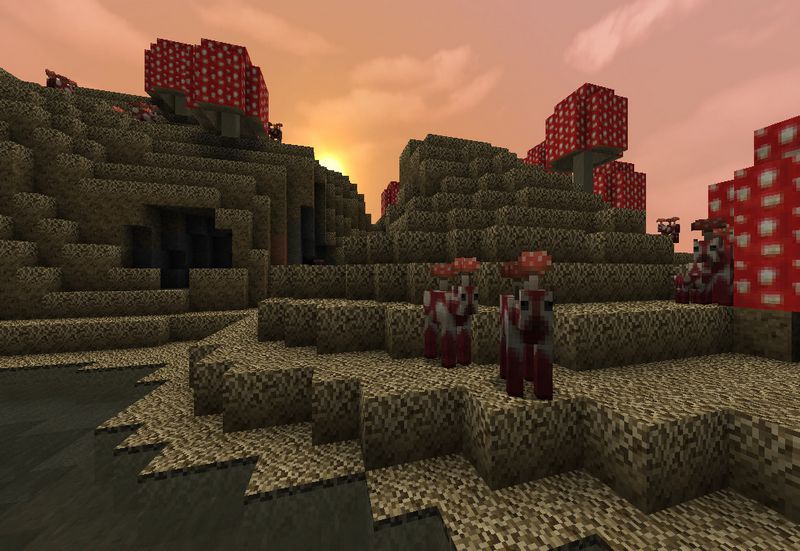
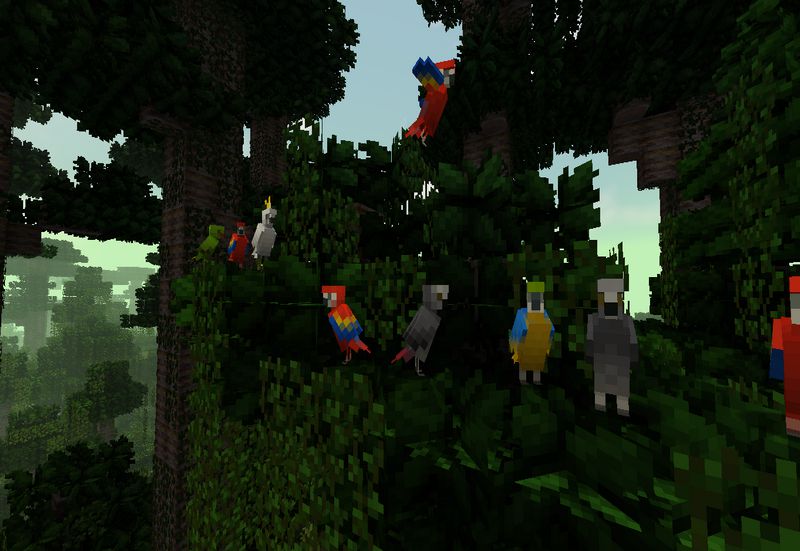
Improved Color Palettes and Lighting: Pixel Reality is renowned for its muted color palettes, which reduce the overly saturated tones found in the default textures. The more natural and subdued colors create a calmer and more immersive environment. Combined with improved lighting effects, the texture pack makes each sunrise, sunset, and cave exploration feel more atmospheric and less jarring compared to the base game. This feature is particularly noticeable when exploring different biomes, where the more realistic shades help enhance the uniqueness of each location.
Focus on Environmental Details: One of the major aspects where Pixel Reality excels is in its approach to environmental details. Grass, leaves, and other natural elements have a softer and more organic texture that blends seamlessly into the landscape. Additionally, water and sky textures have been given extra attention, offering a more realistic water flow and cloud formations, adding to the immersive feel without compromising the simplicity of the original game.
Enhanced Atmosphere for Survival Gameplay: Pixel Reality enhances the atmosphere without being overwhelming, making it a perfect fit for survival gameplay. Whether you’re exploring dark caves, constructing buildings, or simply farming, the pack maintains a consistent visual experience that feels true to Minecraft’s core. Its small details, like darker nights and subtler lighting contrasts, give players a more engaging world without sacrificing performance.
Compatibility and Performance: One of the main reasons Pixel Reality remains so popular is its excellent performance. With its 16×16 resolution, it runs smoothly even on lower-end systems, unlike higher-resolution packs that can sometimes cause performance drops. This makes Pixel Reality an ideal texture pack for players who want to improve their visual experience without taxing their computer’s resources.
Optional Add-ons for Customization: Pixel Reality also comes with a few optional add-ons, allowing players to further customize their experience. These add-ons include additional features such as better foliage textures, improved skies, and even custom sounds. This modular approach gives players the flexibility to tailor their gameplay to their liking while keeping the base pack intact. Pixel Reality is perfect for players who love Minecraft’s vanilla aesthetic but want a slight upgrade that keeps the game’s original feel intact. Its subtle changes to colors, textures, and environmental details create a more immersive experience, making Minecraft feel fresher while retaining its core identity. It’s a lightweight, performance-friendly pack that stays true to the simplicity of Minecraft but enhances its beauty and realism in a way that doesn’t overpower the game. Pixel Reality by Wedhro offers the perfect balance between realism and simplicity, providing a more immersive and atmospheric experience while keeping Minecraft’s iconic look intact. Its low resolution allows for smooth performance, even on less powerful machines, and its muted colors and enhanced environmental details make it a top choice for survival players. Whether you’re a long-time Minecraft fan or a newcomer, Pixel Reality offers a fresh and beautiful take on the game.
How to install Pixel Reality Texture Pack
- Download and install OptiFine.
- Download the texture pack that is compatible with your game version and Minecraft edition.
- Launch Minecraft.
- Click on “Options” in the main menu.
- In the options menu, go to the submenu “Resource Packs”.
- Click on “Open Pack Folder” at the bottom left.
- Move the downloaded ZIP file into your resourcepacks folder.
- You will see the pack on the left half of the resource pack screen.
- Move the cursor to the pack logo and click the arrow pointing to the right.
Click on “Done”.
✅ None of the files are hosted on our server. All direct download links on our website are official authors links. The packs are free of viruses. Therefore, they are completely safe and secure.
✅ Please share this post on social media.
✅ Are there any thoughts you’d like to share? Please write a comment and rate the pack.