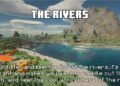
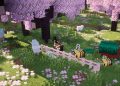
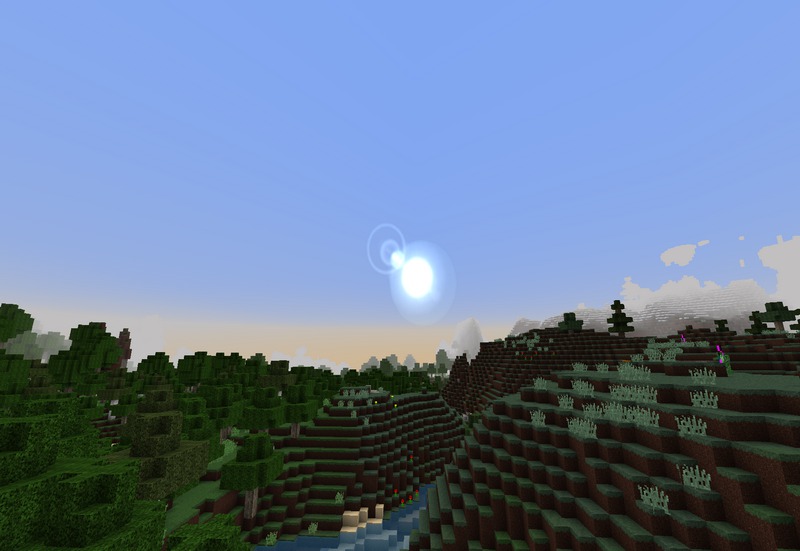
The Real Nature Texture Pack by tirenay is a stunning resource pack for Minecraft that aims to bring a more immersive and realistic environmental experience to the game. This texture pack is designed to enhance the natural world in Minecraft by improving the textures of plants, grass, water, and other natural elements, offering players a visually breathtaking, nature-rich landscape that feels vibrant and alive.
Key Features of Real Nature Texture Pack
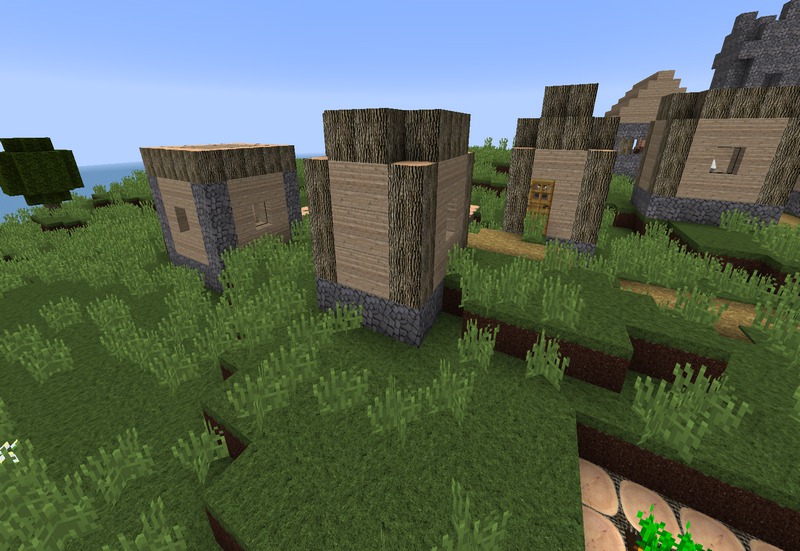
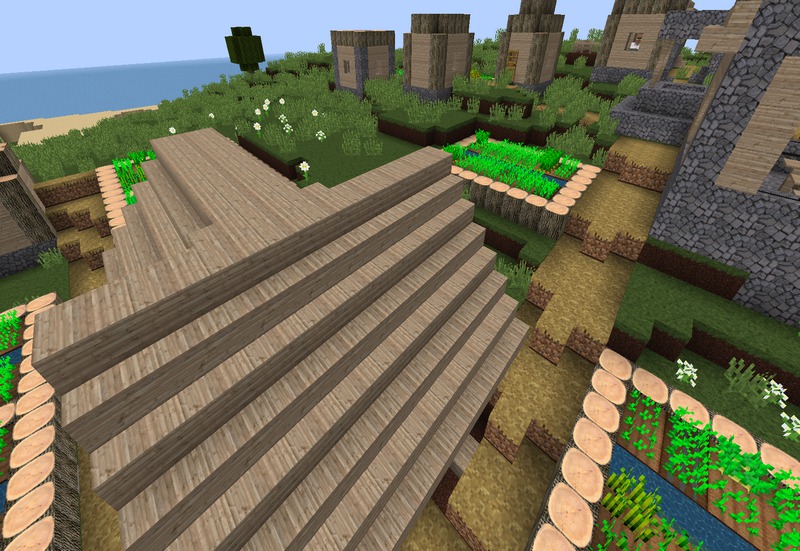
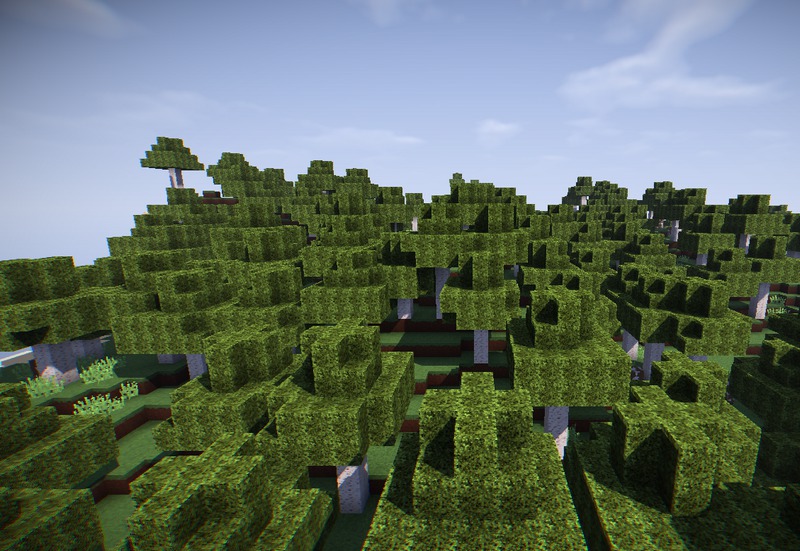
Realistic Foliage and Vegetation: One of the most striking features of the Real Nature Texture Pack is the attention given to vegetation and foliage. Grass, leaves, and other plant life in the game are retextured to have a more lifelike appearance. The colors are more natural and lush, giving forests and jungles a dense, overgrown look. This transforms previously flat biomes into vibrant, living environments, allowing players to immerse themselves fully in their surroundings.
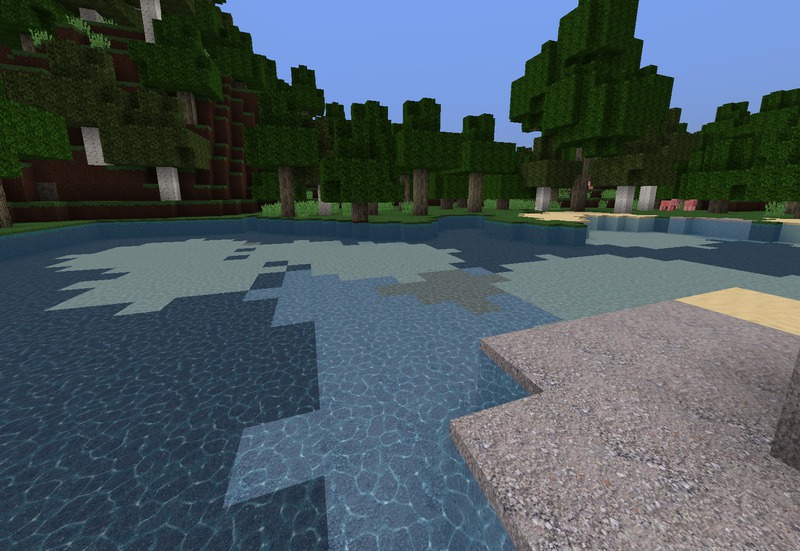
Enhanced Water and Sky Textures: Real Nature also focuses on the water and sky, making the game’s environments look more open and real. Water is clearer, has more defined flow patterns, and reflects sunlight more naturally, making oceans, rivers, and lakes visually compelling. The skies are reimagined with beautiful cloud formations and smoother transitions between day and night, creating realistic dawns, sunsets, and weather transitions that make the overall experience more immersive.
Custom 3D Models and PBR Textures: The pack incorporates Physically Based Rendering (PBR) textures, which are essential in improving how light interacts with surfaces in Minecraft. These textures work best with shaders that support PBR, allowing surfaces to reflect light realistically. Trees, rocks, and even smaller objects such as flowers take on a more detailed, 3D-like appearance, enhancing the sense of realism in the game.
Natural Colors and Tone: The pack redefines Minecraft’s color palette to bring it closer to reality, using softer, earthier tones rather than the bright, saturated colors typically found in vanilla Minecraft. The Real Nature Texture Pack ensures that each biome, from deserts to forests to snow-covered tundras, has distinct and natural coloration, offering an authentic look that mirrors real-world nature.
Improved Weather and Lighting: The texture pack also works exceptionally well with Minecraft’s weather systems. Rain looks more dynamic and cloud coverage becomes more dramatic, adding depth and emotion to the game’s weather transitions. Additionally, lighting is significantly improved, with sunlight casting richer, more natural shadows, especially when combined with compatible shaders.
Compatibility with Shaders: For those using shaders, Real Nature Texture Pack fully supports them to deliver the highest visual fidelity. Combining it with shaders such as SEUS or Complementary Shaders amplifies the beauty of the natural landscapes, giving players an ultra-realistic gaming experience. The textures, when paired with shaders, bring Minecraft’s world to life with realistic reflections, smooth lighting transitions, and environmental effects.
- Support for Multiple Resolutions: Real Nature Texture Pack is available in various resolutions, allowing players to select a version that best suits their hardware. Whether players are using a high-end gaming rig or a lower-performance computer, the texture pack provides a scalable solution that lets everyone enjoy its visual enhancements without sacrificing performance. The Real Nature Texture Pack by tirenay offers one of the most immersive natural experiences in Minecraft. It is perfect for players who are looking for a more grounded and lifelike visual style. By transforming the way foliage, water, and skies look, and adding the best PBR textures available, this pack will give players a breathtaking, revitalized world to explore.
How to install Real Nature Texture Pack
- Download and install OptiFine.
- Download the texture pack that is compatible with your game version and Minecraft edition.
- Launch Minecraft.
- Click on “Options” in the main menu.
- In the options menu, go to the submenu “Resource Packs”.
- Click on “Open Pack Folder” at the bottom left.
- Move the downloaded ZIP file into your resourcepacks folder.
- You will see the pack on the left half of the resource pack screen.
- Move the cursor to the pack logo and click the arrow pointing to the right.
Click on “Done”.
✅ None of the files are hosted on our server. All direct download links on our website are official authors links. The packs are free of viruses. Therefore, they are completely safe and secure.
✅ Please share this post on social media.
✅ Are there any thoughts you’d like to share? Please write a comment and rate the pack.