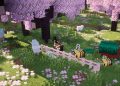
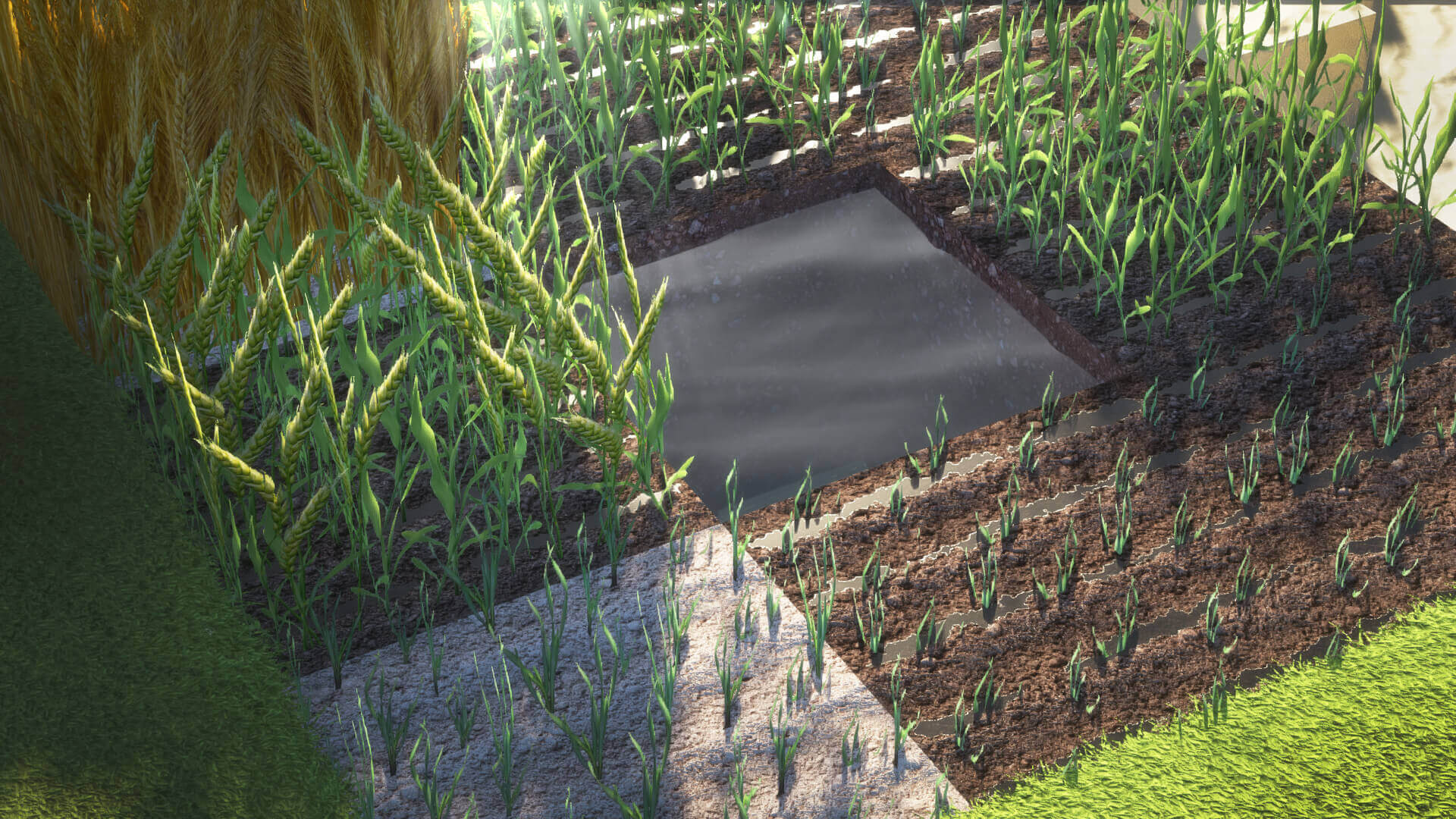
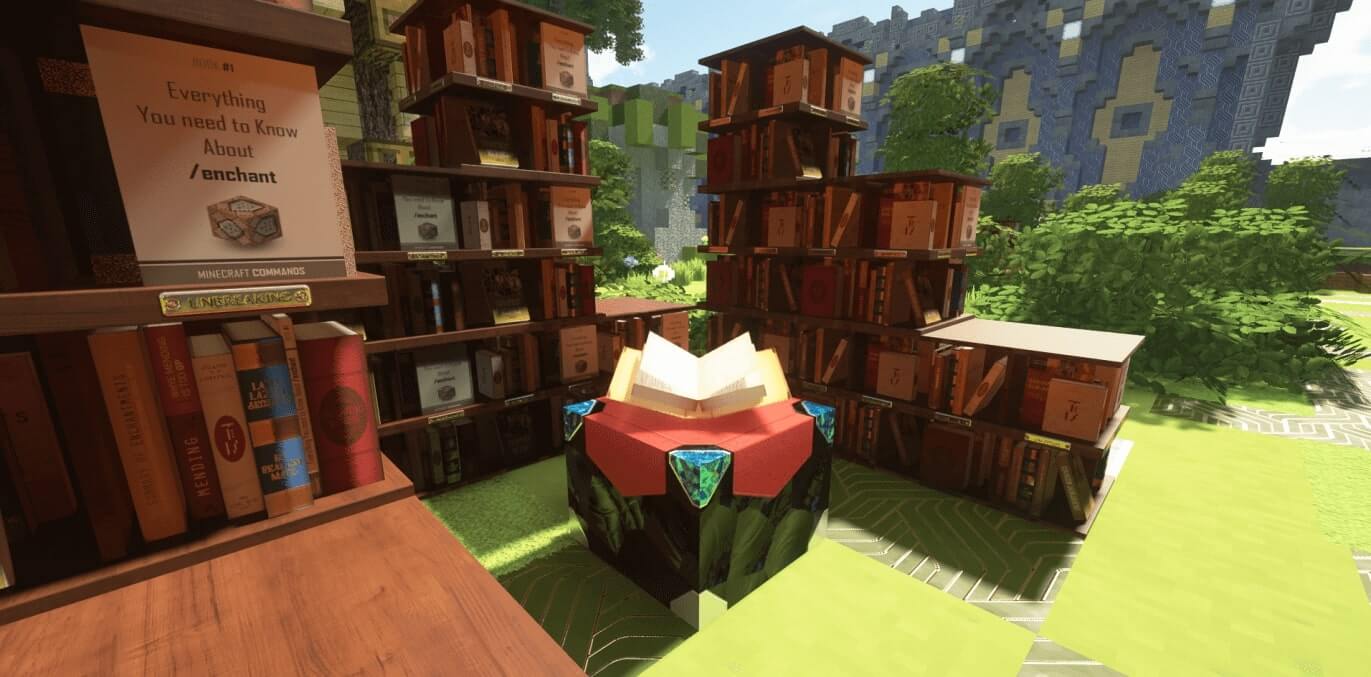
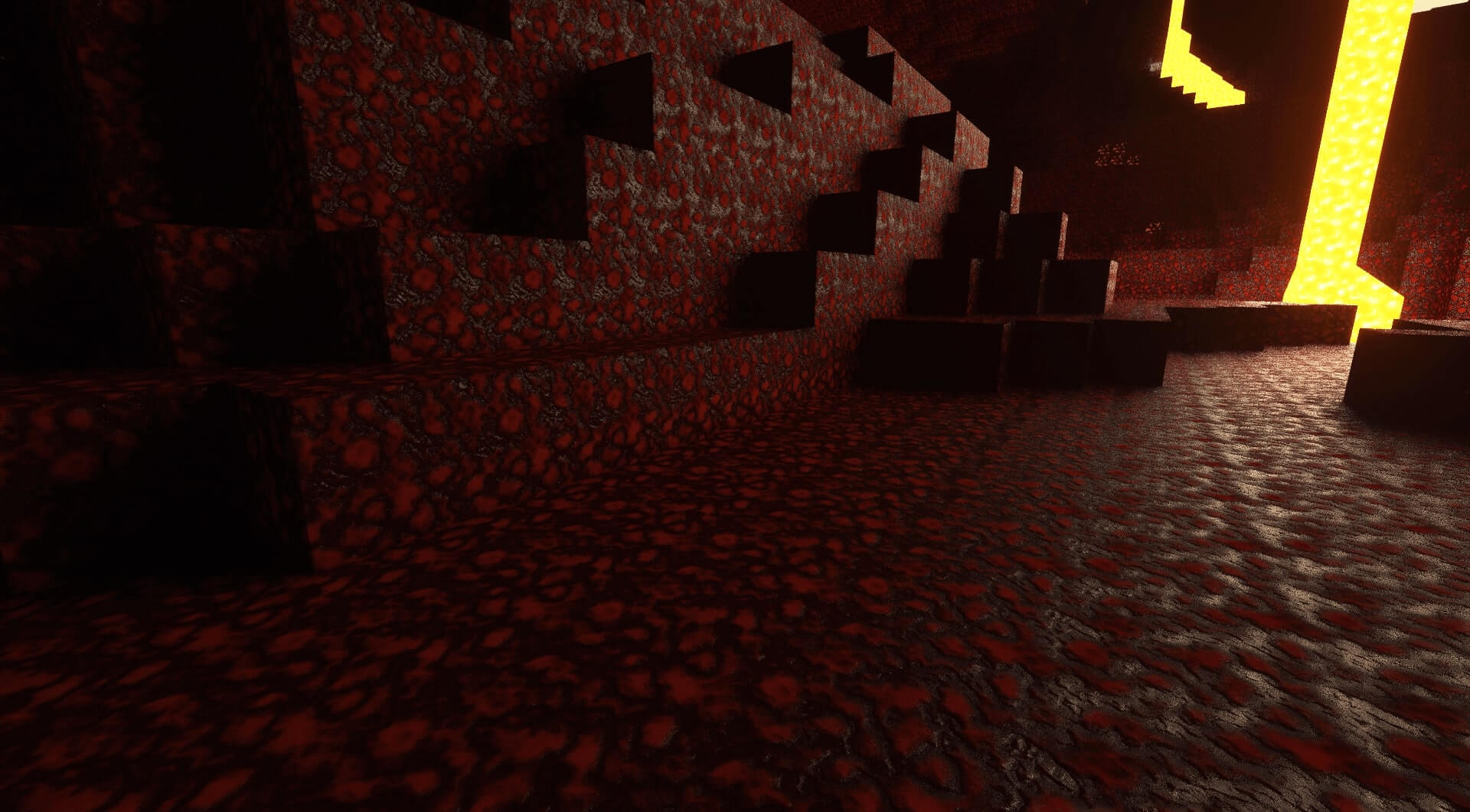
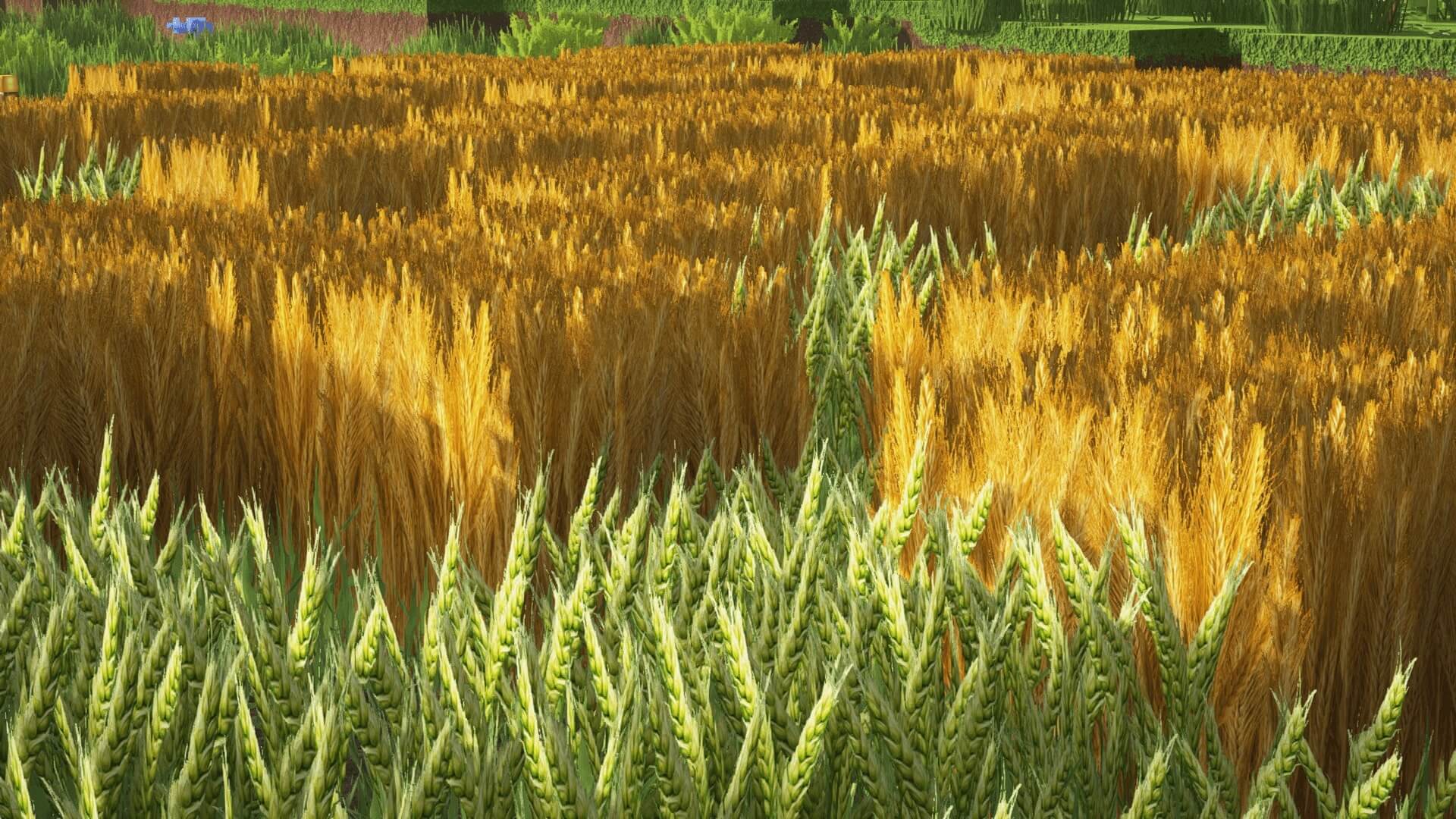
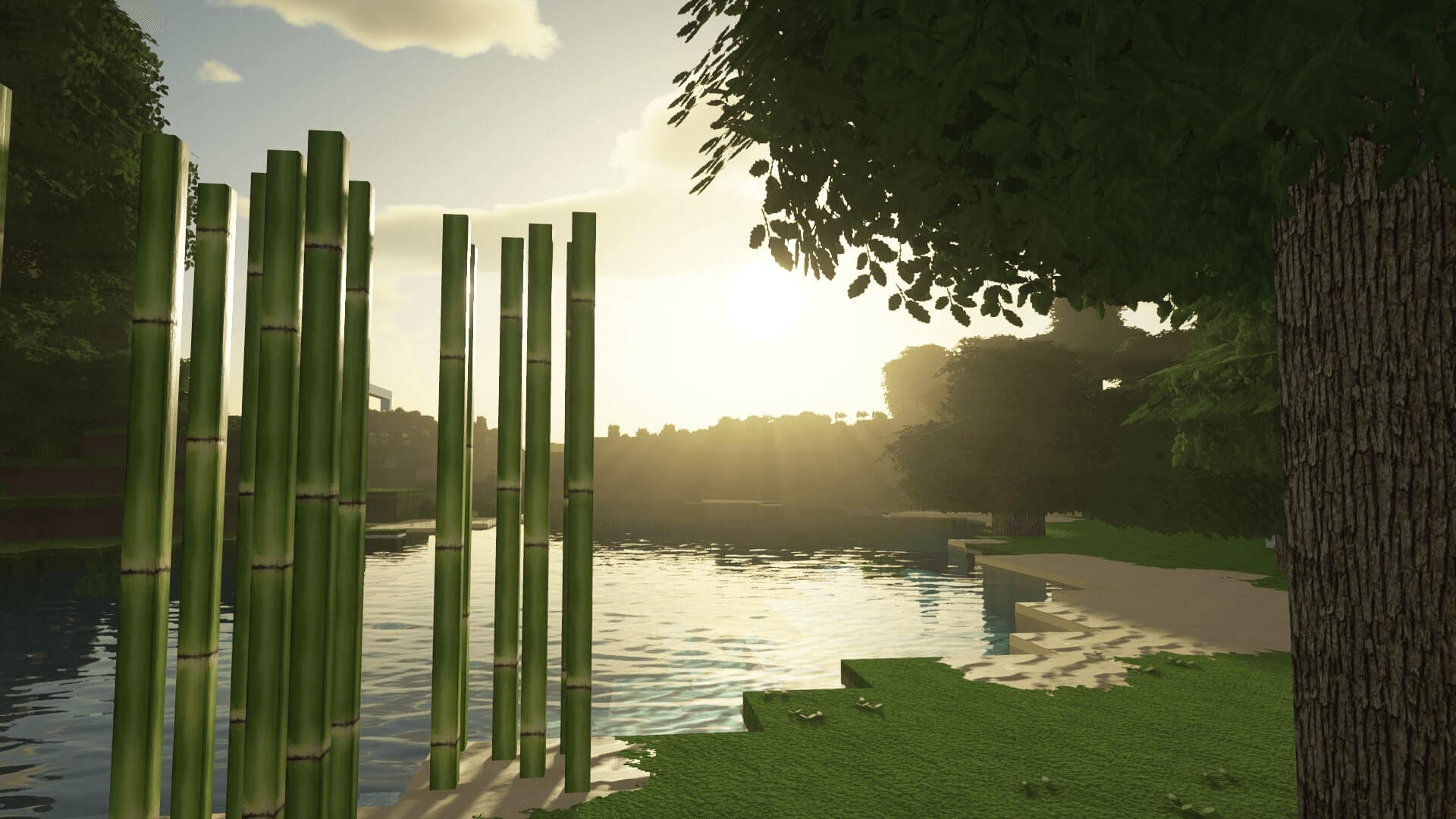
The Realism Mats texture pack has gained significant popularity and recognition, and it’s well-deserved. The Iamonedesign developer behind it has achieved an impressive level of realism, almost making it difficult to recognize that you’re still playing Minecraft. Using Photoshop and meticulous optimization, the textures have been refined down to the finest details. In some cases, the developer even captures textures with their own camera, adding a personal touch to the pack. Despite not being a fan of the game initially, the developer now actively plays Minecraft and continues to work on Realism Mats.
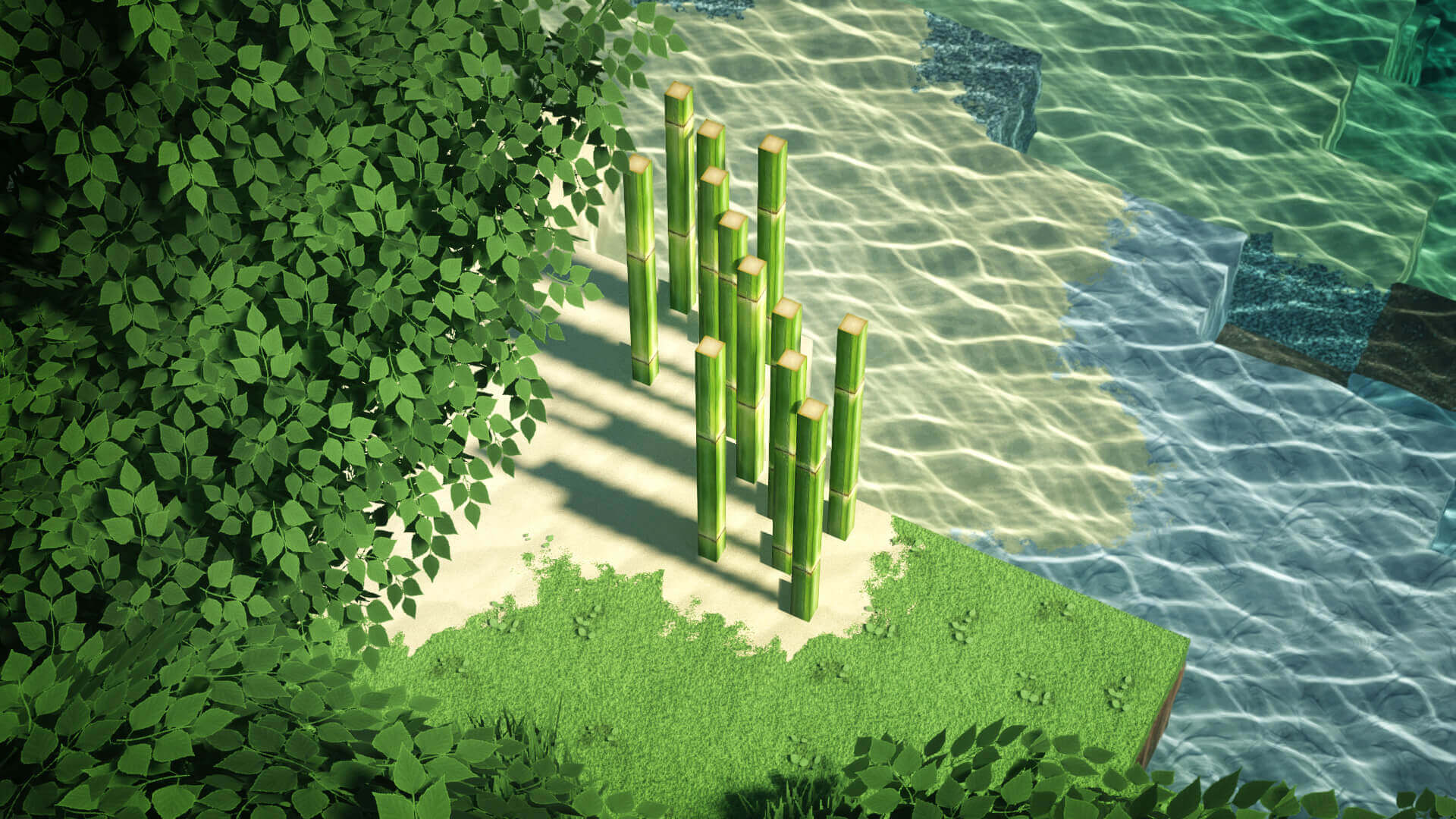
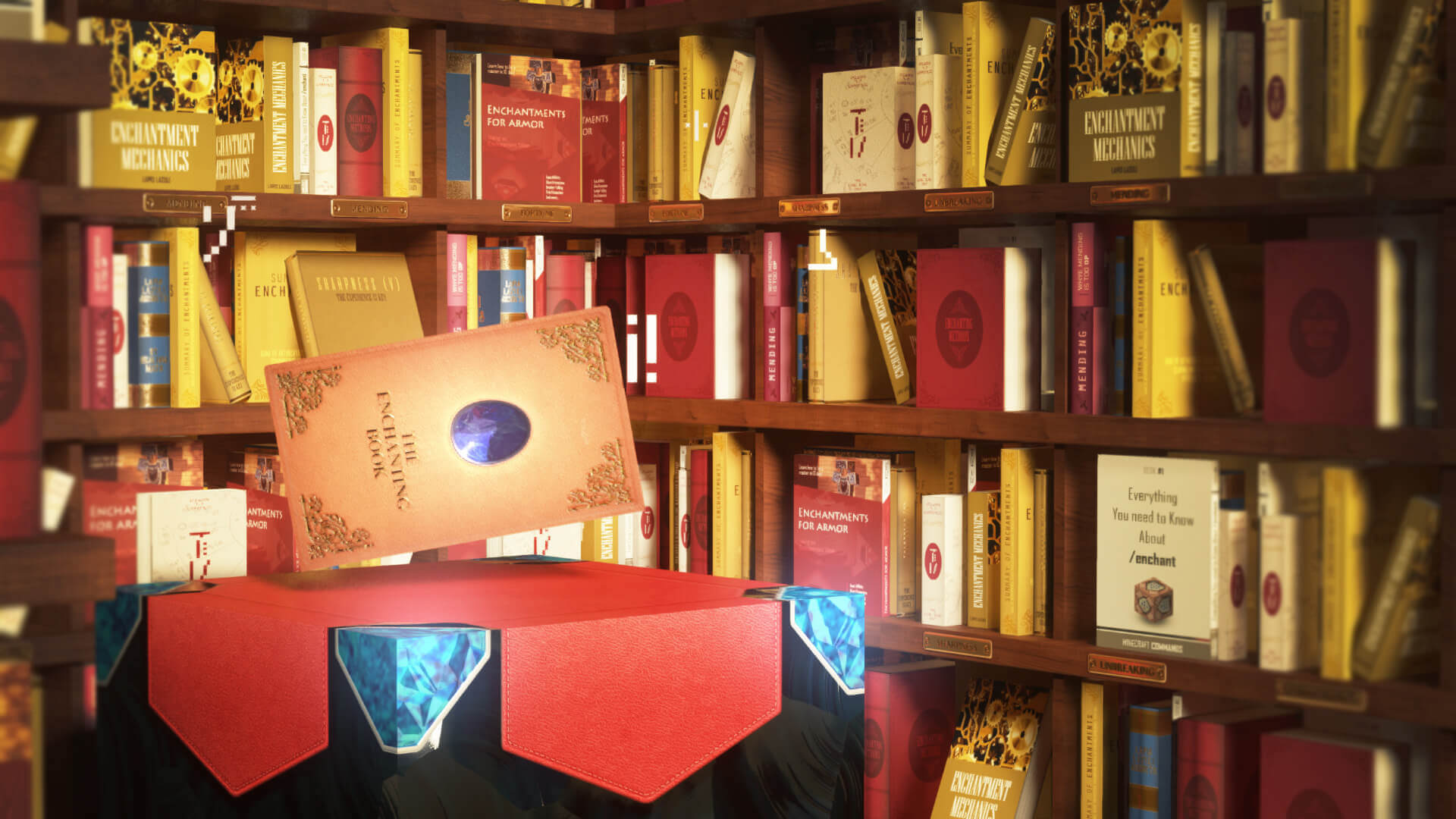
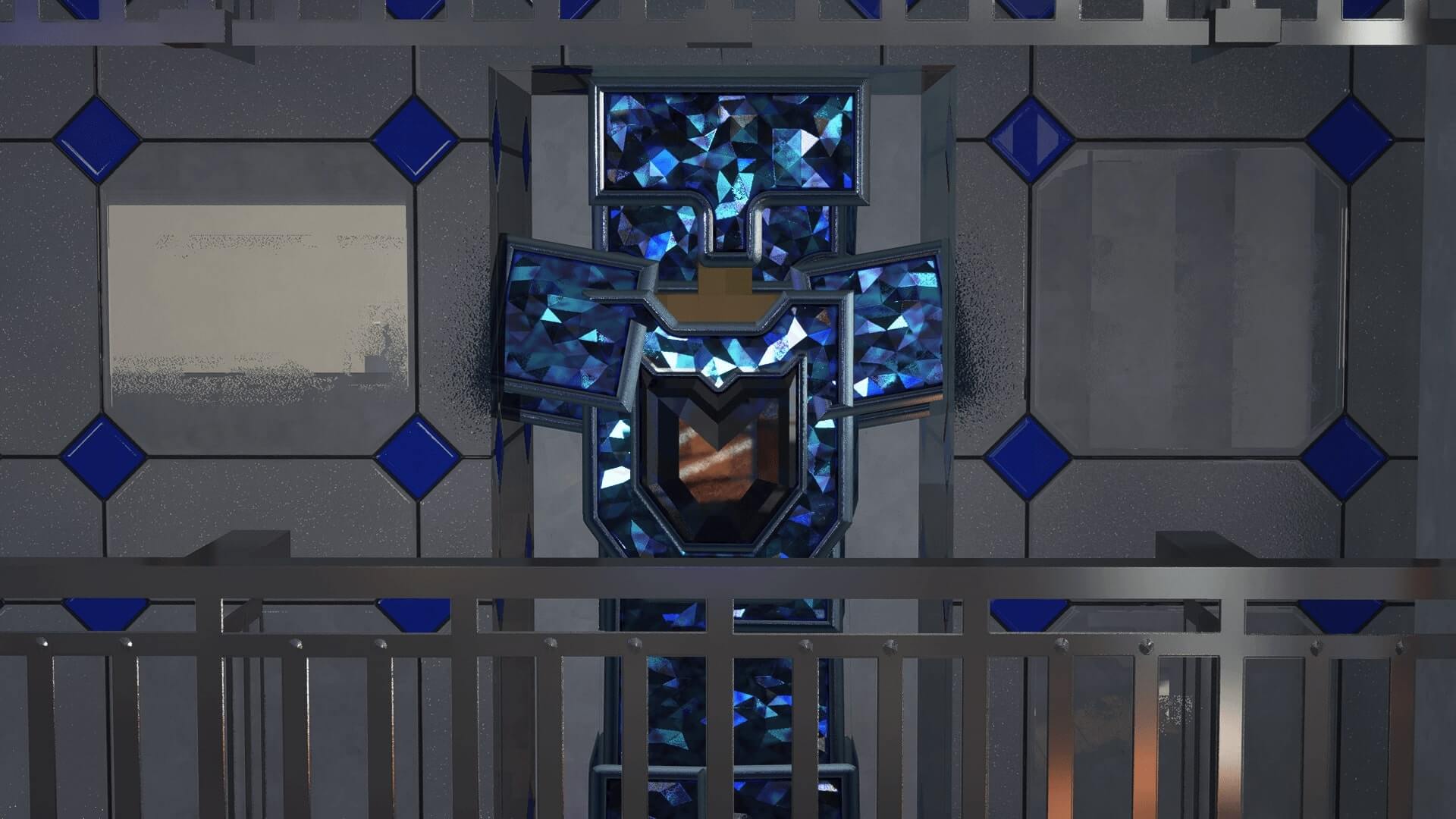
The primary objective of the project is to create an exceptionally realistic game environment. As a result, the blocks have a remarkably modern appearance and are no longer pixelated. Some designs even feature stunning 3D elements, further enhancing the overall realism. It’s astonishing how you could easily convince someone unfamiliar with Minecraft that you’re not playing the game.
Realism Mats excels in its weaponry, which is truly remarkable. The pack introduces Minecraft swords with an unprecedented level of high resolution, surpassing what was once unimaginable just a few years ago. The Realism Mats is among the most realistic texture packs on the internet is entirely justified. This sentiment is echoed by passionate fans who have eagerly downloaded the pack thousands of times. The level of detail and immersion achieved through the textures is exceptional, capturing the attention and admiration of the entire Minecraft community.
How to install the Realism Mats Texture Pack
- Download and install OptiFine.
- Download the texture pack that is compatible with your game version and Minecraft edition.
- Launch Minecraft.
- Click on “Options” in the main menu.
- In the options menu, go to the submenu “Resource Packs”.
- Click on “Open Pack Folder” at the bottom left.
- Move the downloaded ZIP file into your resourcepacks folder.
- You will see the pack on the left half of the resource pack screen.
- Move the cursor to the pack logo and click the arrow pointing to the right.
Click on “Done”.
✅ None of the files are hosted on our server. All direct download links on our website are official authors links. The packs are free of viruses. Therefore, they are completely safe and secure.
✅ Please share this post on social media.
✅ Are there any thoughts you’d like to share? Please write a comment and rate the pack.