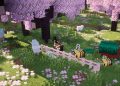
Lazuli Plains HD is a stunning, high-definition Minecraft texture pack created by Saracalia, designed to elevate the game’s visual aesthetic while preserving the classic look of Minecraft. This texture pack is well-suited for players looking to blend realism with Minecraft’s blocky art style, delivering a fresh and immersive experience that transforms your builds, biomes, and landscapes into something more refined and detailed.
Key Features of Lazuli Plains HD
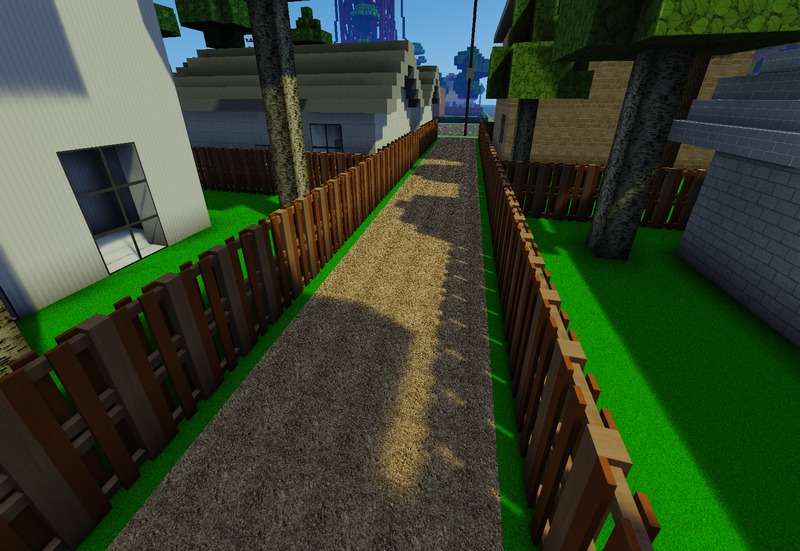
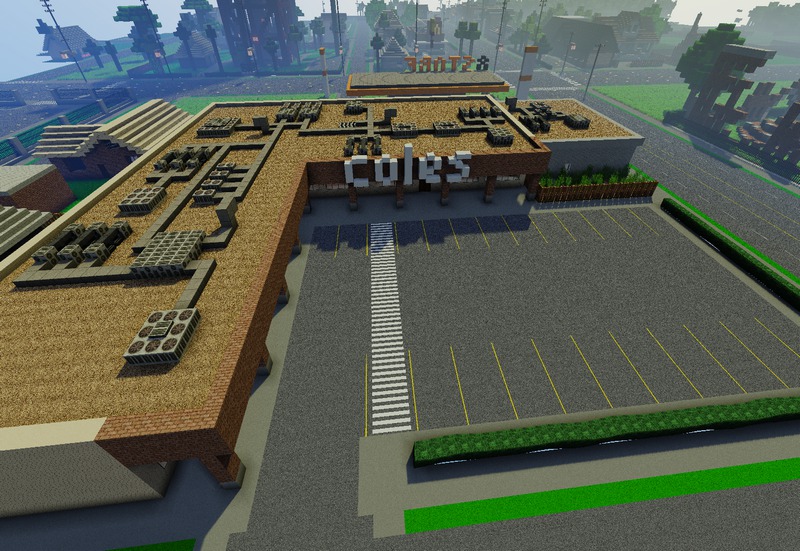
High-Definition Textures: Lazuli Plains HD brings 16x, 32x, and even 64x textures to the table, making every block in Minecraft appear more polished and detailed. Each texture has been carefully created to add more depth to the game, making blocks like wood, stone, and ores look more realistic. This results in an enhanced experience for those who want the classic Minecraft aesthetic but crave higher-quality textures.
Faithful to Vanilla Minecraft: One of the major strengths of Lazuli Plains HD is its faithfulness to vanilla Minecraft. The pack doesn’t stray far from the original textures but rather enhances them with HD visuals. This makes it ideal for players who want their game to feel familiar yet upgraded. Whether you’re building in Survival or exploring vast landscapes in Creative mode, Lazuli Plains HD ensures that the Minecraft experience feels enhanced without being too different from the original.
Improved Environmental Textures: In addition to blocks, this texture pack focuses on environmental elements like water, leaves, and sky textures, which are significantly improved. Water bodies reflect a clearer, more realistic shimmer, while tree leaves sway naturally, and the skies boast a clean and vivid look. These subtle environmental improvements add to the overall atmosphere of the game, creating a more immersive and visually appealing world.
Stunning Landscape Enhancements: Whether you’re traversing forests, climbing mountains, or diving into caves, Lazuli Plains HD ensures that all biomes feel more vibrant. Grassy plains, dense jungles, and snowy peaks all have enhanced textures that bring new life to familiar landscapes. The texture pack adds more richness and texture to natural elements, making every environment feel more engaging.
Customized Mobs and Entities: The Lazuli Plains HD texture pack also revamps the textures of mobs and other in-game entities. Creatures such as zombies, skeletons, and animals are given more defined textures, making them look more immersive and less pixelated. The new textures for mobs maintain the Minecraft feel but give them a bit of a facelift to match the HD theme.
Performance Optimization: Despite offering high-definition textures, Lazuli Plains HD is optimized to run smoothly even on mid-range systems. The pack ensures a good balance between visual fidelity and game performance. Players with moderate setups can still enjoy the visual upgrades without experiencing significant frame drops or lag, which is important when playing in larger worlds or during multiplayer sessions.
Compatibility and Updates
Lazuli Plains HD is compatible with Minecraft Java Edition and is regularly updated to support newer versions of the game. The developer, Saracalia, frequently provides updates that add new features, textures, and improvements to the pack, ensuring it remains compatible with the latest Minecraft releases. It’s also compatible with popular shaders like Optifine, allowing players to combine high-definition textures with enhanced lighting and shadow effects for an even more visually stunning experience.
Lazuli Plains HD by Saracalia is an excellent choice for players who want to enhance Minecraft’s visuals without straying too far from the original design. Its combination of high-definition textures, environmental improvements, and faithful recreations of vanilla Minecraft elements makes it a popular choice for both builders and explorers alike. Whether you’re working on detailed architectural builds or simply wandering through the game’s many biomes, Lazuli Plains HD elevates the visual experience while maintaining Minecraft’s charm.
How to install Lazuli Plains HD Texture Pack
- Download and install OptiFine.
- Download the texture pack that is compatible with your game version and Minecraft edition.
- Launch Minecraft.
- Click on “Options” in the main menu.
- In the options menu, go to the submenu “Resource Packs”.
- Click on “Open Pack Folder” at the bottom left.
- Move the downloaded ZIP file into your resourcepacks folder.
- You will see the pack on the left half of the resource pack screen.
- Move the cursor to the pack logo and click the arrow pointing to the right.
Click on “Done”.
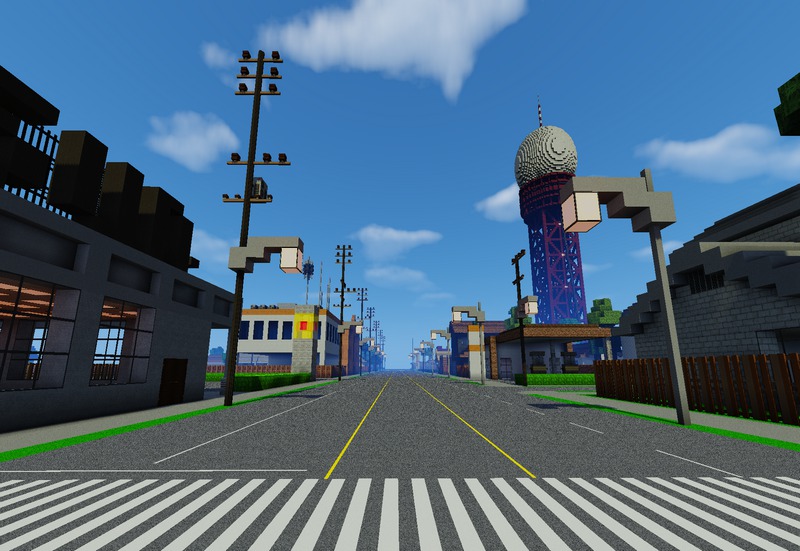
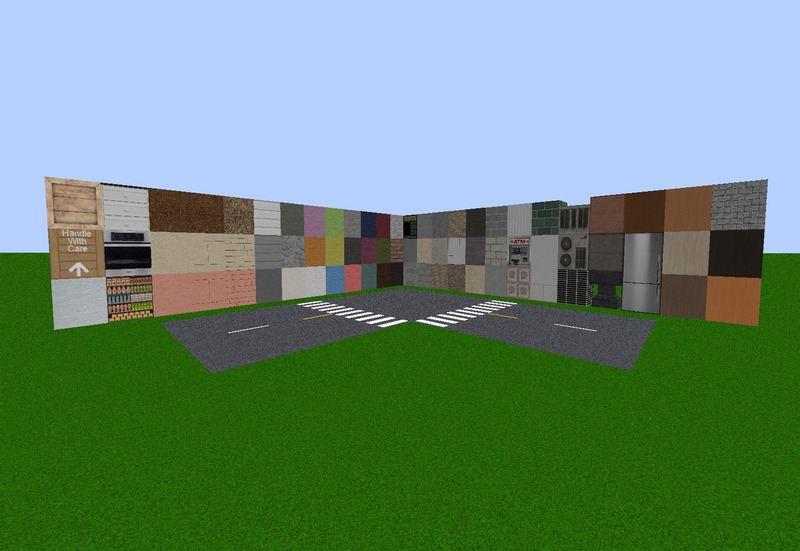
✅ None of the files are hosted on our server. All direct download links on our website are official authors links. The packs are free of viruses. Therefore, they are completely safe and secure.
✅ Please share this post on social media.
✅ Are there any thoughts you’d like to share? Please write a comment and rate the pack.