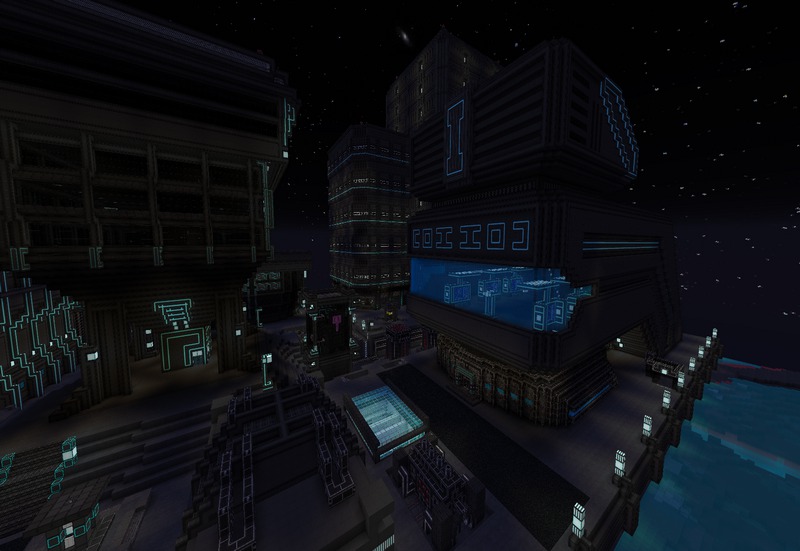
The FutureSpace Texture Pack by Norzeteus150755 transports Minecraft players into a futuristic and immersive science fiction world. Designed with an elaborate space theme, this texture pack brings a new level of creativity to Minecraft, combining cutting-edge visuals with an interstellar ambiance. If you’re a fan of sci-fi environments, spaceships, and the general feeling of exploring the unknown, the FutureSpace Texture Pack will transform your Minecraft world into a galaxy far, far away.
Key Features of FutureSpace Texture Pack
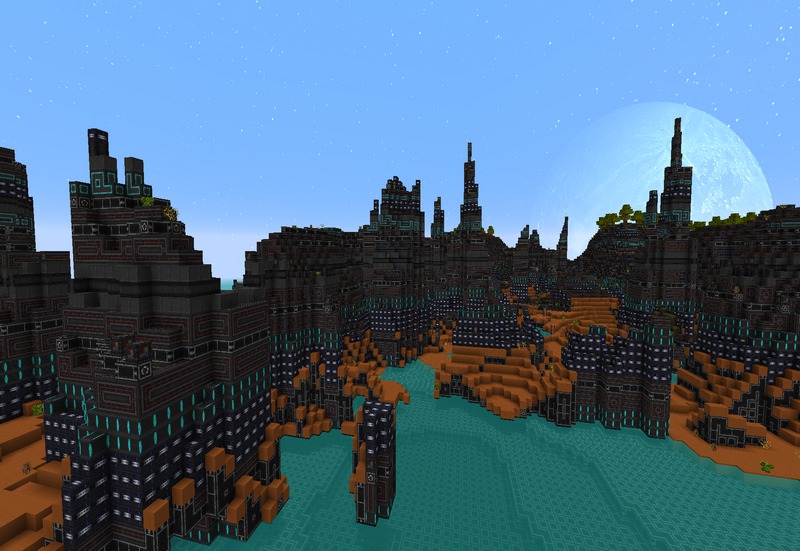
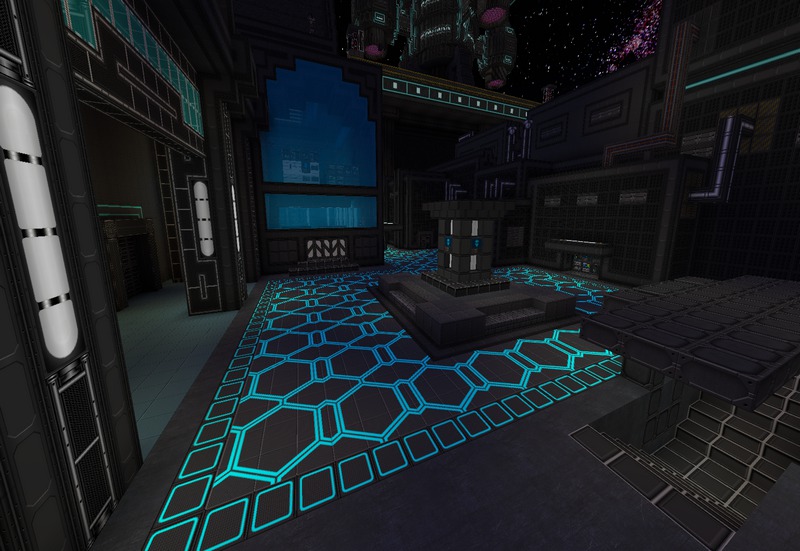
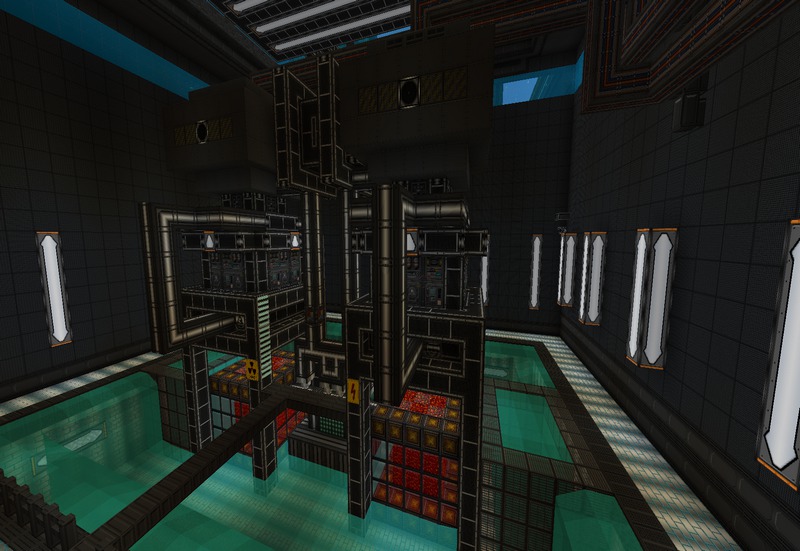
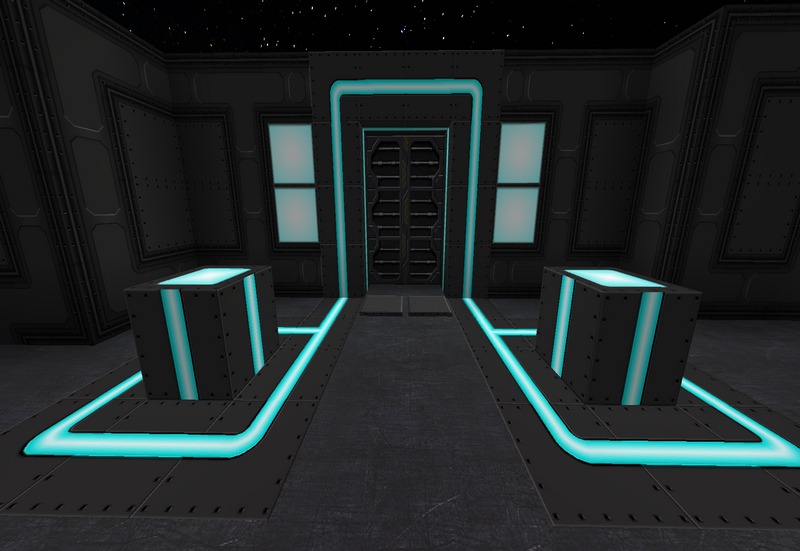
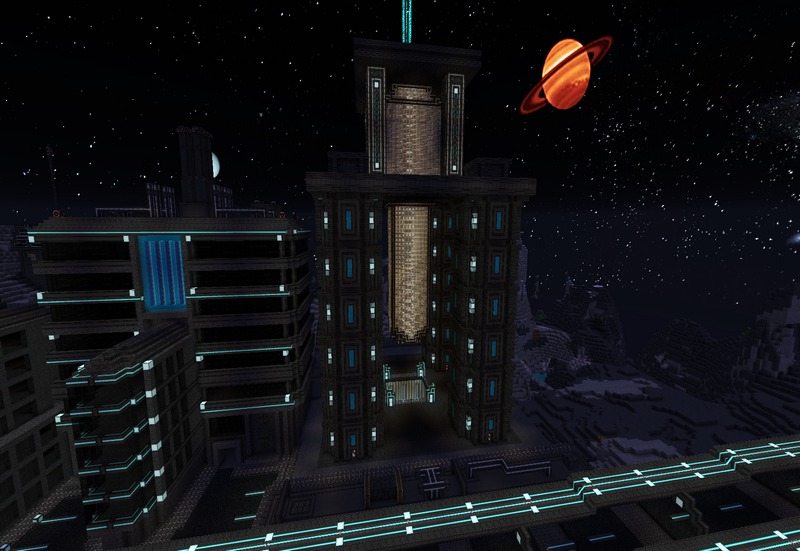
Sci-Fi Design Aesthetic: At the heart of the FutureSpace Texture Pack lies its distinct sci-fi aesthetic. With its futuristic blocks, tools, and structures, every aspect of Minecraft is redesigned to fit a space environment. Norzeteus150755 incorporated textures reminiscent of space stations, metallic surfaces, and advanced technology, giving Minecraft players the sensation of living in a distant future. Whether you’re building a space colony or exploring alien landscapes, the pack offers endless creative possibilities.
PBR Textures for Enhanced Realism: The texture pack includes Physically-Based Rendering (PBR) support, which enhances the realism of textures by reacting naturally to lighting in Minecraft. When combined with shaders, such as SEUS PTGI or Continuum Shaders, the surfaces of metallic blocks, panels, and futuristic materials shine, reflecting light realistically and giving the entire world a highly polished and high-tech look.
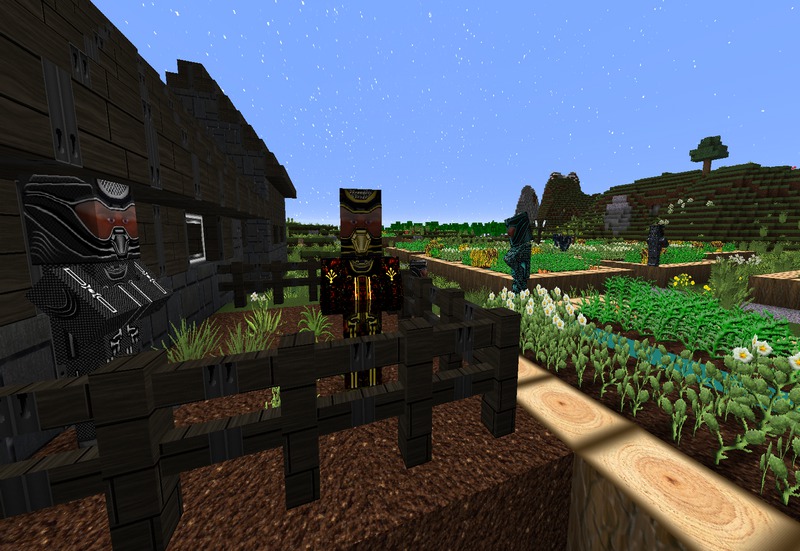
Reworked Mobs and Characters: Not only are the environments transformed, but even the mobs and player skins have been redesigned with a sci-fi flair. Zombies and skeletons look like mutated space creatures, while other mobs wear futuristic suits. This reimagining of characters gives the gameplay a fresh and exciting feel, making the exploration of this futuristic world more engaging.
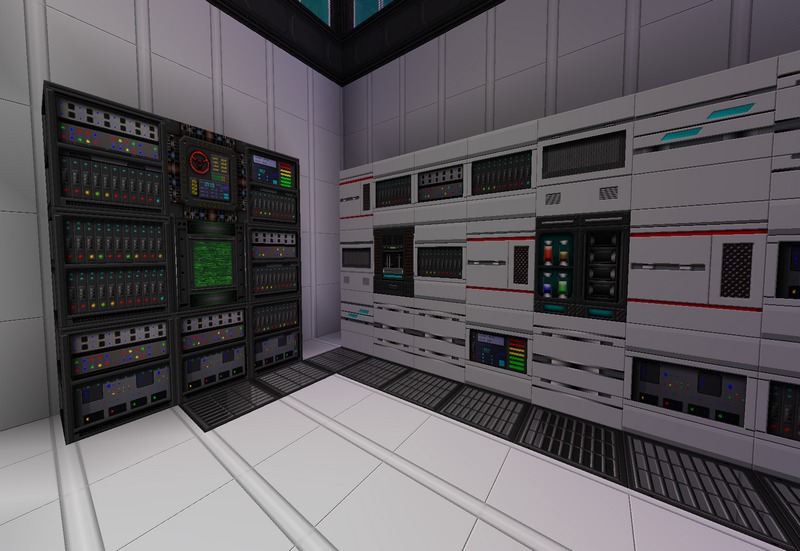
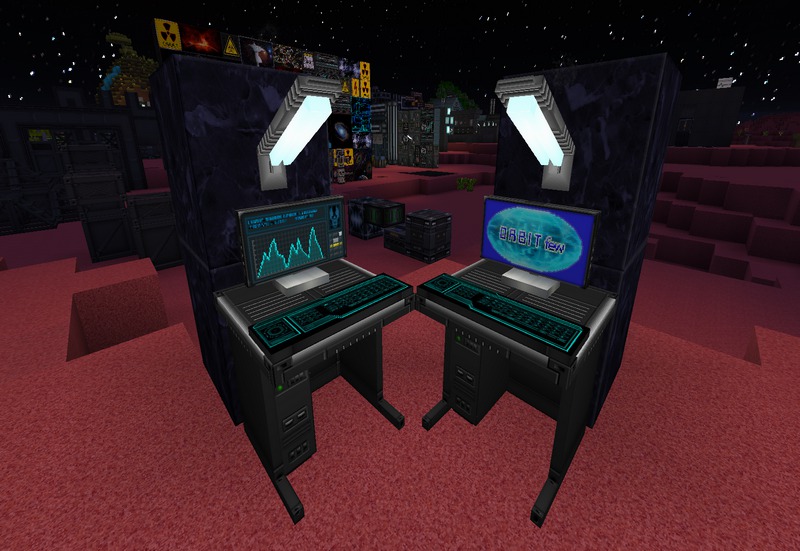
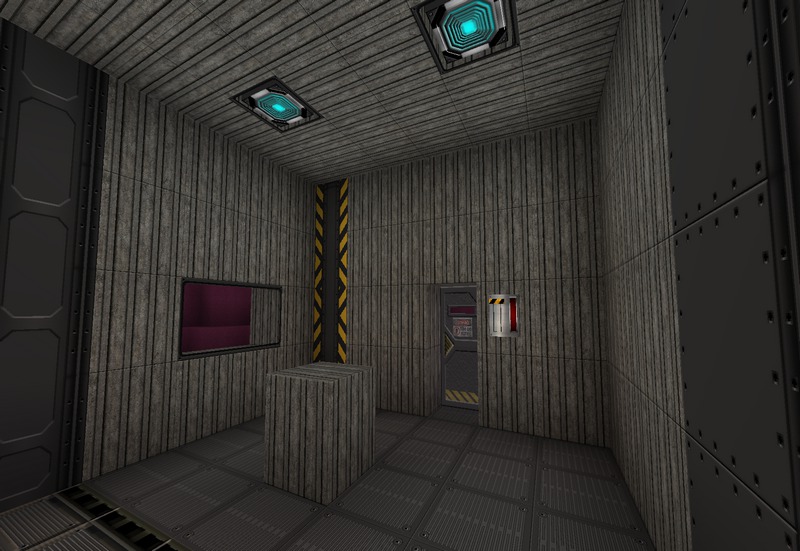
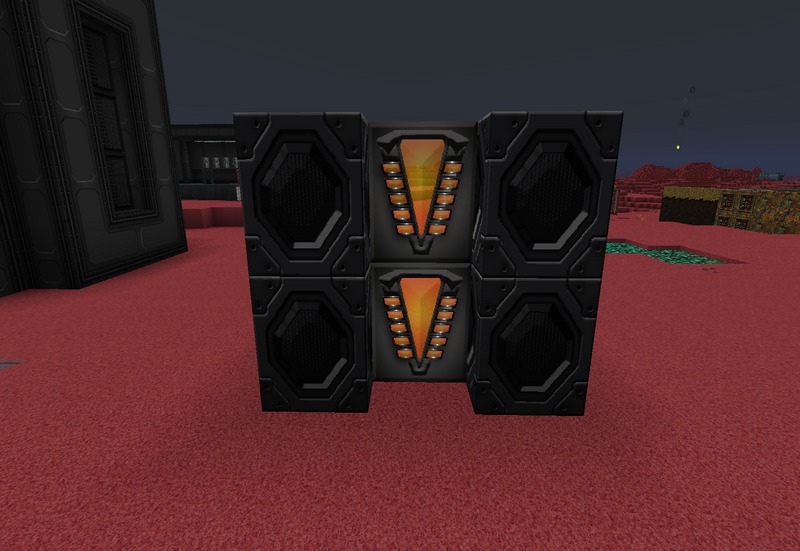
Highly Detailed Blocks: One of the standout aspects of the FutureSpace Texture Pack is its attention to detail. Every block, from stone to redstone, is re-imagined in a way that fits the space theme. You’ll find highly detailed blocks that look like high-tech panels, consoles, and holographic screens. Whether building a space station or a futuristic base, players will have access to a wide variety of materials to build realistic structures from another world.
Custom GUI: The texture pack also features a custom graphical user interface (GUI). The in-game menu and inventory screens have been redesigned to match the futuristic vibe. Sleek, metallic interfaces replace the default Minecraft look, creating a consistent, immersive experience that stretches beyond just the gameplay.
Unique Sound Design: Norzeteus150755 went the extra mile by integrating custom sounds into the texture pack. The FutureSpace Texture Pack has custom sounds that further enhance the science fiction experience. The sound of machines, space vehicles, and other futuristic elements blend with the visuals, creating a complete sensory experience that will make players feel like they are exploring deep space.
Compatibility and Versions
The FutureSpace Texture Pack is compatible with Minecraft Java Edition and has been designed for multiple Minecraft versions, including 1.12, 1.16, and 1.19. It supports both single-player and multiplayer servers, making it versatile for players who want to explore their sci-fi creations alone or share them with others in a community.
Performance and Optimization
Despite its detailed design and high-quality textures, the FutureSpace Texture Pack is optimized for smooth performance. The pack’s resolution is 64×64, which provides a balance between visual fidelity and performance. Players with mid-range to high-end computers should have no trouble running this texture pack, especially when combined with shaders to enhance the lighting and reflections.
The FutureSpace Texture Pack by Norzeteus150755 is a fantastic choice for Minecraft players who want to explore a world far beyond Earth. With its sci-fi themes, detailed textures, and immersive design, this pack will transform the way you experience Minecraft. It’s ideal for creative builders, space enthusiasts, or anyone looking to take their Minecraft game into a futuristic setting.
How to install FutureSpace Texture Pack
- Download and install OptiFine.
- Download the texture pack that is compatible with your game version and Minecraft edition.
- Launch Minecraft.
- Click on “Options” in the main menu.
- In the options menu, go to the submenu “Resource Packs”.
- Click on “Open Pack Folder” at the bottom left.
- Move the downloaded ZIP file into your resourcepacks folder.
- You will see the pack on the left half of the resource pack screen.
- Move the cursor to the pack logo and click the arrow pointing to the right.
Click on “Done”.
✅ None of the files are hosted on our server. All direct download links on our website are official authors links. The packs are free of viruses. Therefore, they are completely safe and secure.
✅ Please share this post on social media.
✅ Are there any thoughts you’d like to share? Please write a comment and rate the pack.