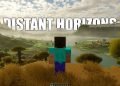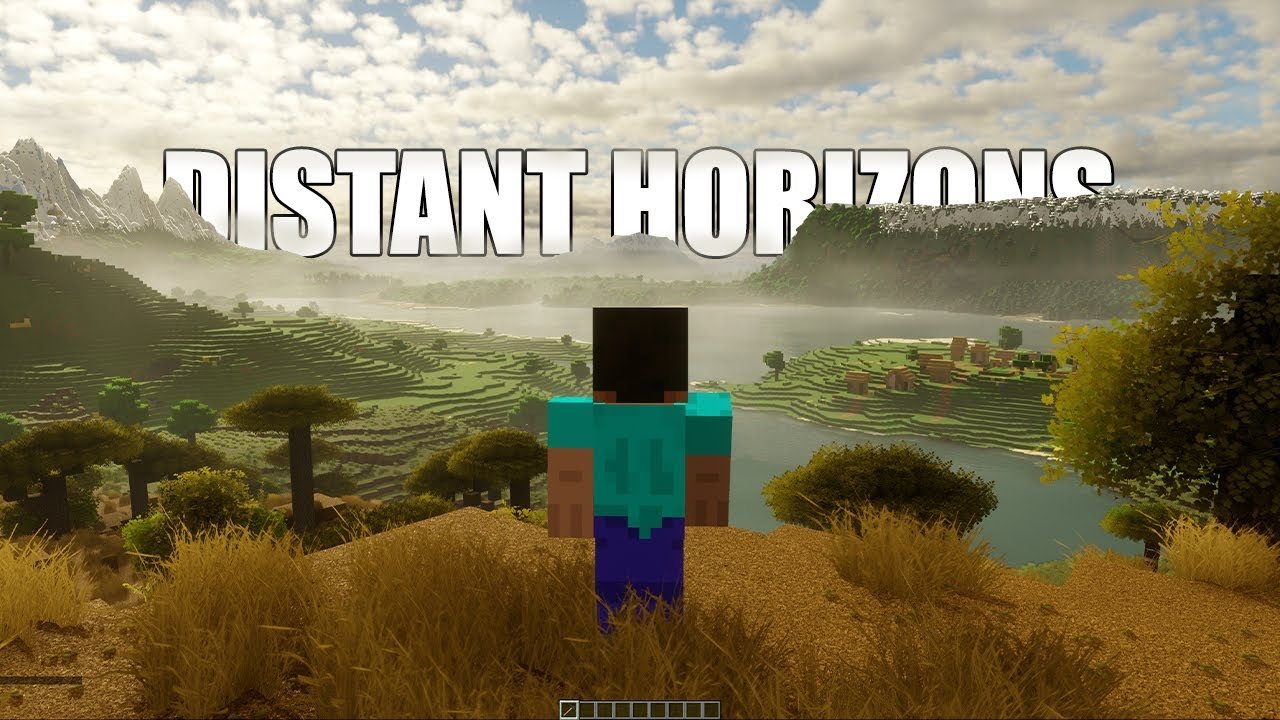
Distant Horizons is a groundbreaking mod for Minecraft Java Edition that significantly extends the game’s render distance by implementing a Level of Detail (LOD) system. This allows players to see vast landscapes far beyond the default limits without compromising performance.
🌄 What is Distant Horizons?
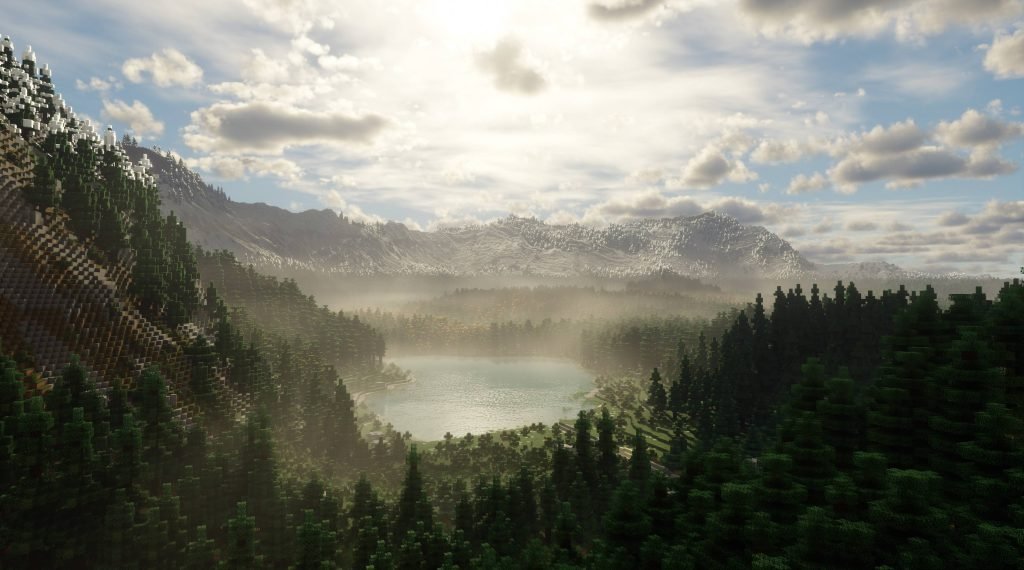
Distant Horizons introduces simplified terrain rendering beyond Minecraft’s standard view distance. By displaying low-detail versions of distant chunks, the mod provides a seamless and expansive visual experience, enhancing exploration and immersion.
⚙️ Key Features
Extended Render Distance: View up to 512 chunks away, compared to the vanilla limit of 32 chunks.
Performance Optimization: Maintains high frame rates by rendering distant terrain at lower detail levels.
Mod Compatibility: Supports various mod loaders, including Forge, Fabric, and NeoForge.
Shader Integration: Compatible with select shaders, enhancing visual fidelity.
🛠️ Installation Guide
Install a Mod Loader:
Choose and install Forge, Fabric, or NeoForge compatible with your Minecraft version.
Download Distant Horizons:
Obtain the mod from CurseForge.
Place in Mods Folder:
Move the downloaded
.jarfile into themodsfolder located in your.minecraftdirectory.
Launch Minecraft:
Start the game using the mod loader profile to activate Distant Horizons.
🎮 Configuring Settings for Optimal Performance
Access Distant Horizons settings via the game’s options menu, adjacent to the FOV slider. Recommended configurations:
Enable Rendering: True
LOD Render Distance Radius: 64 (for lower-end systems) or 128 (for higher-end systems)
Quality Preset: Low or Medium, depending on system capabilities
CPU Load: Low Impact or Balanced
Enable Distant Generation: True
Show LOD Gen/Import Progress: True
Enable Cloud Rendering: True
Adjust these settings to balance visual quality and performance based on your hardware.
🌐 Shader Compatibility
Distant Horizons works with specific shaders to enhance visual effects. Compatible shaders include:
Complementary Shaders
BSL Shaders
Potato Shaders
VanillAA Shaders
Note: Compatibility may vary based on shader versions and configurations.
🧩 Integration with Modpacks
Distant Horizons can be added to existing modpacks to enhance visual range. Ensure compatibility with other mods and adjust settings accordingly.
⚠️ Known Issues and Troubleshooting
Lighting Discrepancies: Distant terrain may appear brighter or darker than expected.
Shader Conflicts: Some shaders may not render distant terrain correctly.
Performance Drops: Extremely high render distances can impact performance on lower-end systems.
Distant Horizons redefines the boundaries of Minecraft’s visual experience, offering players unparalleled vistas and a deeper sense of immersion. By extending render distances and optimizing performance, it stands as a testament to the modding community’s innovation.