The Physics Mod by Haubna is a game-changing Minecraft mod that pushes the boundaries of in-game physics, providing players with a far more realistic and immersive experience. By introducing advanced physics mechanics, the mod drastically alters how objects, blocks, and entities behave within the game.
Key Features and Mechanics
Realistic Block Physics:
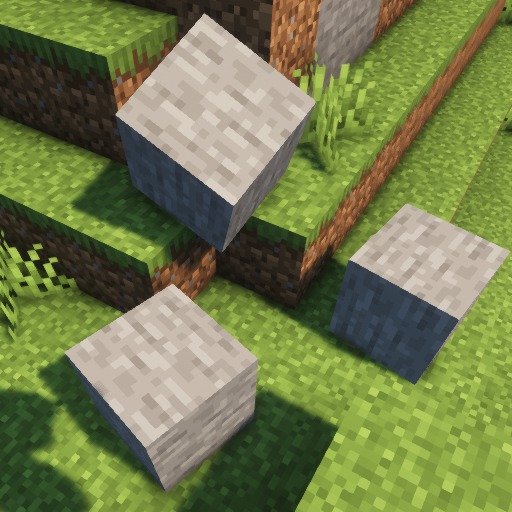
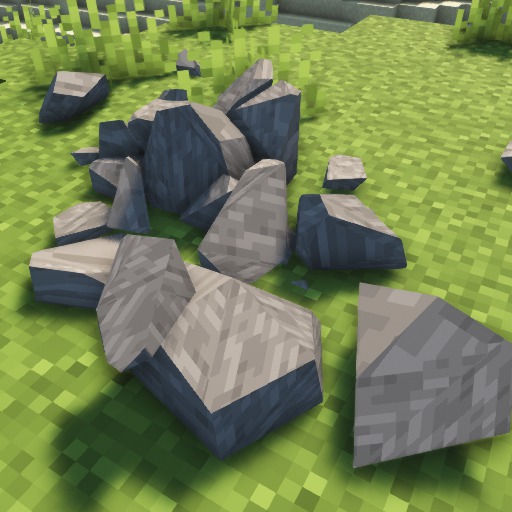
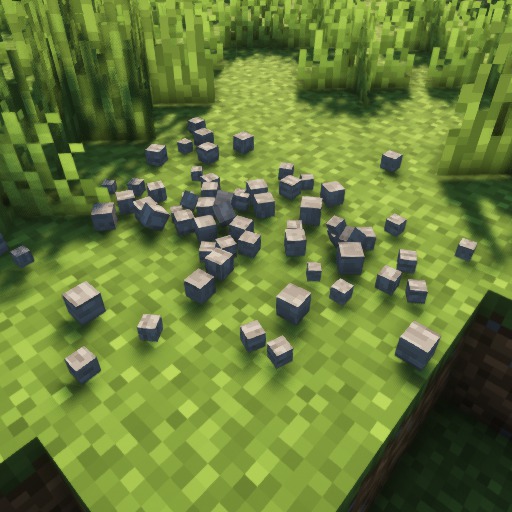
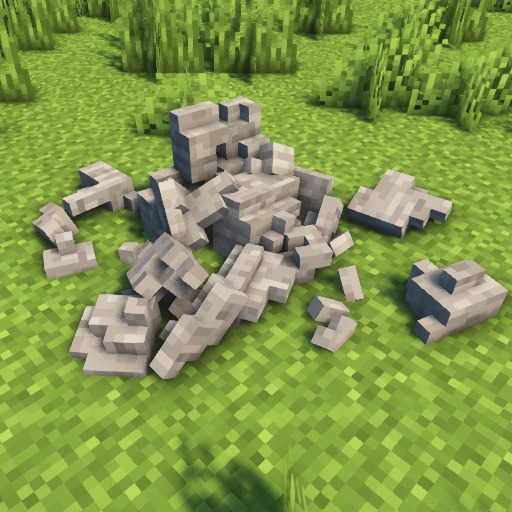
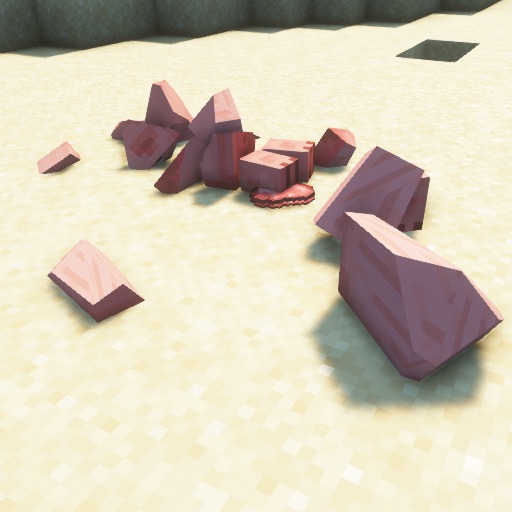
- One of the standout features of this mod is its treatment of block physics. For example, when you break a tree, the entire tree collapses in a realistic manner, rather than the blocks simply disappearing into thin air. Similarly, when you mine stone blocks, they fall and tumble instead of remaining static. These changes enhance the game’s immersion and add a layer of realism that standard Minecraft does not offer.
Ragdoll Physics for Mobs:
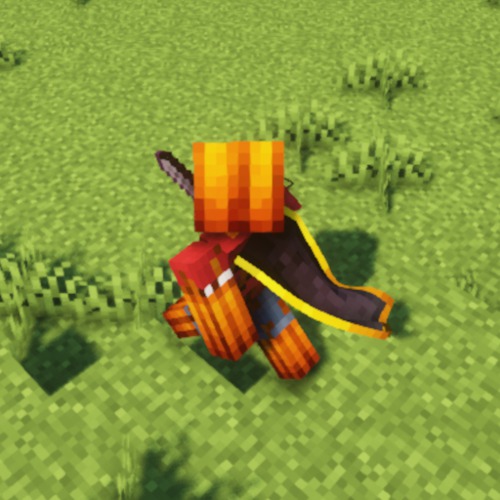
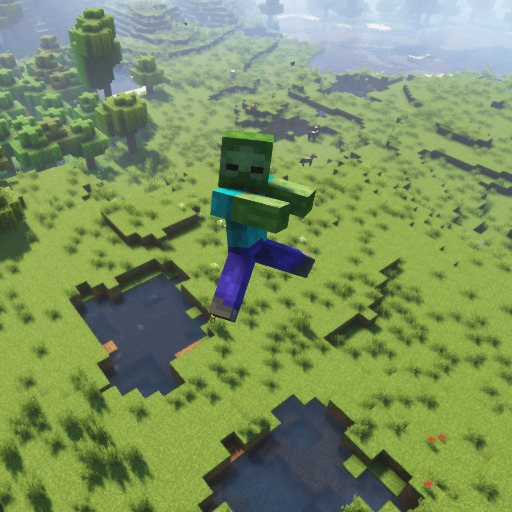
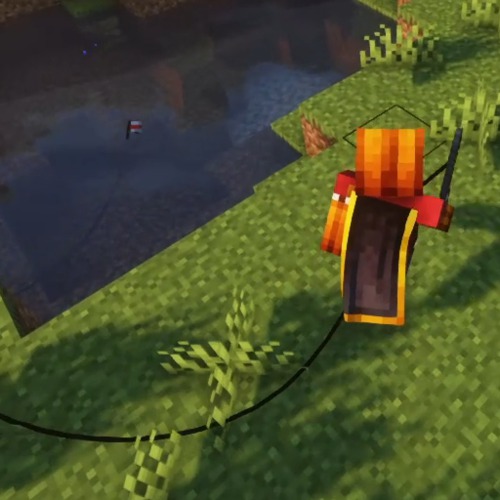
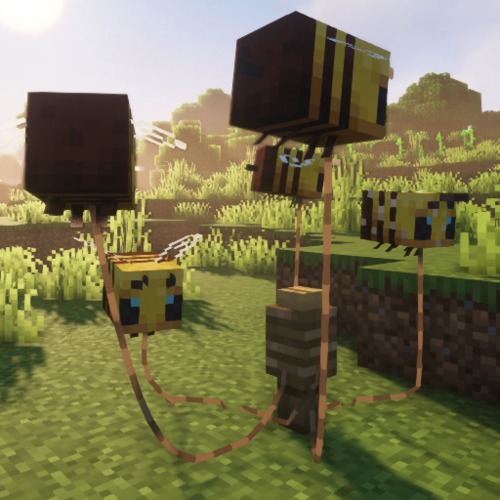
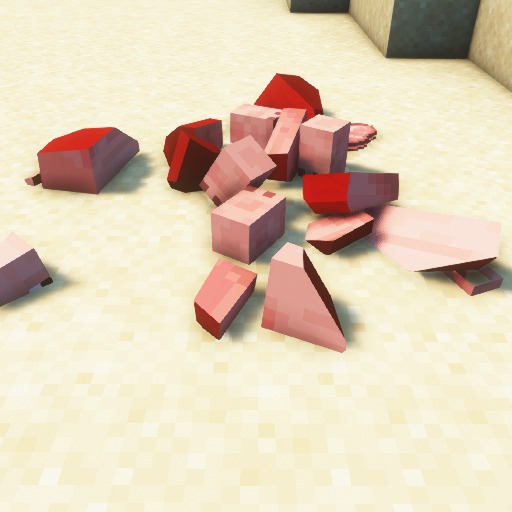
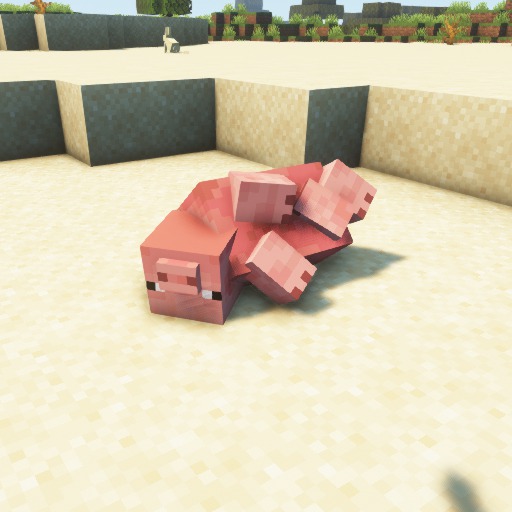
- Mobs now have ragdoll physics, which means that when they are defeated, they collapse and react to the environment in a dynamic way. This includes falling off cliffs, colliding with objects, and responding to explosions in a more natural and visually engaging manner.
Item Physics:
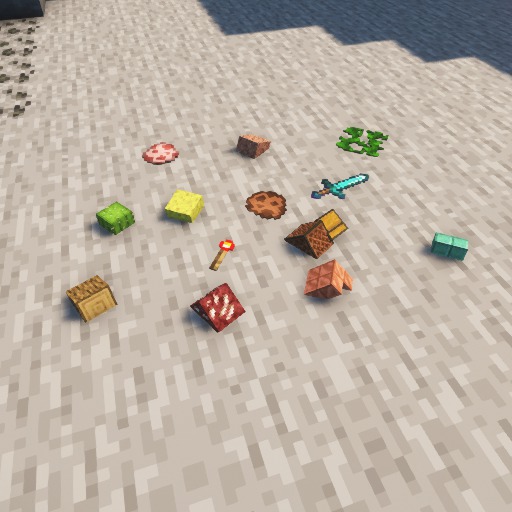
- Items in the world no longer float in mid-air but instead lie flat on the ground with appropriate weight and movement dynamics. They can also interact with the environment—rolling, sliding, and reacting to gravity and terrain slopes.
Fluid Simulation (PRO Version):
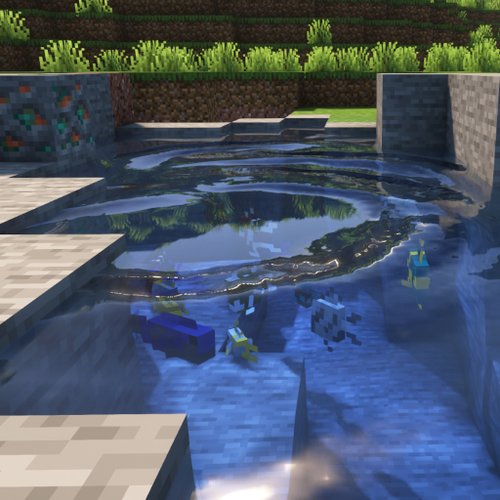
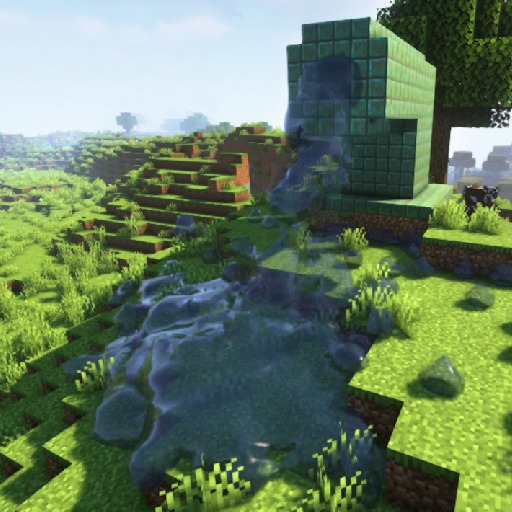
- The PRO version of the Physics Mod introduces fluid dynamics, where water and other liquids flow and interact with the terrain more naturally. This feature adds another layer of realism, making rivers, lakes, and oceans feel more alive.
Collision Physics and Particle Effects (PRO Version):
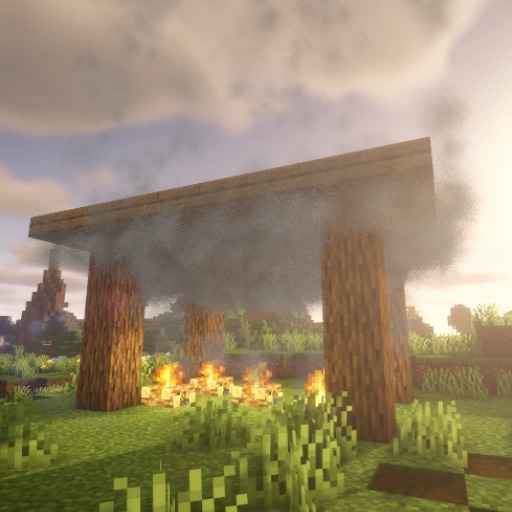
- With advanced collision physics, objects and entities can now collide and bounce off surfaces in a more realistic way. Additionally, particle effects are enhanced to create visually stunning interactions during activities like mining, explosions, or battling mobs.
Customizable Settings:
- The mod is designed to be highly customizable, allowing players to adjust the physics settings to their liking. Whether you want the full-blown realism of the PRO version or a more toned-down experience, the mod lets you tweak everything from block behavior to particle density.
Performance Optimizations:
- Despite the complex physics calculations, the mod is optimized to ensure minimal impact on performance. This means that even with all the added realism, the game remains smooth and playable. It also supports integration with various shaders and texture packs, allowing for stunning visuals without sacrificing frame rates.
Compatibility:
- The Physics Mod is available for both Fabric and Forge mod loaders, making it accessible to a wide range of players. It’s regularly updated to be compatible with the latest Minecraft versions, ensuring that you can always enjoy the latest features and improvements.
Interactive Collapsing Caves:
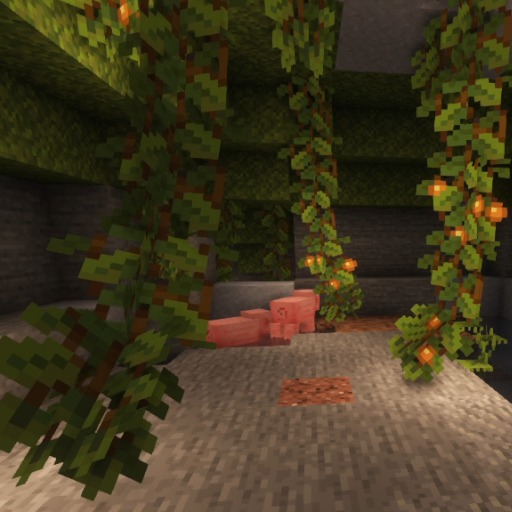
- Another exciting feature is the introduction of collapsing caves. As you mine deeper, there’s a risk that caves can collapse around you, adding an element of strategy and danger to mining expeditions.
Versions and Availability
The mod is available in two versions: a free basic version and the more advanced PRO version. The basic version includes the core features, such as ragdoll physics and item physics, but if you want the full experience with fluid simulation and advanced collision physics, upgrading to the PRO version is the way to go. The PRO version offers additional features that make the mod even more immersive and realistic.
Installation and Community Support
Installing the Physics Mod is straightforward, and it integrates seamlessly with other mods and Minecraft versions. The mod has a large and active community, and there are numerous tutorials and forums available to help with installation and troubleshooting.
For those interested in expanding their Minecraft experience with realistic physics, the Physics Mod by Haubna is a must-have. Whether you’re building intricate structures, exploring caves, or simply chopping down trees, this mod will transform the way you interact with the Minecraft world.

How to install the Physics Mod
Install Minecraft Forge or Fabric:
- Download Minecraft Forge or Fabric, depending on the mod’s requirements.
- Run the installer and choose the appropriate Minecraft version.
- Start Minecraft and select the Forge or Fabric profile in the launcher to ensure installation.
Download the Mod:
- Find a trusted website like CurseForge to download the mod.
- Ensure the mod version matches your installed Minecraft version and Forge or Fabric.
Locate the Minecraft Directory:
- Open Minecraft, go to “Options” > “Resource Packs” > “Open Resource Pack Folder.”
- Navigate back one level to access the
.minecraftfolder.
Place the Mod in the Mods Folder:
- In the
.minecraftfolder, locate or create a folder namedmods. - Move the downloaded mod file (usually a
.jarfile) into themodsfolder.
- In the
Launch Minecraft:
- Open Minecraft and select the Forge or Fabric profile.
- Click “Play” to load the game with the mod.
Verify Mod Installation:
- Once the game loads, check the “Mods” menu to see if your mod is listed.
- If the mod appears, it’s successfully installed.
Troubleshoot (if needed):
- If the mod doesn’t work, ensure all dependencies are installed.
- Verify that you’re using the correct Minecraft version.
Enjoy Your Modded Minecraft!
✅ None of the files are hosted on our server. All direct download links on our website are official authors links. The packs are free of viruses. Therefore, they are completely safe and secure.
✅ Please share this post on social media.
✅ Are there any thoughts you’d like to share? Please write a comment and rate the pack.