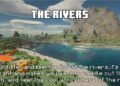
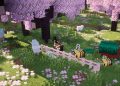
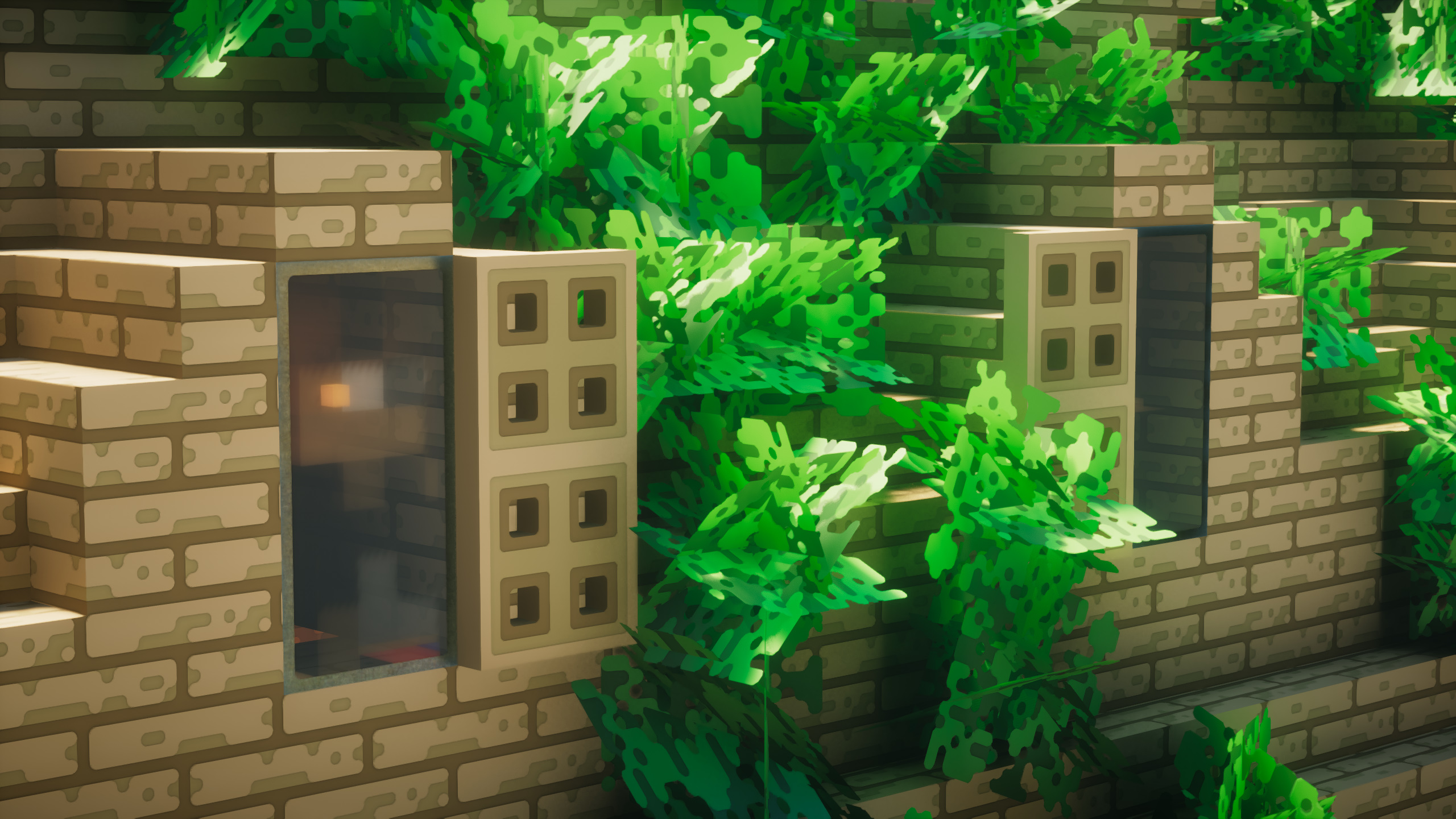
Imagine a version of Minecraft where jagged edges are a thing of the past. This vision comes remarkably close to reality with the Roundista resource pack, an exciting addition to the Minecraft community. Emerging onto the scene in March 2022, Roundista has captivated players’ attention owing to its ambitious style, which harnesses the latest rendering techniques. The pack’s creator, Shivamzter, boasts prior experience in resource pack development, and Roundista appears to be shaping up as his most accomplished endeavor yet.
In a sea of high-definition packs, Roundista stands out due to its unique compatibility with a variety of shader packs. This compatibility stems from its adherence to the LabPBR standard, enabling resource pack developers to embed specific data for each texture. This meticulous approach enhances the game’s visual fidelity, creating a more lifelike and immersive environment.
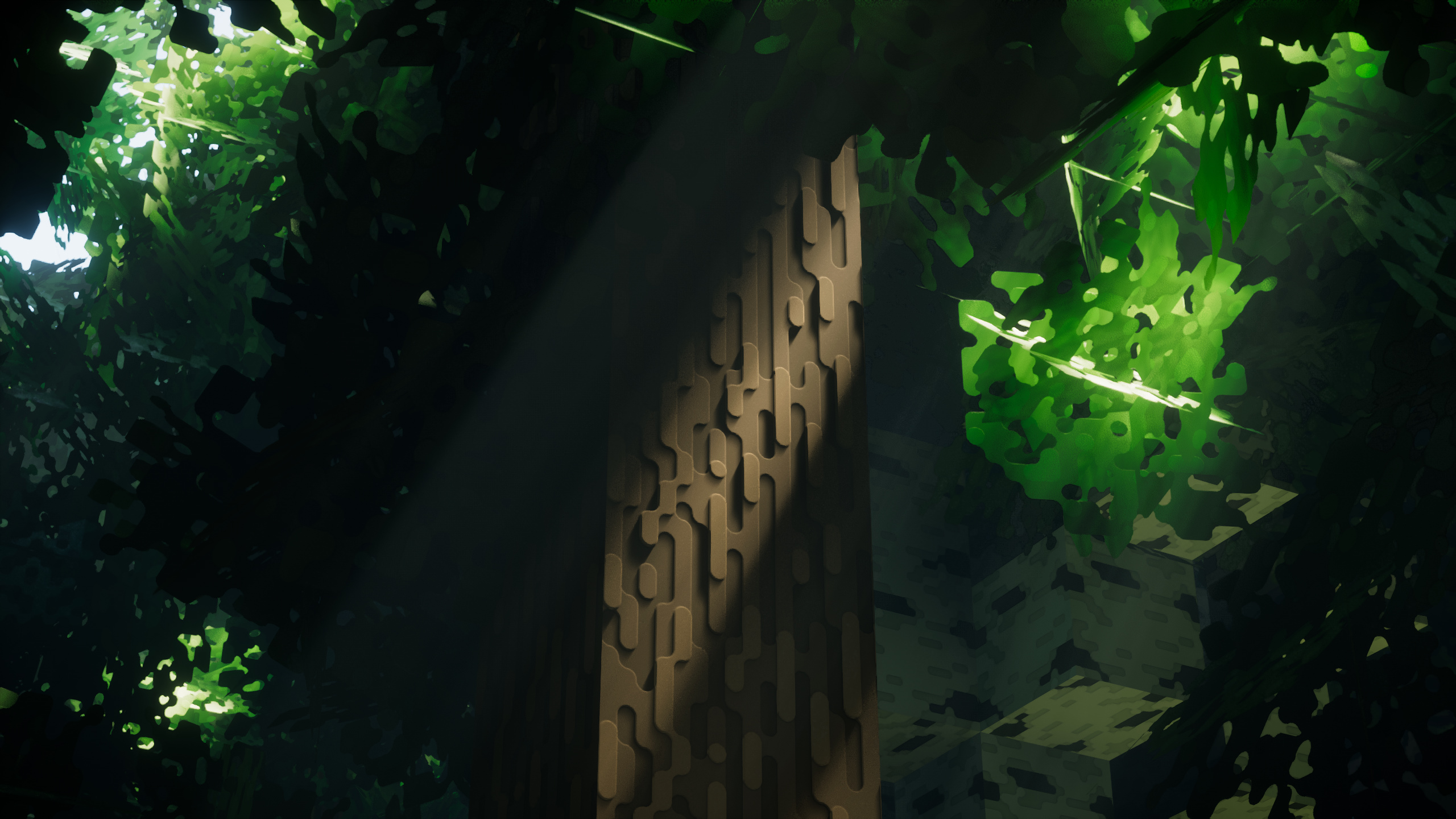
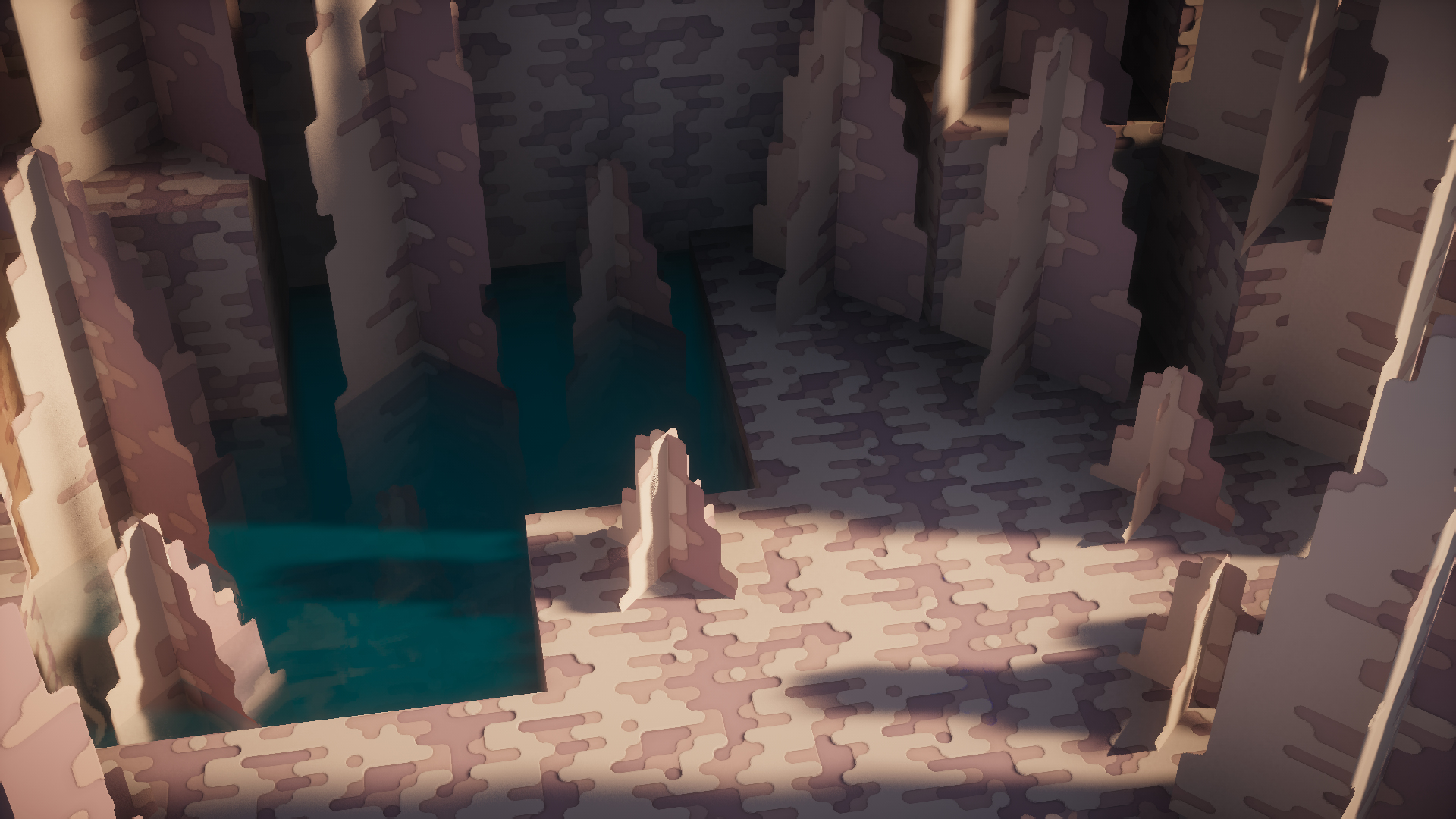
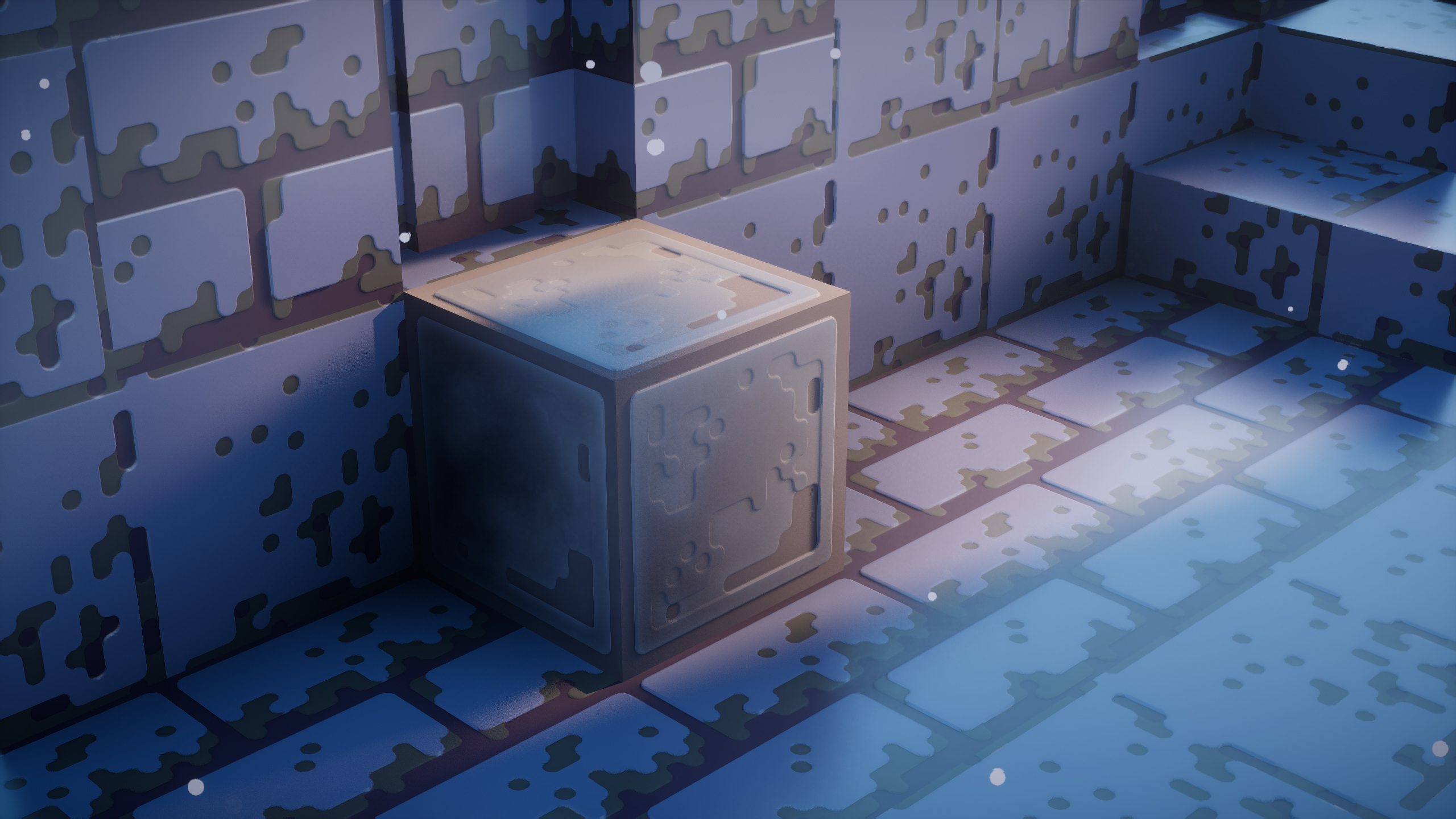
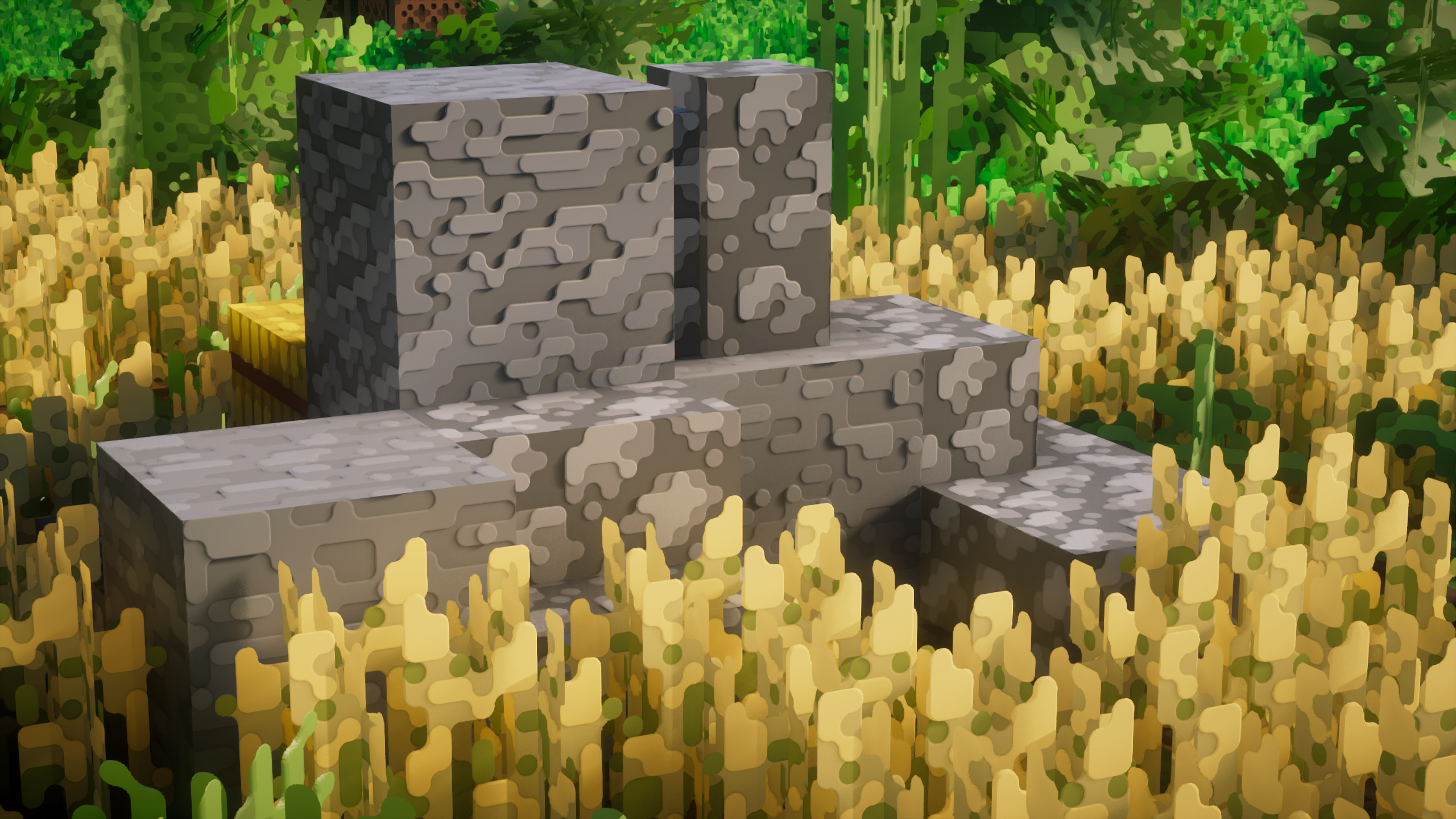
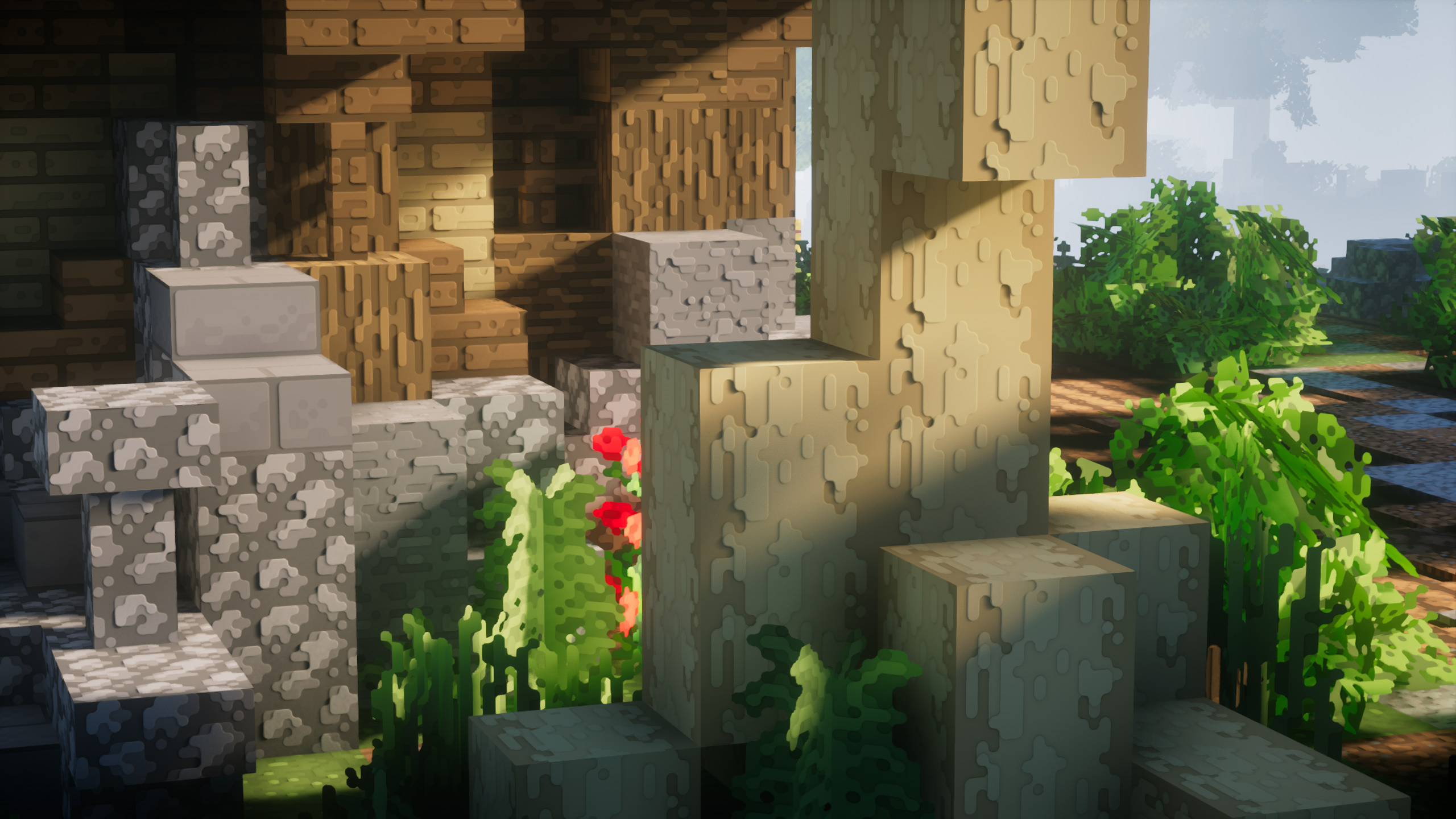
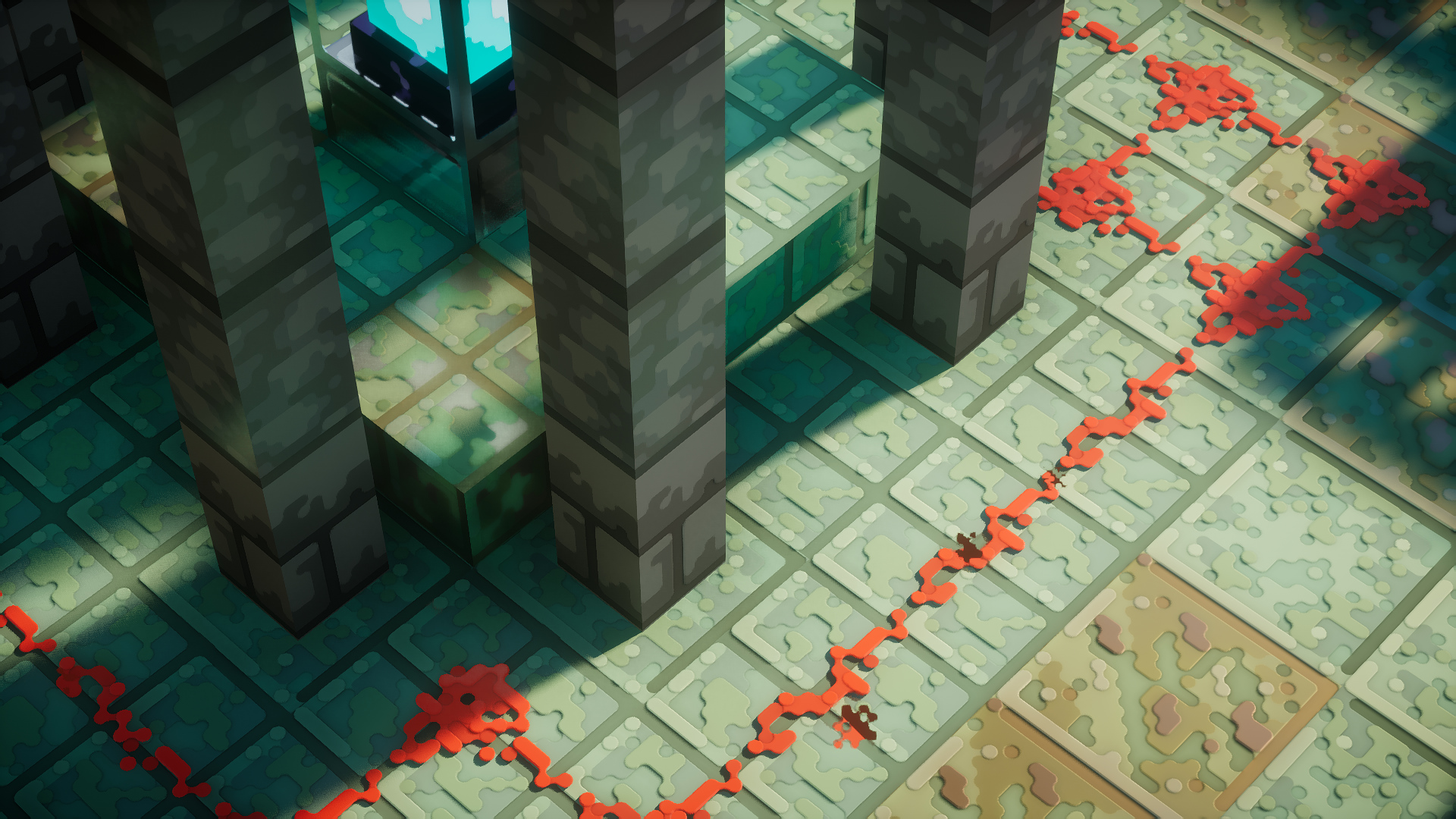
Upon entering the world with Roundista active, the depth and intricacy of every texture become apparent. This captivating effect is achieved through the incorporation of Normal Maps—a graphics element that simulates 3D objects. As a result, textures display discernible bumps, scratches, and grooves, whether on oak logs, cobblestone, bricks, or other blocks. While these features are evident in natural biomes, they truly shine when delving into the depths of mines during exploration.
A significant aspect of Roundista lies in its revolutionary lighting effects. Blocks crafted from full metals such as copper and iron exhibit impressive reflectivity and shine, while other materials feature distinct finishes—matte, glossy, metallic, and more. These effects are achieved through a combination of techniques, including Specular Maps, Subsurface Scattering, and Porosity. This ensures that structures take on diverse appearances based on lighting conditions, granting players extensive creative freedom. A simple Glowstone block or torch placement can dramatically alter the overall aesthetics of your Minecraft abode.
It’s important to note that Roundista is a work in progress, currently around 50% complete. This means that some blocks might not showcase the full range of enhancements, but the developer is dedicated to frequent updates, typically released on a weekly basis. As of now, Roundista exclusively supports Minecraft Java Edition, offering built-in compatibility with Optifine and Iris.
Regarding resolutions, Roundista caters to various preferences: 128x, 256x, and 512x. However, only the 128x resolution is available as a free demo. The higher resolutions can be obtained through either a one-time purchase or a subscription model. While the pricing might seem steep, it grants access to the developer’s two prior resource packs, premium add-ons, Discord benefits, and more.
Performance-wise, Roundista thrives on high-end hardware. The developer suggests using LabPBR-compliant shaders to maximize its potential. While the pack can be used independently, the true depth of textures and intricate effects become more subdued. Notably, the 3D aspect of the terrain relies heavily on lighting processing, leading to potential differences between in-game and promotional images. To ensure a smooth experience, follow the official installation steps as Roundista continues to evolve.
All in all, Roundista holds immense promise as a resource pack. Even in its current state, it surpasses many fully developed alternatives, with more features on the horizon. If you’re equipped with a modern PC, immersing yourself in the Roundista experience is an opportunity you won’t want to miss.
How to install the Roundista Texture Pack
- Download and install OptiFine.
- Download the texture pack that is compatible with your game version and Minecraft edition.
- Launch Minecraft.
- Click on “Options” in the main menu.
- In the options menu, go to the submenu “Resource Packs”.
- Click on “Open Pack Folder” at the bottom left.
- Move the downloaded ZIP file into your resourcepacks folder.
- You will see the pack on the left half of the resource pack screen.
- Move the cursor to the pack logo and click the arrow pointing to the right.
Click on “Done”.
✅ None of the files are hosted on our server. All direct download links on our website are official authors links. The packs are free of viruses. Therefore, they are completely safe and secure.
✅ Please share this post on social media.
✅ Are there any thoughts you’d like to share? Please write a comment and rate the pack.