Dynamic Surroundings Sounds Pack by AS12: A Better Sound Experience for Minecraft
Dynamic Surroundings Sounds Pack by AS12 is a Minecraft resource pack focused on audio immersion rather than visuals. On its official CurseForge page, it is described as a pack that makes Minecraft feel more lifelike through sound, and the project has passed 1.2 million downloads under the MIT License.
What makes this pack stand out is its purpose. Instead of changing how blocks or mobs look, it changes how the world feels to play in. The official description says the pack includes over 800 sound effects and ambient sounds, and it is presented as an unofficial fork of OreCruncher’s Dynamic Surroundings mod, rebuilt as a standalone sound resource pack.
What Dynamic Surroundings Sounds Pack actually adds
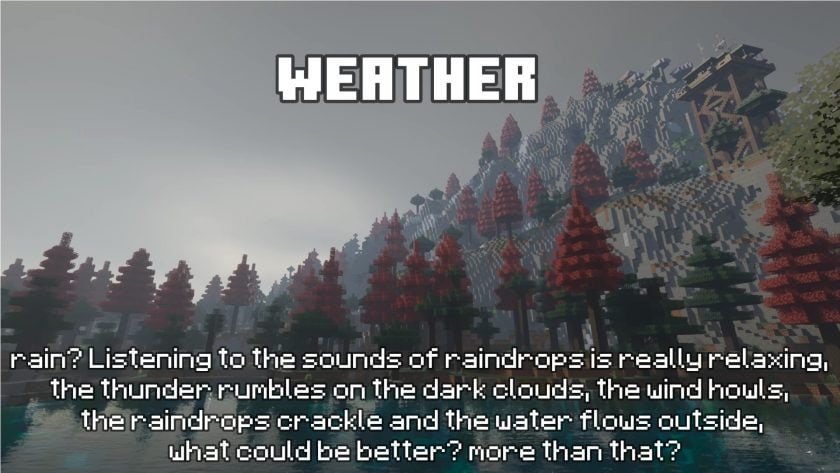
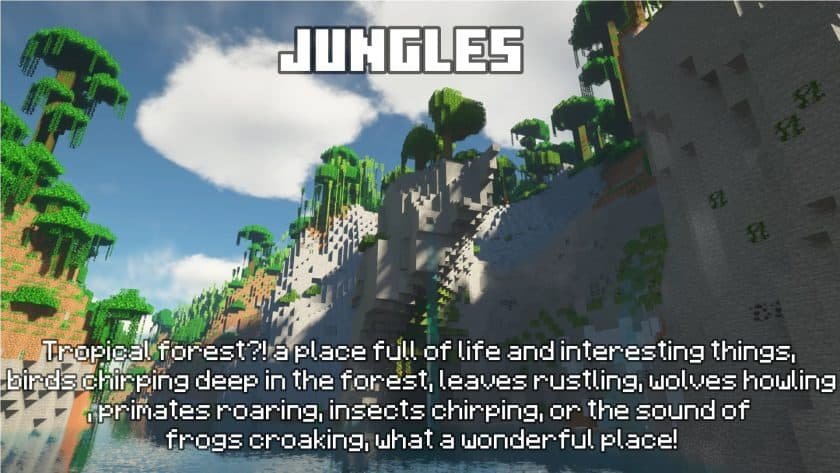
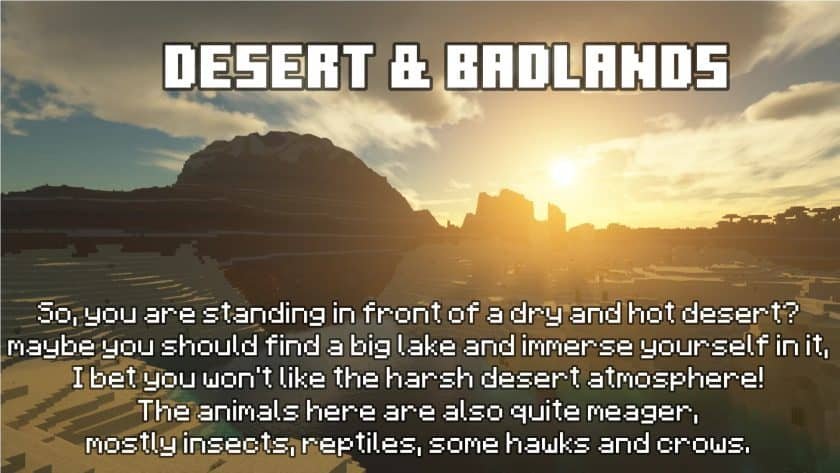
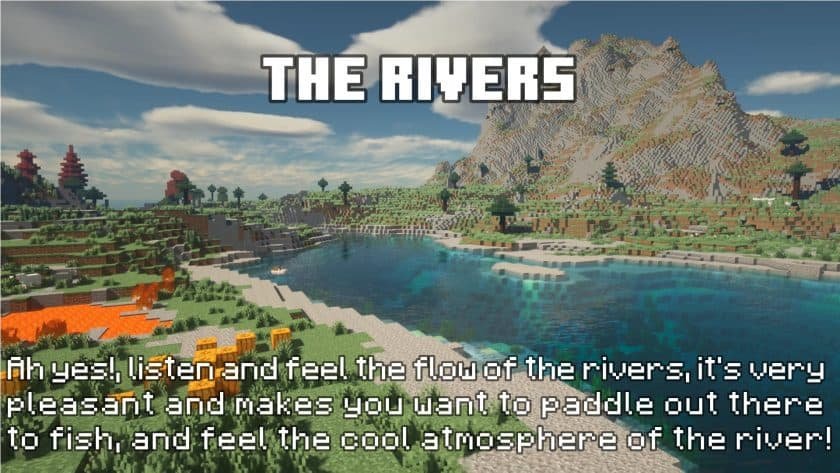
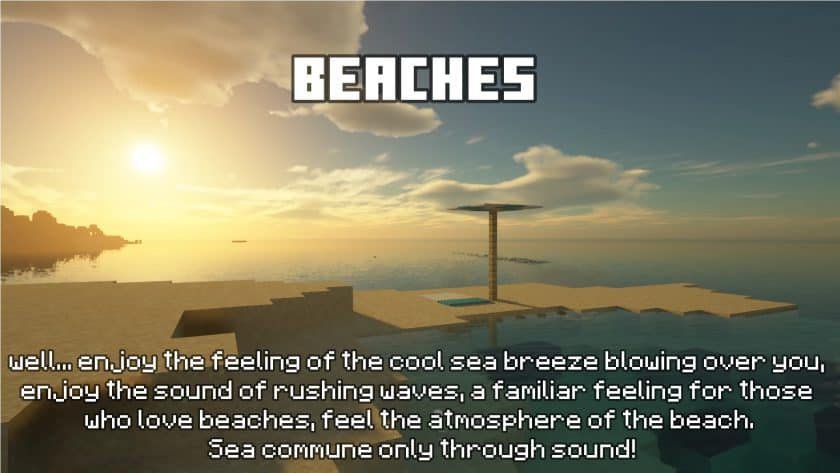
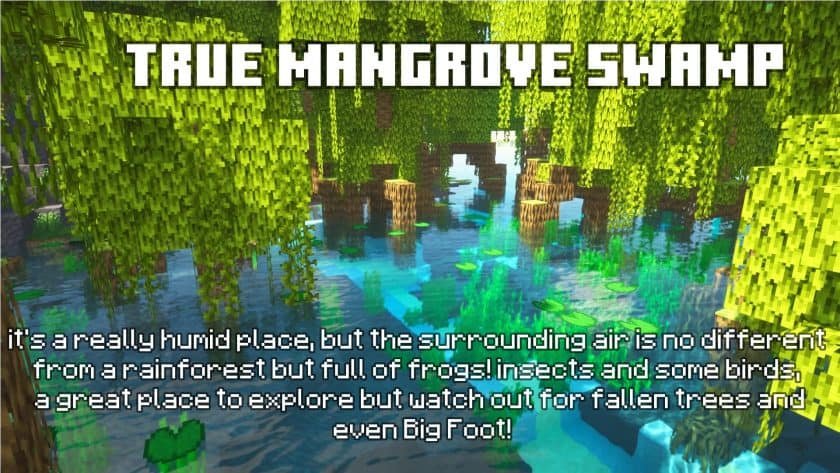
The pack is designed to give Minecraft a richer soundscape by layering more environmental detail into normal gameplay. According to the official feature list, it adds biome-based ambient audio for areas like jungles, forests, oceans, beaches, deserts, the Deep Dark, and cave regions. It also adds mob-linked ambient sounds, expanded utility sounds for actions like item pickup, combat, bows, crossbows, footsteps, running, wandering, and explosions, plus more detailed weather audio for rain, thunder, storms, and wind.
That matters because Minecraft’s default sound design is functional, but often sparse. A pack like this can make travel, mining, storms, and exploration feel more alive without altering gameplay mechanics. The official page also notes that all sounds use smooth fade-in and fade-out transitions, which helps the experience feel less abrupt and more natural.
Why this pack feels more immersive
The main appeal of Dynamic Surroundings Sounds Pack is atmosphere. In ordinary play, Minecraft often relies on loops and simple triggers. AS12’s pack pushes the game toward a more reactive audio environment by adding context-sensitive ambient layers tied to the world around you. That includes biome mood, natural weather, and movement-related sound feedback. This is not a gameplay overhaul, but it can make familiar areas feel fresher and more believable. That interpretation is based on the project’s official sound categories and stated goal of creating a more immersive audio experience.
For players who enjoy survival exploration, cave runs, forest travel, or stormy builds, this type of pack tends to be more noticeable over time than in screenshots. It is especially relevant for players who care about mood and world presence more than texture fidelity. The author also explicitly says the pack is intended for players who want a more atmospheric sound experience, and recommends using headphones for the best result.
Is Dynamic Surroundings Sounds Pack a mod?
Officially, it is listed as a resource pack, not a mod. The project page says it works by replacing Minecraft’s default sounds through the resource pack system, with no mod logic involved. That is an important distinction because it means the pack’s value comes from audio replacement and arrangement rather than new coded mechanics.
The same page, however, includes a compatibility section that is not perfectly consistent. One part says the pack works through the resource pack system and the FAQ says it is compatible with any Minecraft client, while the compatibility table marks Vanilla as unsupported. Because of that contradiction, the safest way to describe it is this: it is fundamentally a sound resource pack, but users should still test their own setup and watch for pack conflicts.
Compatibility and supported versions
The official CurseForge listing shows the project supporting a long version range, with the description stating support from Minecraft 1.13 to the latest release, including a Bedrock port. On the current listing, the latest visible main file is R19 for Minecraft 1.21.11, published on March 16, 2026. The same page also shows recent files for 1.21.10 and 1.21.8.
The compatibility notes also mention several client or mod environments, including OptiFabric or OptiFine up to 1.20.6, Fabric with Sodium and Iris, and Forge with Rubidium, Embeddium, and Oculus. Snapshots are marked unsupported.
Real limitations you should know before using it
This pack is not presented as a perfect one-to-one replacement for the original Dynamic Surroundings mod. On the project page, AS12 says it does not work exactly like the original mod, even though it comes close, because a resource pack has built-in limitations that a full mod does not. The author also notes that some layering or overlapping sounds are expected behavior, because sound events in a resource pack cannot be managed with the same precision as a dedicated mod.
That is an important practical point. If a player expects flawless dynamic logic in every situation, this pack may feel imperfect. The page also warns against spawning large numbers of mobs nearby because audio can pile up when too many sound triggers happen at once. In plain terms, the pack works best when Minecraft’s usual environmental density is preserved.
Final take
Dynamic Surroundings Sounds Pack by AS12 is best understood as an audio immersion resource pack for players who want Minecraft to sound fuller, moodier, and more alive. Its strongest selling points are its 800+ sounds, biome-aware ambience, weather effects, and expanded action sounds, while its biggest caveat is that a resource pack cannot control sound behavior as precisely as a full mod.
For an SEO-focused content site, the most accurate way to position this project is as a strong upgrade for players who value atmosphere more than visuals. It is not a shader, not a texture overhaul, and not a gameplay mod. It is a sound-first pack that aims to make normal Minecraft sessions feel more cinematic and less empty
How to install Dynamic Surroundings Sounds Pack
- Download and install OptiFine.
- Download the texture pack that is compatible with your game version and Minecraft edition.
- Launch Minecraft.
- Click on “Options” in the main menu.
- In the options menu, go to the submenu “Resource Packs”.
- Click on “Open Pack Folder” at the bottom left.
- Move the downloaded ZIP file into your resourcepacks folder.
- You will see the pack on the left half of the resource pack screen.
- Move the cursor to the pack logo and click the arrow pointing to the right.
Click on “Done”.
✅ None of the files are hosted on our server. All direct download links on our website are official authors links. The packs are free of viruses. Therefore, they are completely safe and secure.
✅ Please share this post on social media.
✅ Are there any thoughts you’d like to share? Please write a comment and rate the pack.