OptiFine is a renowned optimization mod for Minecraft, particularly the Java Edition, that enhances the game’s performance and visual appeal. Whether you’re playing on a high-end gaming rig or a modest laptop, OptiFine offers a suite of features to improve your Minecraft experience.
What is OptiFine?
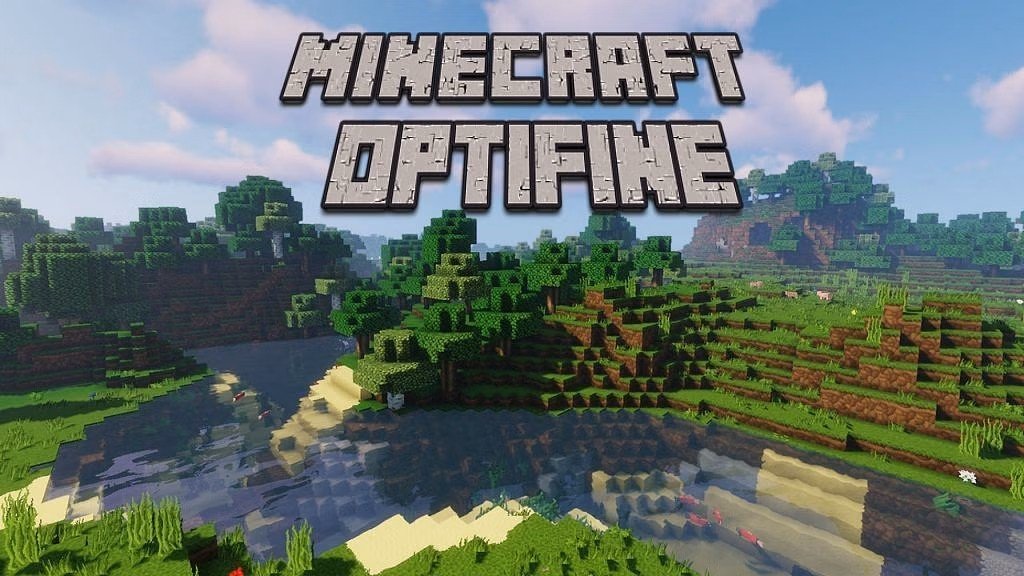
OptiFine is a Minecraft optimization mod that allows the game to run faster and look better with full support for HD textures and many configuration options. It provides a significant boost in FPS (Frames Per Second), making the game smoother and more responsive. Additionally, it offers advanced graphics settings, dynamic lighting, and support for shader packs, allowing players to customize the game’s visuals extensively.
Key Features of OptiFine
1. FPS Boost
One of the primary reasons players install OptiFine is for the substantial increase in FPS. By optimizing the game’s rendering engine and providing numerous performance tweaks, OptiFine ensures smoother gameplay, especially on lower-end systems.
2. Support for HD Textures
OptiFine enables Minecraft to support high-definition textures without the need for additional mods. This means players can enjoy detailed resource packs that enhance the game’s visual fidelity.
3. Dynamic Lighting
With OptiFine, light-emitting items like torches and glowstones can illuminate the environment dynamically when held or dropped, adding a layer of realism to the game.
4. Shader Support
OptiFine allows players to install and use shader packs, which can dramatically change the game’s appearance by adding realistic lighting, shadows, water reflections, and more. Popular shader packs compatible with OptiFine include Sildur’s Vibrant Shaders, SEUS Renewed, and BSL Shaders.
5. Advanced Graphics Settings
OptiFine provides an extensive range of graphics settings, allowing players to fine-tune various aspects of the game’s visuals, such as render distance, fog control, and animation settings.
6. Zoom Feature
A built-in zoom function lets players magnify their view, which is particularly useful for scouting distant objects or landscapes.
Installing OptiFine
Installing OptiFine is straightforward:
Download OptiFine: Visit the official and download the version compatible with your Minecraft installation.
Run the Installer: Double-click the downloaded
.jarfile to launch the installer. Ensure you have Java installed on your system.Install OptiFine: Click “Install” in the installer window. Once completed, a confirmation message will appear.
Launch Minecraft: Open the Minecraft Launcher, select the OptiFine profile, and click “Play.”
Compatibility and Alternatives
While OptiFine is a powerful tool, some players seek alternatives due to compatibility issues or personal preferences. Notable alternatives include
Sodium: A performance-focused mod that offers significant FPS improvements, especially on modern hardware.
Iris: A mod that provides shader support and is compatible with Sodium, allowing for both performance and visual enhancements.
Lithium and Phosphor: Mods that optimize game physics and lighting, respectively, offering performance boosts without altering visuals.
Conclusion
OptiFine remains a staple in the Minecraft modding community, offering a blend of performance optimization and visual enhancements. Whether you’re aiming for higher FPS, better graphics, or both, OptiFine provides the tools necessary to tailor your Minecraft experience to your preferences.