Minecraft’s iconic blocky aesthetic has captivated players for years. With the introduction of the Vibrant Visuals update, the game undergoes a significant graphical transformation, enhancing immersion while preserving its unique charm.
🌟 What Are Vibrant Visuals?
Vibrant Visuals is a comprehensive graphics overhaul for Minecraft, initially released for the Bedrock Edition. This update introduces advanced visual features such as directional lighting, volumetric fog, dynamic shadows, and enhanced water reflections. These enhancements aim to elevate the visual fidelity of Minecraft without altering its core gameplay mechanics.
🔍 Key Features of Vibrant Visuals
1. Directional Lighting and Dynamic Shadows
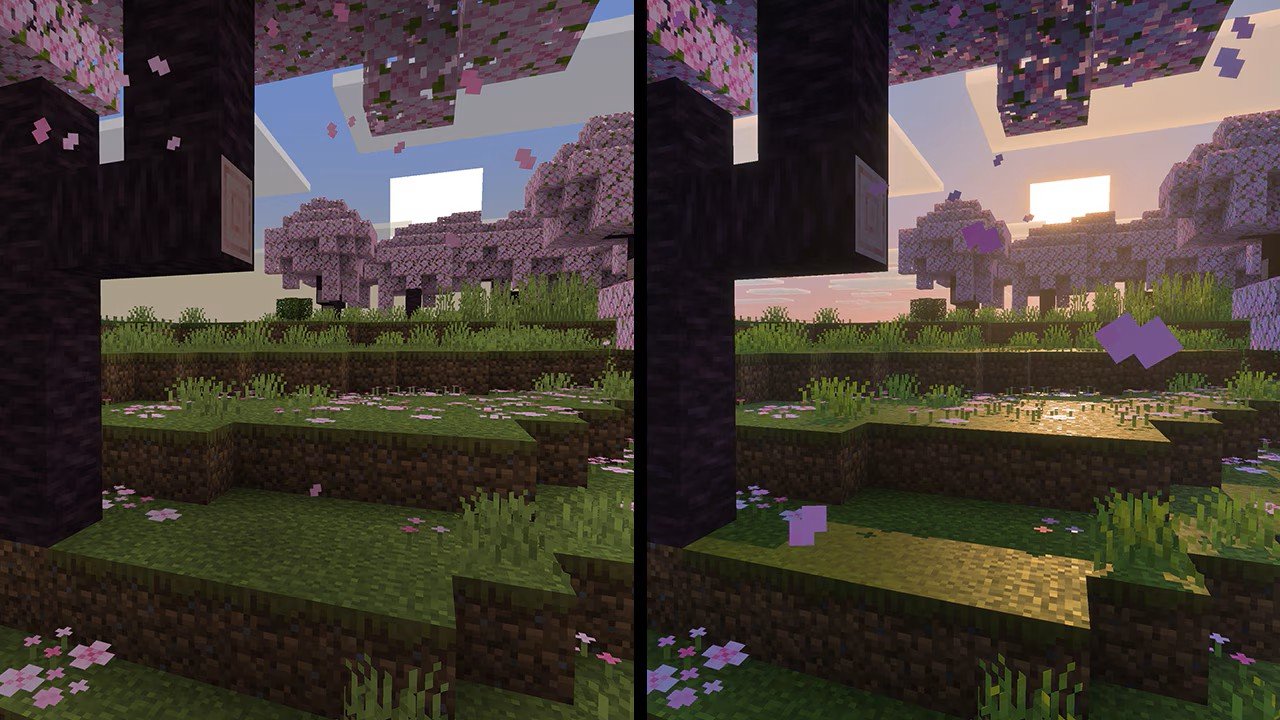
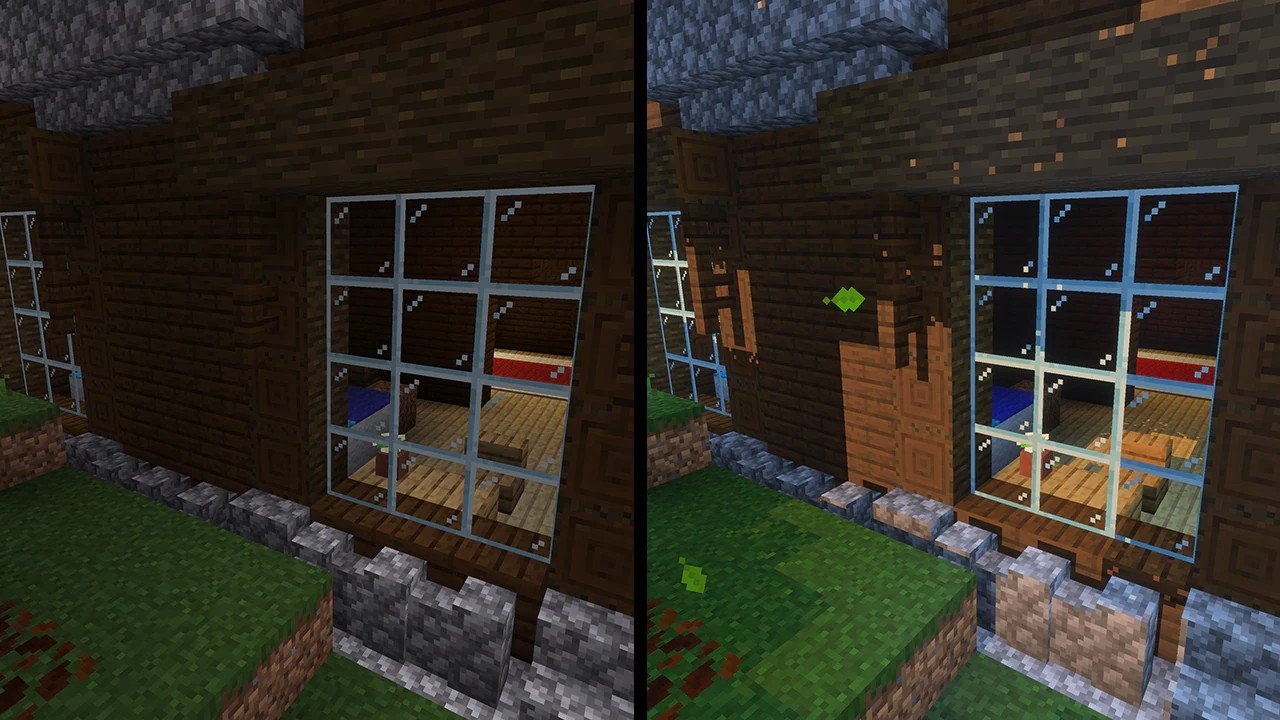
The update introduces lighting that changes based on the sun’s position, creating realistic shadows that shift throughout the day. This dynamic lighting adds depth and realism to the game world.
2. Volumetric Fog
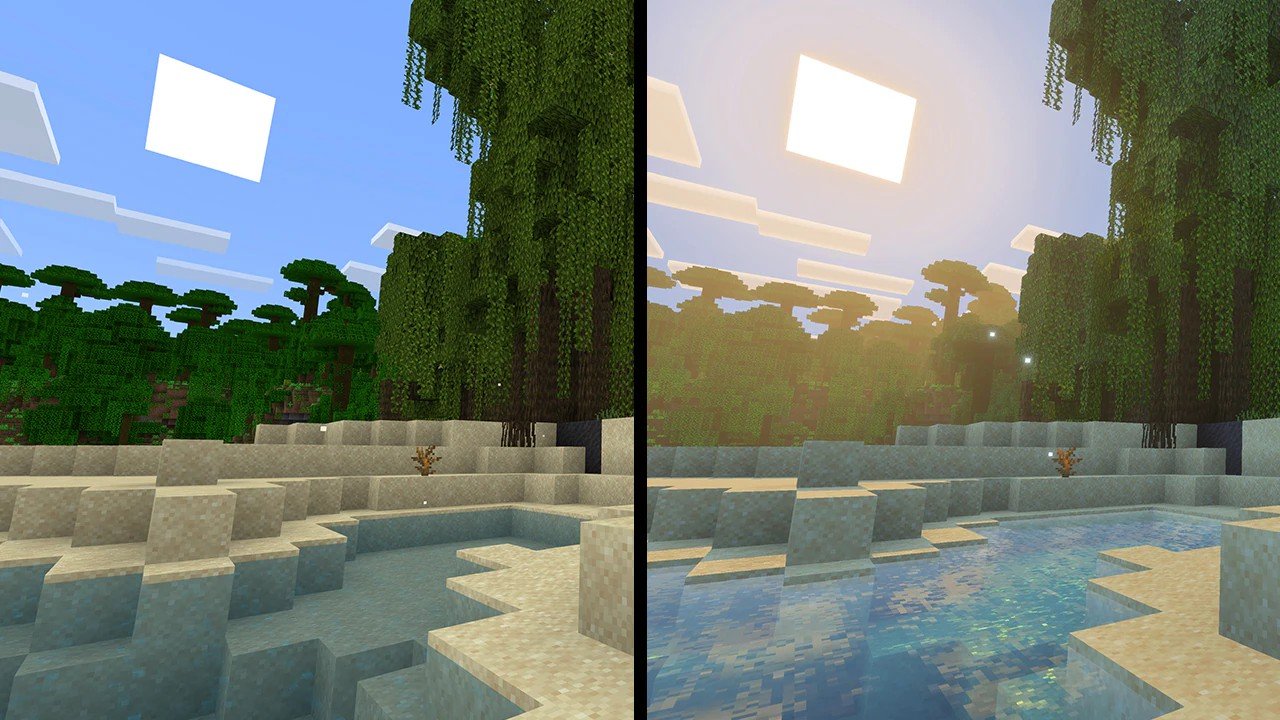
A standout feature, volumetric fog adds a layer of atmospheric depth to environments like forests, caves, and underwater areas. This fog interacts with lighting, enhancing the mood and immersion of different biomes.
3. Enhanced Water Reflections
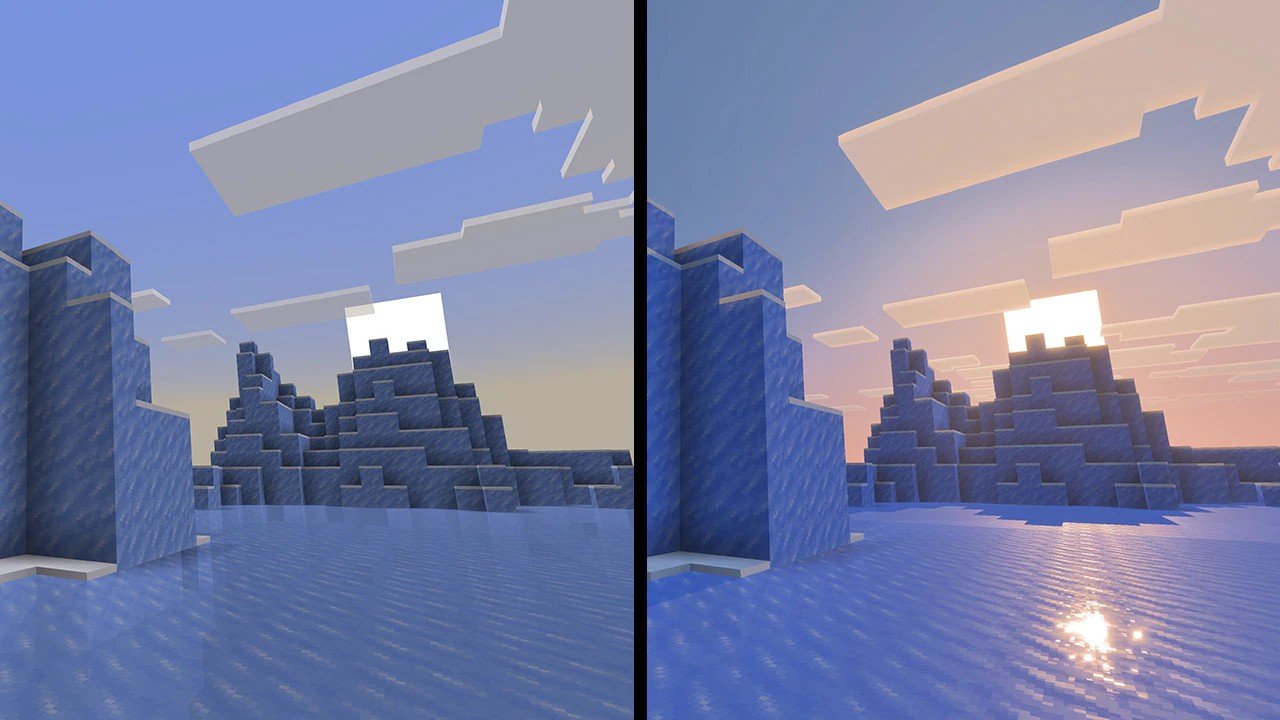
Water bodies now reflect their surroundings more accurately, capturing the colors and movements of nearby objects, which adds to the game’s visual realism.
4. Infinite Clouds
Clouds have been redesigned to appear more expansive and dynamic, contributing to a more immersive skybox and overall atmosphere.
🖥️ Compatibility and Accessibility
Vibrant Visuals is available for testing on the following platforms:
Xbox Series X/S
Xbox One
PlayStation 4 and 5
Windows 10/11 PCs
Android devices with Adreno 640, Mali-G68, Mali-G77, or Xclipse 530 GPUs
iOS devices with A12 chips or newer
Players can enable Vibrant Visuals through the game’s settings, ensuring that the update is optional and does not affect gameplay mechanics.
🎮 Impact on Gameplay
Importantly, Vibrant Visuals is purely a cosmetic enhancement. It does not alter gameplay elements such as mob spawning, crop growth, or redstone mechanics. This ensures that players can enjoy the visual improvements without any changes to the game’s core mechanics.
🛠️ How to Enable Vibrant Visuals
To experience Vibrant Visuals:
Ensure you’re using a compatible device and have access to the Minecraft Bedrock Edition beta or preview.
Navigate to the game’s settings and enable the “Vibrant Visuals” option under the Experimental Features tab.
Start or load a world to see the enhanced graphics in action.
🌍 Community and Creator Benefits
The introduction of Vibrant Visuals opens new avenues for content creators and map makers. Enhanced lighting and atmospheric effects allow for more immersive storytelling and world-building. Creators can leverage these features to craft experiences that are both visually stunning and emotionally engaging.
🔮 Future Developments
While currently available for Bedrock Edition, Mojang plans to bring Vibrant Visuals to the Java Edition in the future. This cross-platform enhancement aims to unify the visual experience across different versions of Minecraft.
With Vibrant Visuals, Minecraft takes a significant step forward in graphical fidelity, offering players a more immersive and visually appealing experience while maintaining the gameplay that has captivated millions worldwide.