The World War I Texture Pack, created by Zacho, is a unique Minecraft resource pack that immerses players in the historical setting of World War I. This texture pack reimagines the classic Minecraft visuals with meticulously designed textures that reflect the architecture, equipment, and environment of the early 20th century, creating a captivating gameplay experience that brings history to life within the blocky world of Minecraft.
Key Features of the World War I Texture Pack
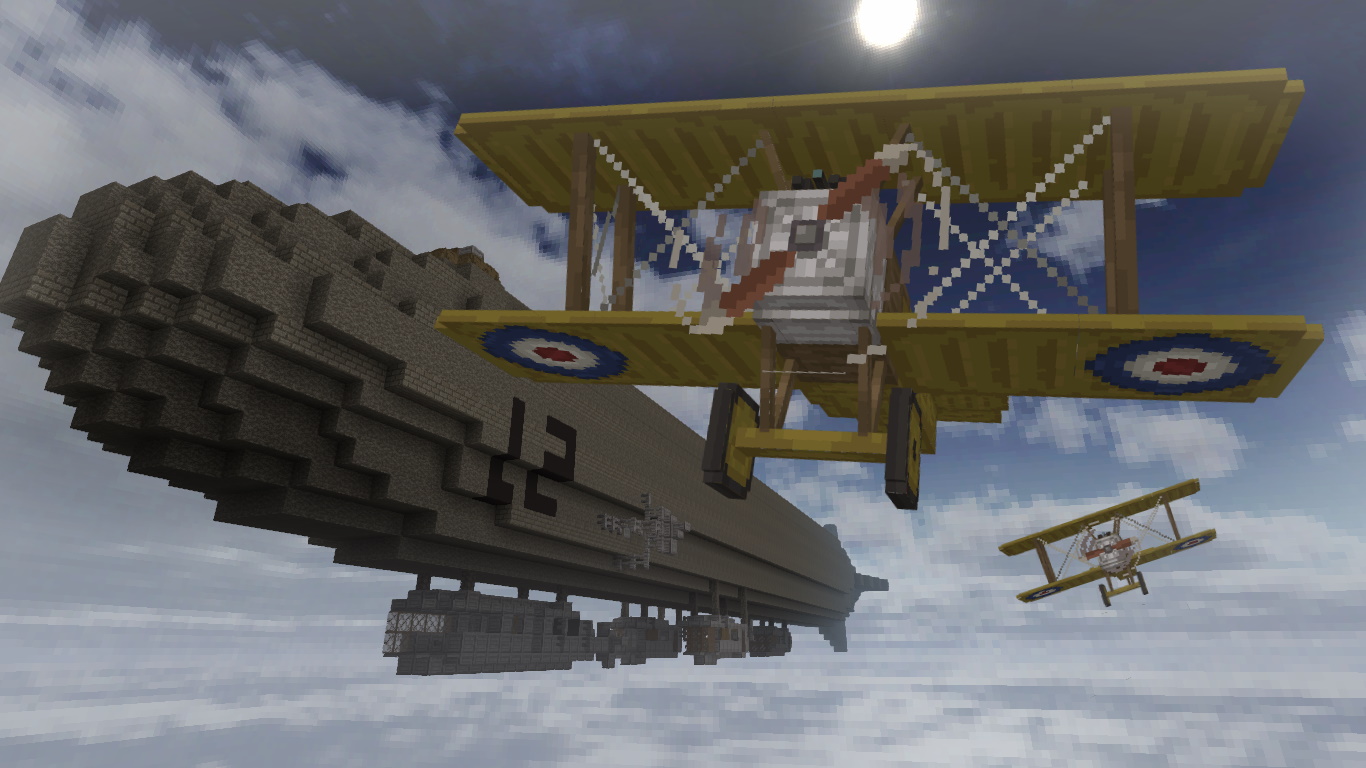
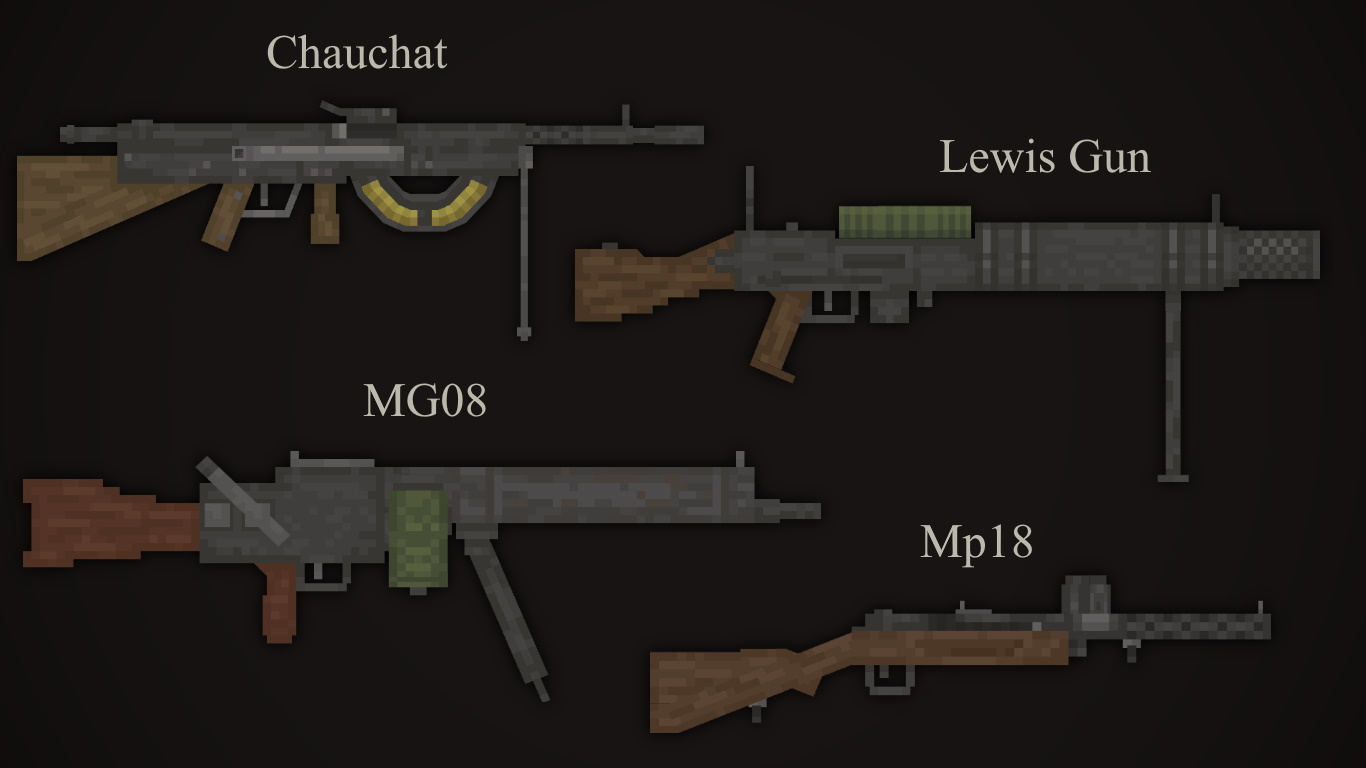
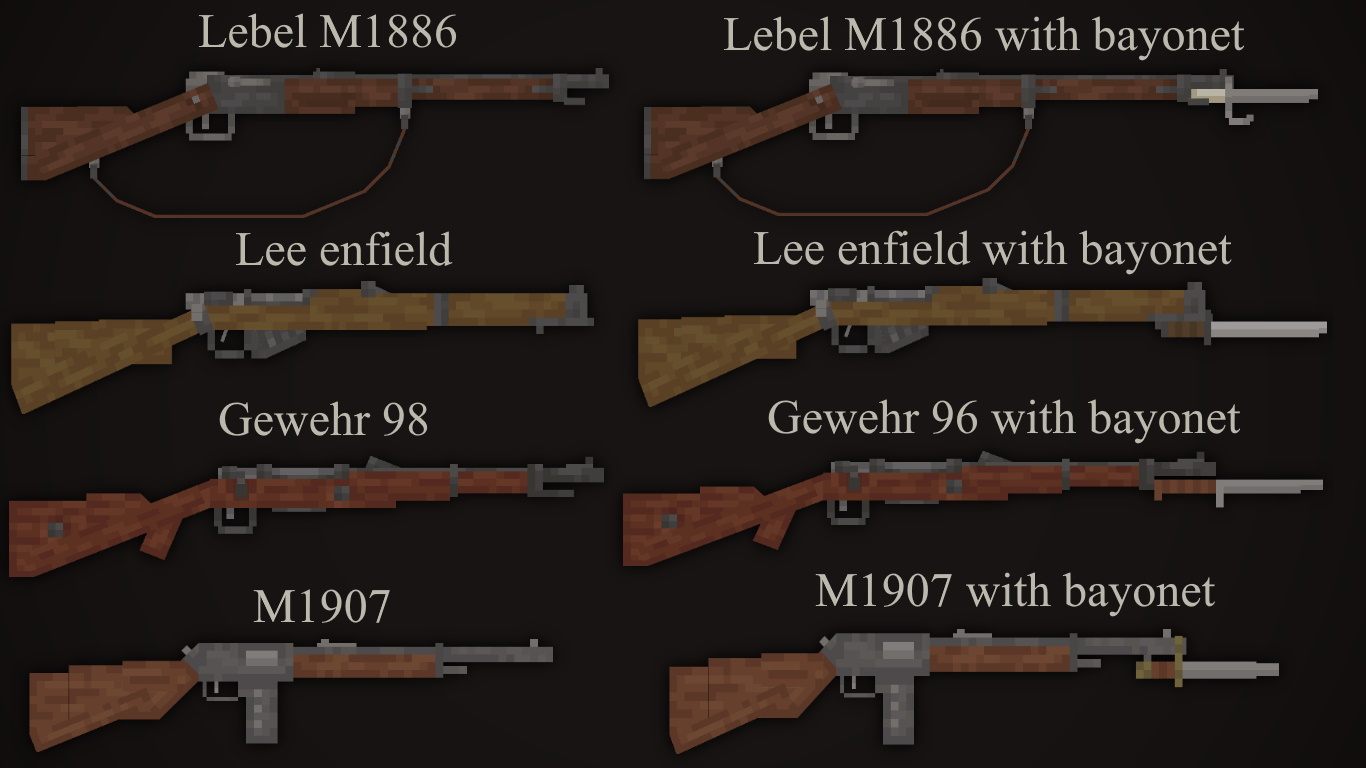
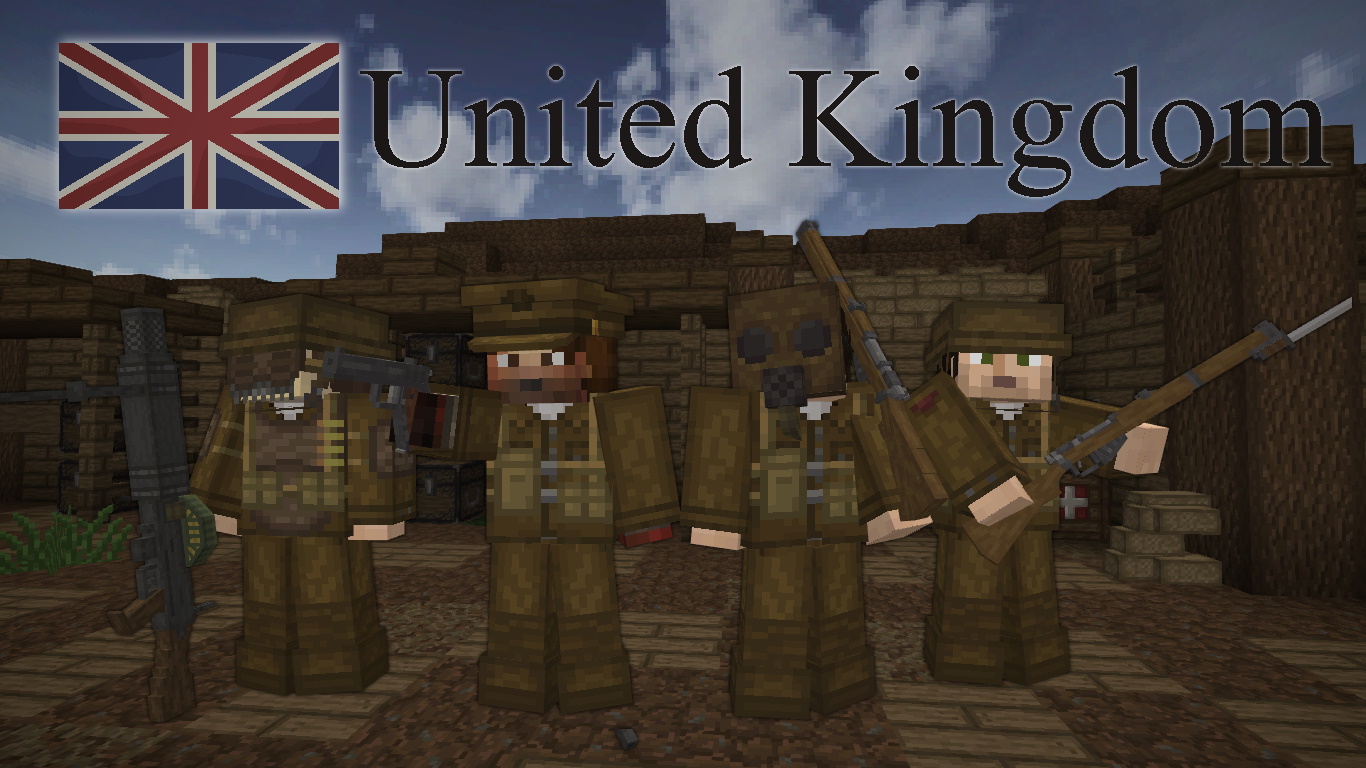
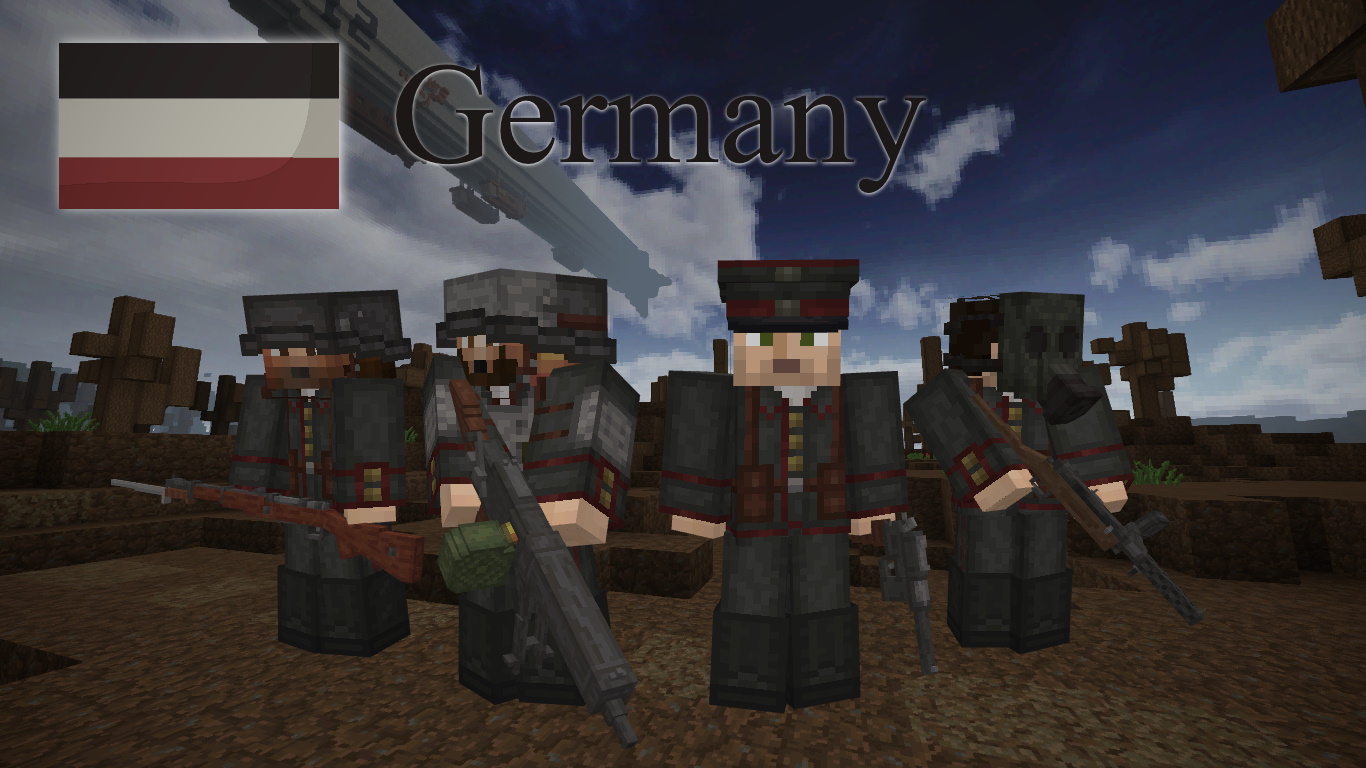
Historical Accuracy: One of the standout features of the World War I Texture Pack is its dedication to historical accuracy. Zacho has meticulously crafted textures that represent various elements of the World War I era, including uniforms, weaponry, vehicles, and buildings. This attention to detail allows players to engage with a visually authentic representation of the time period, making it an excellent educational tool for history enthusiasts and players alike.
Revamped Environment: The pack transforms the Minecraft world into a war-torn landscape, complete with trenches, bunkers, and military structures reminiscent of the frontlines during World War I. The terrain features are adjusted to represent the devastated fields of battle, complete with desaturated colors and textures that reflect the harsh conditions of the war. This dramatic transformation enhances the overall atmosphere, transporting players to a pivotal moment in history.
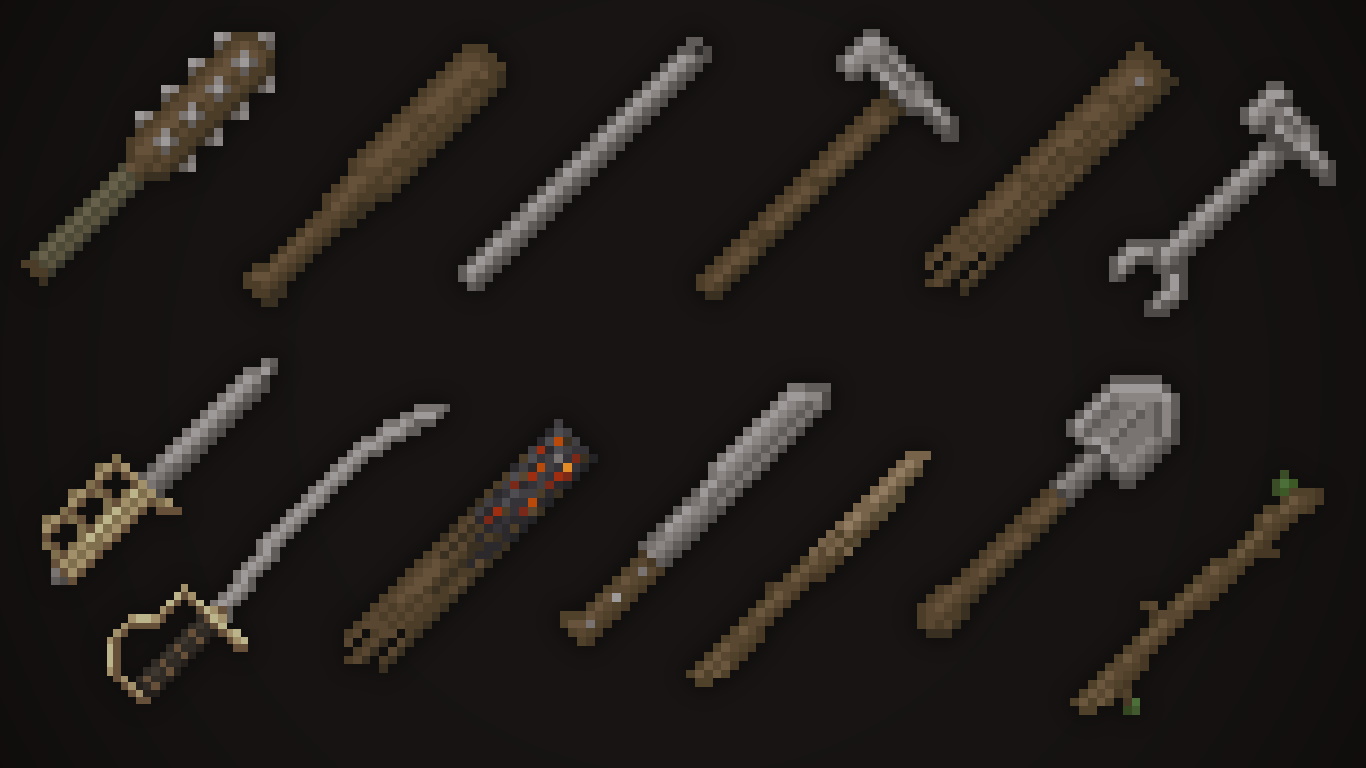
Custom Textures for Blocks and Items: Zacho’s pack includes an extensive array of custom textures for a variety of blocks and items, ensuring that everything from building materials to tools aligns with the World War I theme. Players can expect to see camo patterns on wool, rusted metal textures, and even military-themed items. This level of detail ensures that players have a cohesive experience as they explore and build in this unique environment.
Thematic Sound Effects: In addition to visual changes, the World War I Texture Pack enhances the audio experience with thematic sound effects that reflect the era. Players will hear sounds reminiscent of battle, including distant explosions, gunfire, and ambient noises that evoke a wartime atmosphere. These audio elements further immerse players in the historical context, making gameplay feel more engaging and realistic.
Reimagined Mobs: Zacho has also given the Minecraft mobs a historical twist. Expect to see soldier-like villagers, zombies in tattered uniforms, and skeletons with military gear, all designed to fit the World War I theme. This creative reinterpretation adds character to the game while staying true to the overall aesthetic of the texture pack.
Optimized for Performance: Despite its detailed textures, the World War I Texture Pack is optimized for performance, allowing it to run smoothly on various systems. The pack’s resolution is set at 16x, making it accessible to players with lower-end hardware while still providing a significant visual upgrade from the default Minecraft textures. This accessibility ensures that more players can enjoy the historical experience without sacrificing performance.
Community and Educational Value: The World War I Texture Pack serves not only as a fun addition to Minecraft but also as a valuable educational resource. It can be used in classrooms or by history buffs to explore World War I themes interactively. Players can create scenarios, reenact battles, or build historical dioramas, making history come alive in a unique and engaging way.
The World War I Texture Pack by Zacho is a remarkable blend of historical representation and creative design that transforms Minecraft into an immersive battlefield experience. With its attention to detail, custom textures, and thematic sound effects, this pack offers players a unique opportunity to explore and learn about a significant period in history while enjoying the beloved block-building gameplay that Minecraft is known for.
Whether you are a history enthusiast, an educator, or just looking for a fresh way to experience Minecraft, the World War I Texture Pack is an excellent addition to your resource pack collection. Dive into the trenches and embark on a pixelated journey through one of history’s most fascinating eras!
How to install World War I Texture Pack
- Download and install OptiFine.
- Download the texture pack that is compatible with your game version and Minecraft edition.
- Launch Minecraft.
- Click on “Options” in the main menu.
- In the options menu, go to the submenu “Resource Packs”.
- Click on “Open Pack Folder” at the bottom left.
- Move the downloaded ZIP file into your resourcepacks folder.
- You will see the pack on the left half of the resource pack screen.
- Move the cursor to the pack logo and click the arrow pointing to the right.
Click on “Done”.
✅ None of the files are hosted on our server. All direct download links on our website are official authors links. The packs are free of viruses. Therefore, they are completely safe and secure.
✅ Please share this post on social media.
✅ Are there any thoughts you’d like to share? Please write a comment and rate the pack.