The Pixlli Texture Pack by illystray is a charming and vibrant Minecraft resource pack that focuses on enhancing the visual appeal of the game while maintaining a playful, yet detailed aesthetic. Designed with the idea of bringing Minecraft’s blocky world to life, Pixlli offers players a balance of whimsy and sophistication, turning the game into a visually captivating experience without straying too far from its vanilla roots. Here’s a detailed overview of the pack’s features and what makes it stand out in 2024:
Art Style and Visuals:
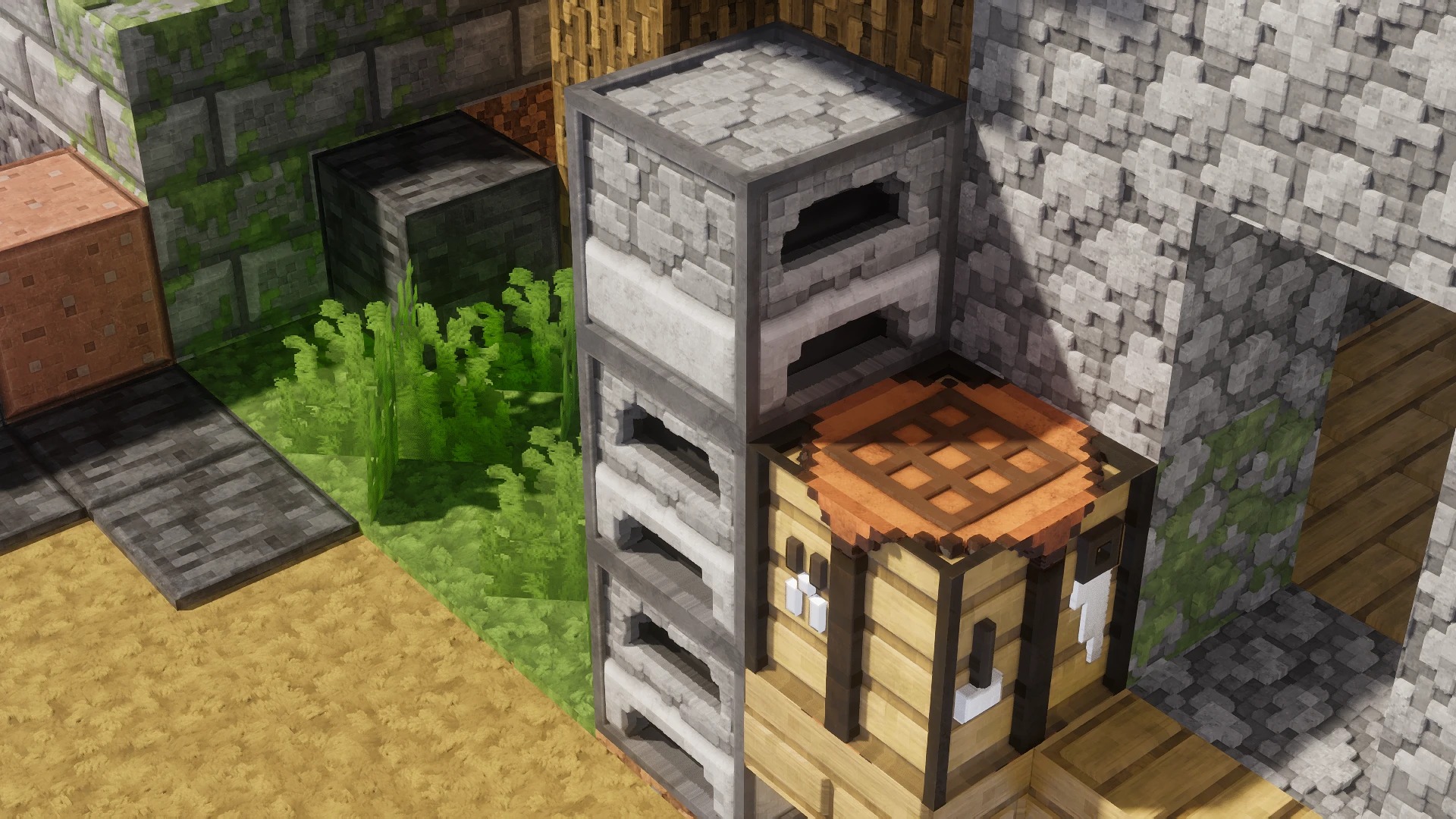
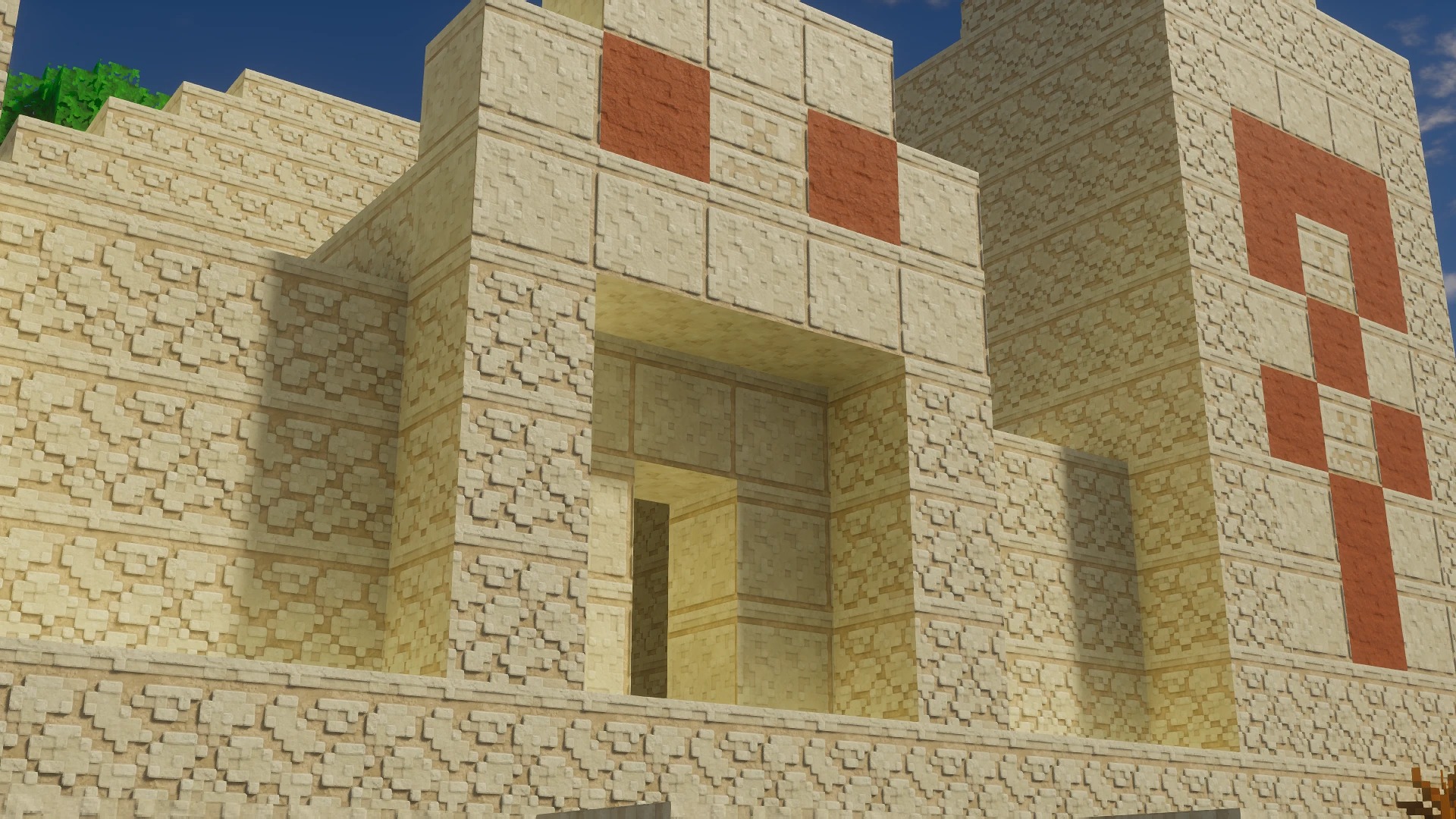
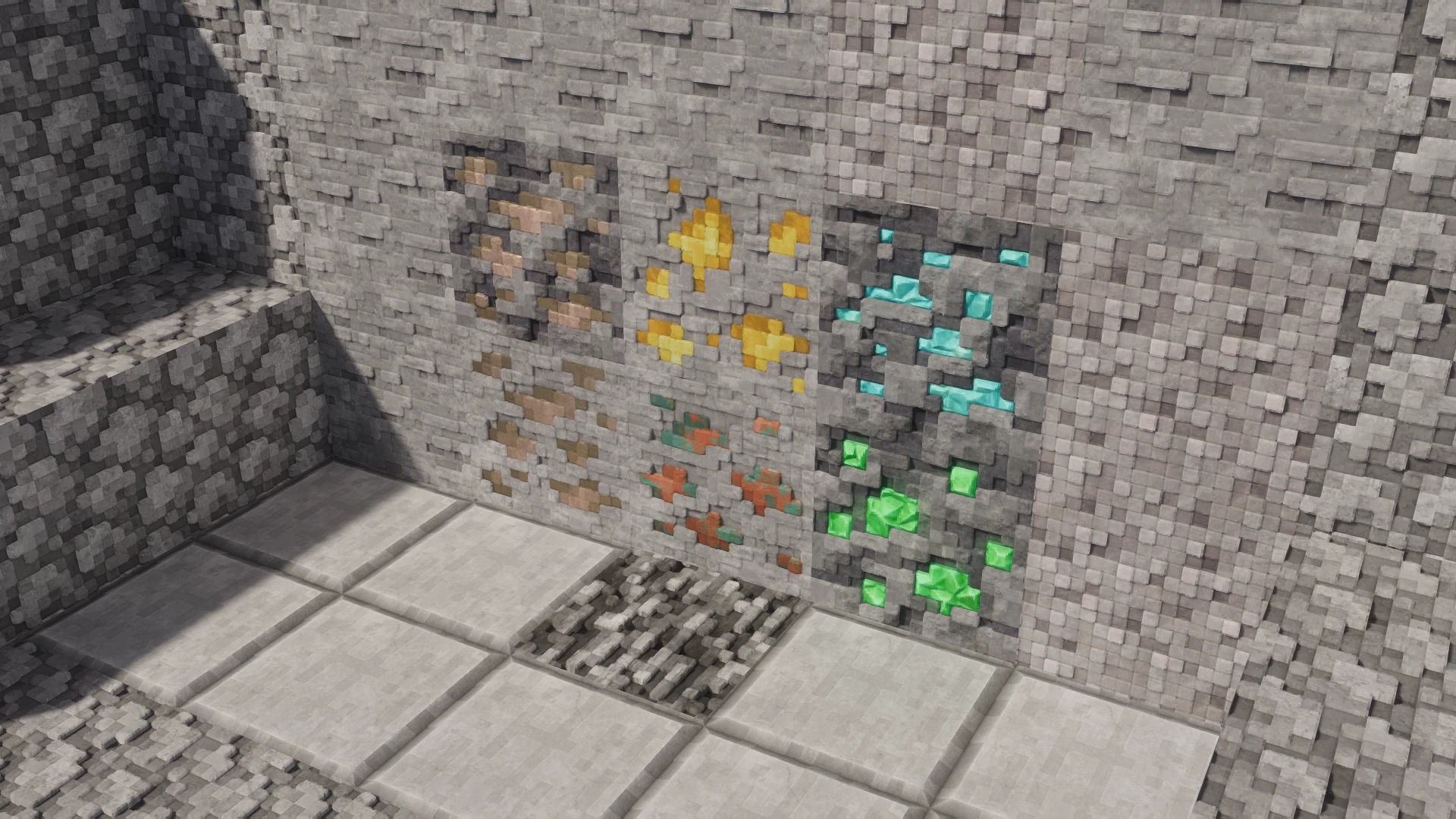
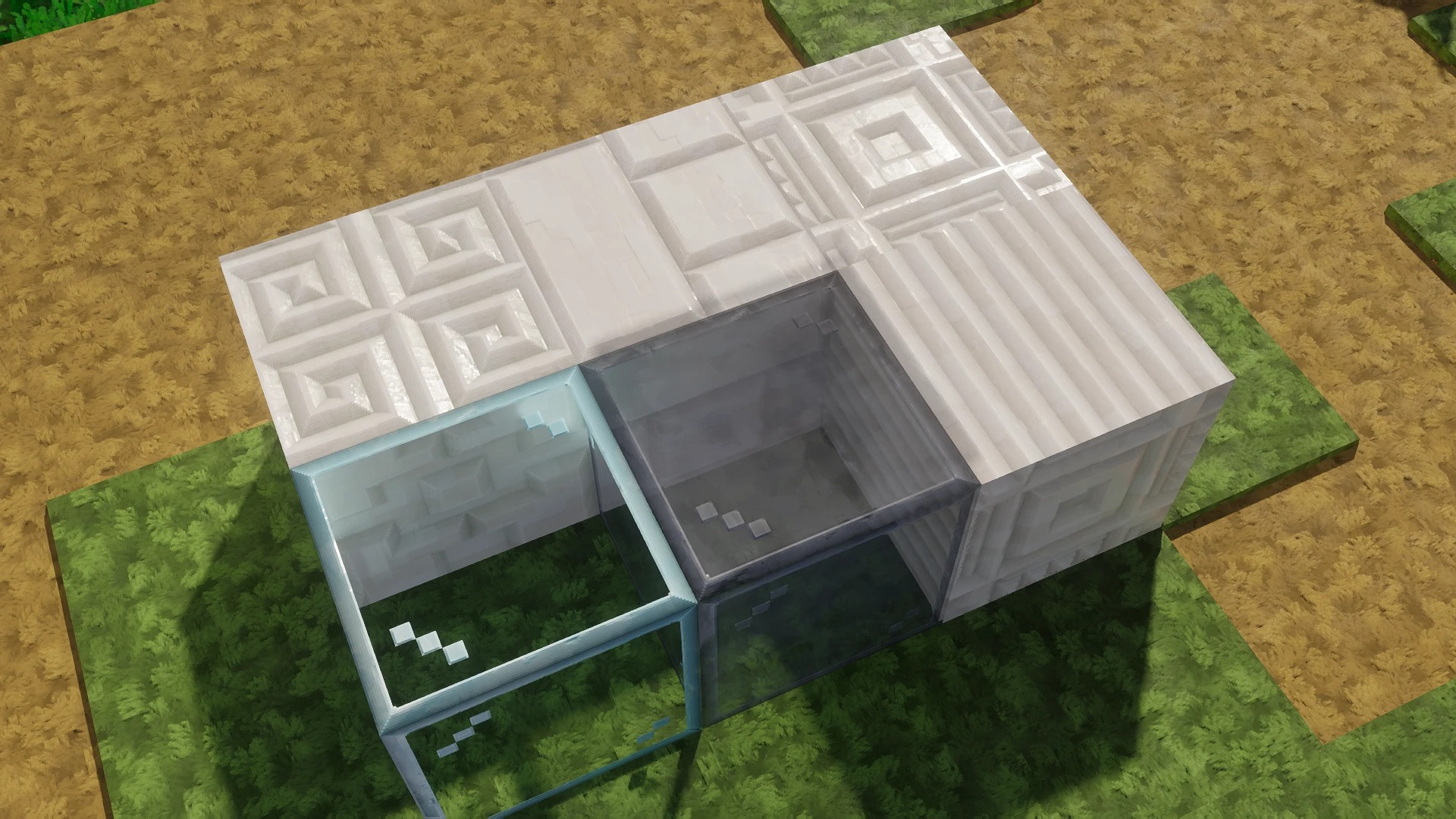
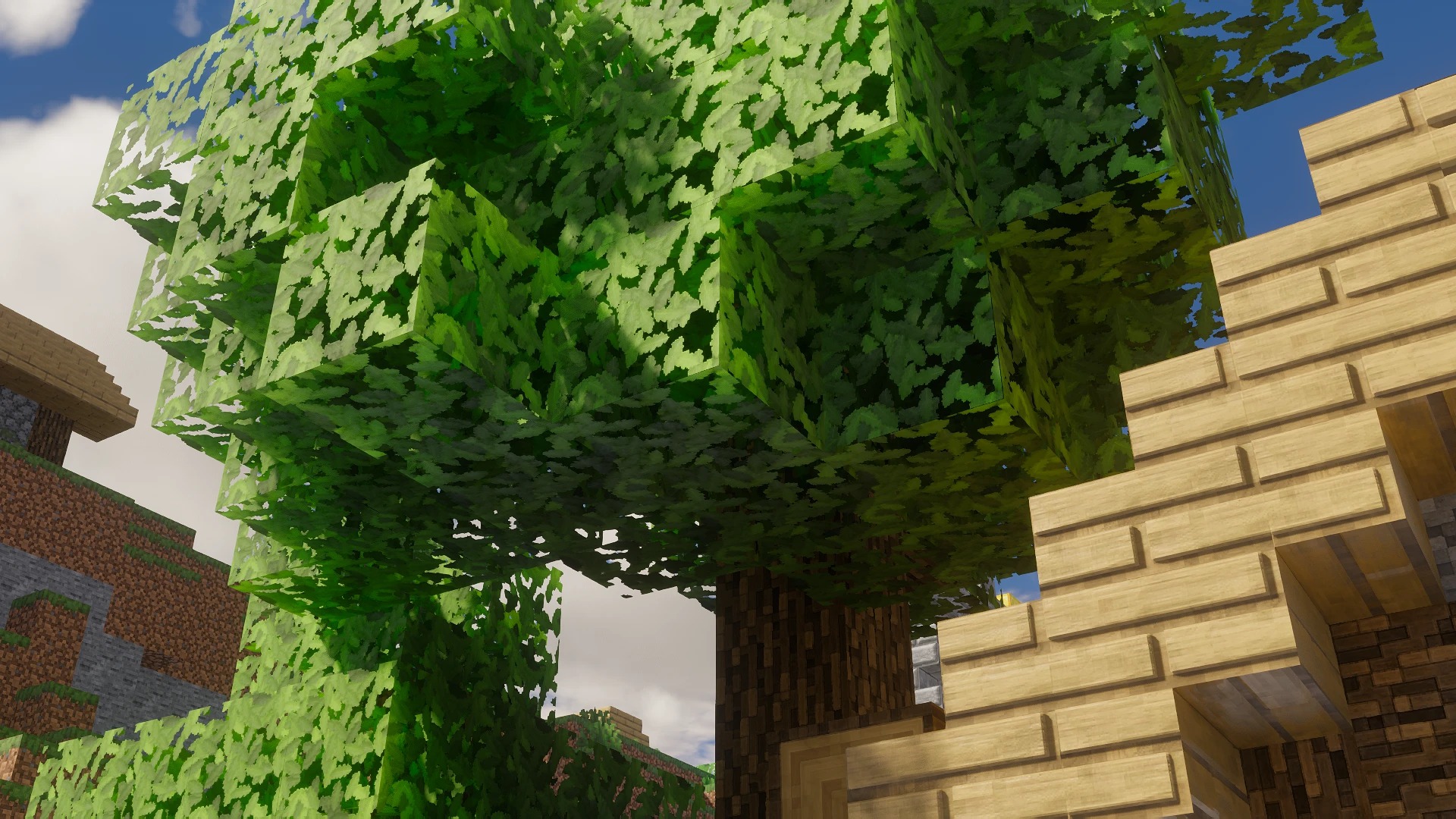
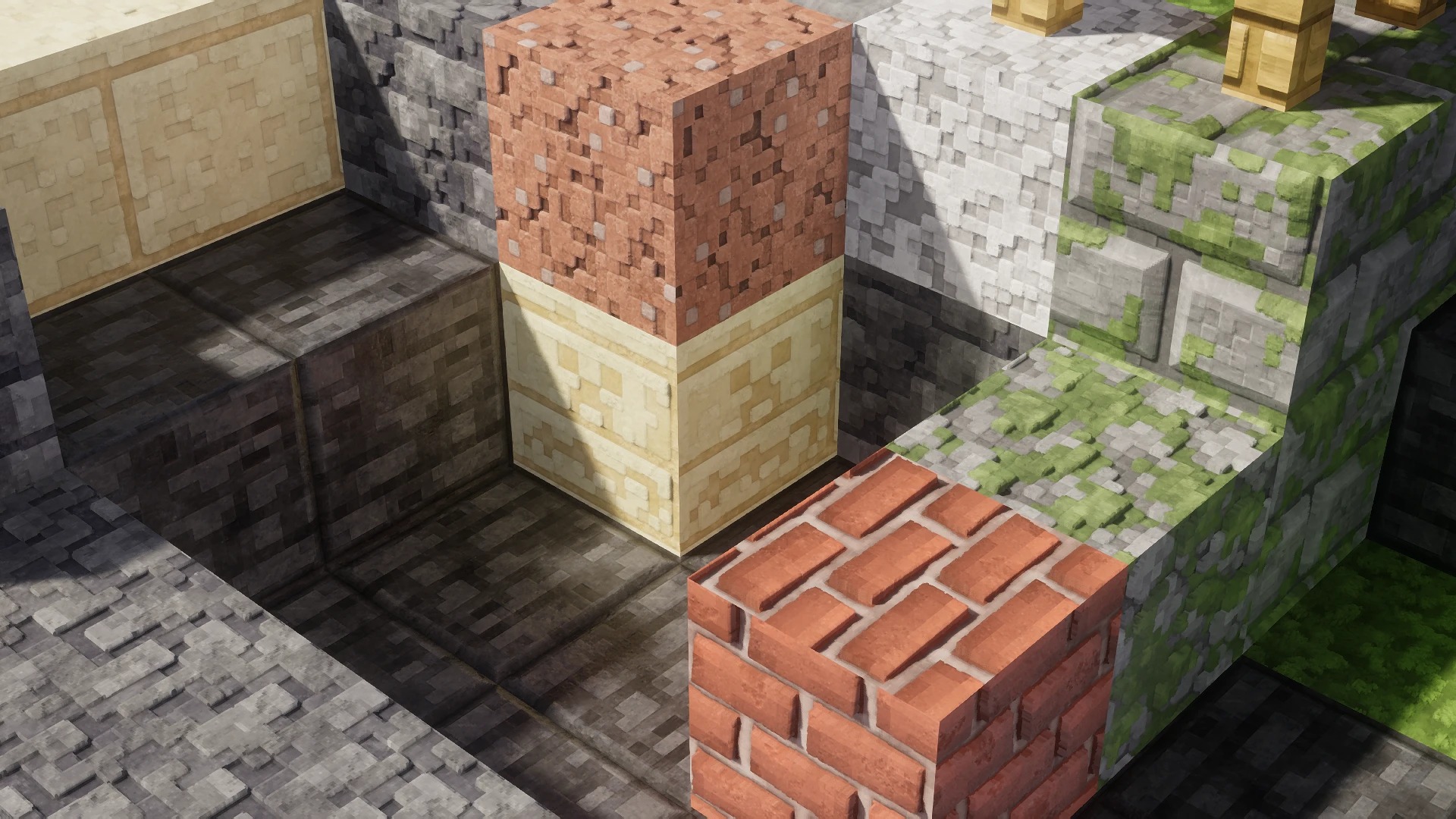
The Pixlli Texture Pack leans towards a cartoony, yet highly detailed style that brightens up the Minecraft world with its vibrant color palette and smooth textures. Blocks are given more depth and definition, enhancing the overall ambiance of the game. The style is approachable for players who enjoy a more playful, artistic take on Minecraft, and it emphasizes clarity in design, making it perfect for builders who want to make their creations pop with color and light.
Resolution and Performance:
Pixlli is available in 16x resolution, which mirrors Minecraft’s default texture resolution, ensuring that it maintains a high level of compatibility even on lower-end systems. Despite its detailed design, the pack is optimized for performance, allowing it to run smoothly on most machines without compromising the game’s performance. This makes it an ideal choice for players who want a visually appealing pack without sacrificing frame rates.
Compatibility:
One of the standout features of the Pixlli Texture Pack is its compatibility with a variety of Minecraft versions. Whether you’re playing on the latest release or slightly older versions, Pixlli ensures that the experience is seamless. The pack is also compatible with Optifine, which enhances the textures with additional visual effects like custom skies, smoother lighting, and shader support.
Custom Features:
In addition to its beautiful textures, Pixlli adds a few subtle but effective enhancements to the game’s UI and environment. The pack introduces redesigned item icons, giving the inventory a fresh and organized feel. Many items, from tools to food, are redrawn to give them a more distinctive look. Mobs are also given a fun redesign, adding personality to the creatures in the game without straying too far from the original vanilla models.
Updates and Community:
Illystray has actively updated Pixlli to ensure it stays current with the latest Minecraft updates and player feedback. The community surrounding Pixlli is passionate, with many players praising the pack for its simplicity and visual charm. With regular updates, the pack continues to evolve, offering new textures and improvements that keep players coming back.
The Pixlli Texture Pack by illystray is an excellent choice for players looking for a fun, visually appealing pack that doesn’t stray too far from Minecraft’s original look. It enhances the game’s aesthetics while keeping performance in mind, making it accessible for all types of players. Whether you’re building intricate structures or simply exploring the vast landscapes of Minecraft, Pixlli ensures your journey is filled with color, clarity, and creativity.
How to install the Pixlli Texture Pack
- Download and install OptiFine.
- Download the texture pack that is compatible with your game version and Minecraft edition.
- Launch Minecraft.
- Click on “Options” in the main menu.
- In the options menu, go to the submenu “Resource Packs”.
- Click on “Open Pack Folder” at the bottom left.
- Move the downloaded ZIP file into your resourcepacks folder.
- You will see the pack on the left half of the resource pack screen.
- Move the cursor to the pack logo and click the arrow pointing to the right.
Click on “Done”.
✅ None of the files are hosted on our server. All direct download links on our website are official authors links. The packs are free of viruses. Therefore, they are completely safe and secure.
✅ Please share this post on social media.
✅ Are there any thoughts you’d like to share? Please write a comment and rate the pack.