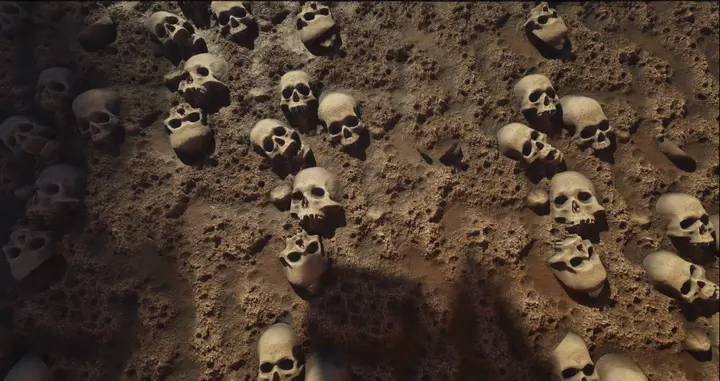
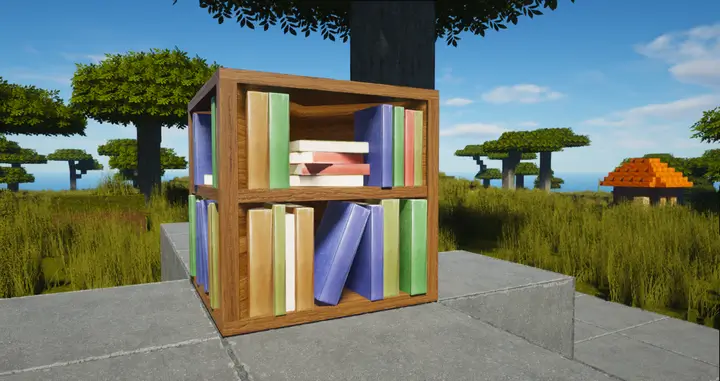
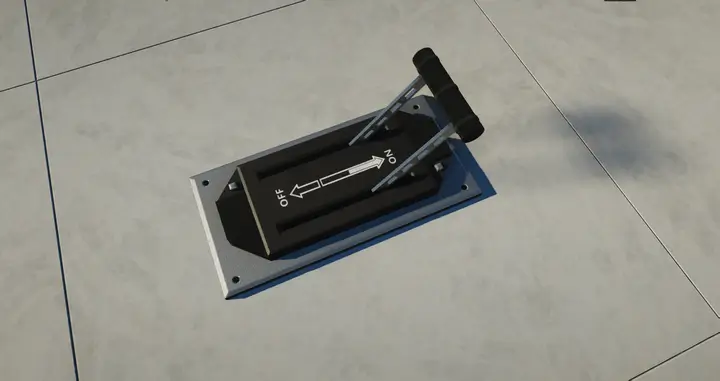
The ModernArch texture pack has garnered a global following with its high-resolution texture and shader support. Developed by two Minecraft enthusiasts, the pack primarily focuses on optimizing the modern interior of your Minecraft builds. The high-resolution textures are just the beginning; the inclusion of meticulously designed custom 3D models adds depth and allows for the creation of stunning interiors and intricate structures. Whether you’re designing a cozy living room or a sleek modern skyscraper, ModernArch’s custom 3D blocks will breathe life into your vision.
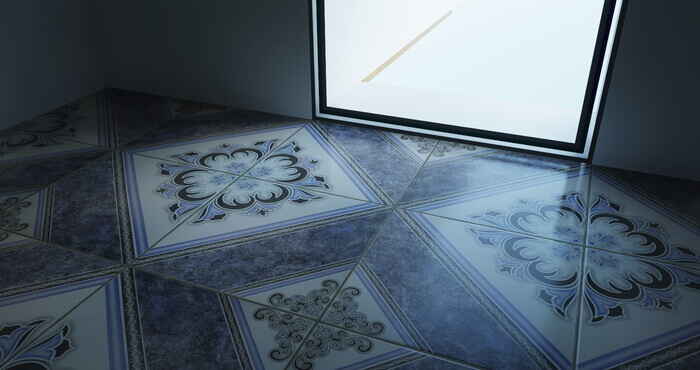
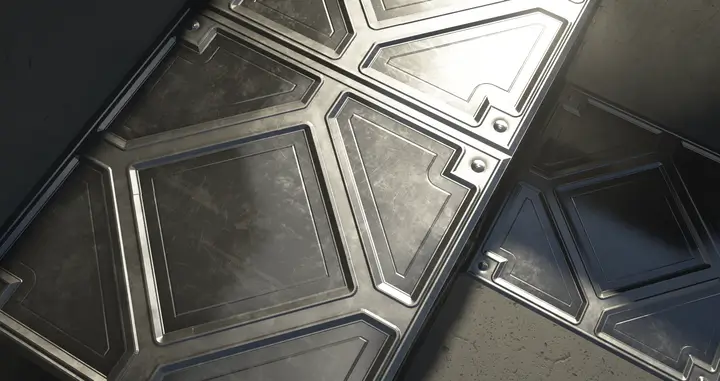
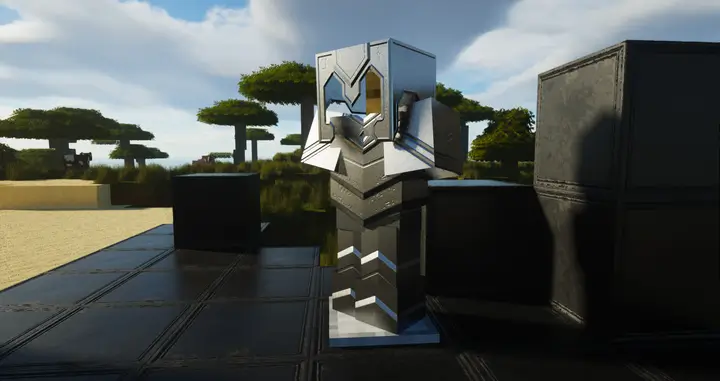
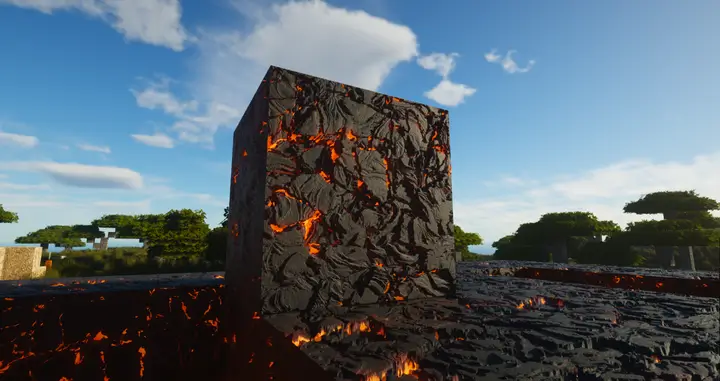
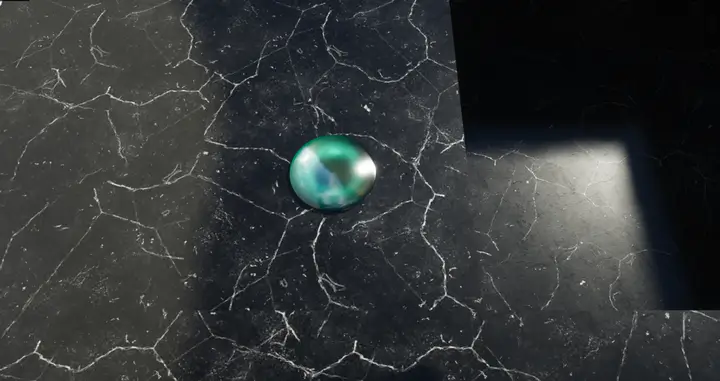
One of the notable features of the ModernArch Realism texture pack is its utilization of physically based rendering (PBR) materials. Through various texture maps, the pack controls how different materials interact with light. From the reflective surfaces of smooth quartz to the roughness of wood planks, the PBR materials enhance the realism of every block and item. Carefully crafted using real-life pictures as references. Vibrant colors further contribute to this effect.
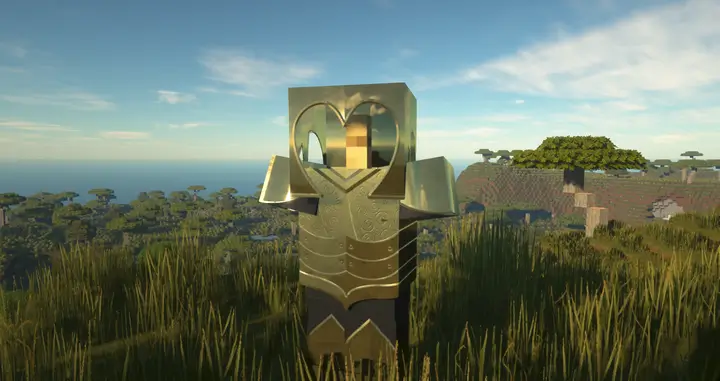
Moreover, the ModernArch texture pack enhances Minecraft’s biomes, starting with the desert biome. Sand blocks adopt a softer and more lifelike appearance, while cacti feature intricate details that enhance overall realism. Shaders elevate the brightness of sand, and high-detail textures for blocks like iron and gold beautifully reflect sunlight, resulting in incredibly realistic structures such as temples. Even tools like shovels and pickaxes receive upgraded reflections.
Venturing into the Nether, you’ll be mesmerized by the impressive lighting overhaul. The combination of Netherrack blocks and magma creates a captivating ambiance as light elegantly reflects off the floors. Notably, the glowstone is meticulously designed with incredibly high resolution, standing out as a remarkable feature within the Nether. The ModernArch texture pack truly excels in transforming intense and fiery environments into visually stunning landscapes.
As you venture back to the overworld, get ready to embark on cave explorations and immerse yourself in the transformed nighttime lighting. Traditional torch textures have been exchanged for modern lights, infusing the caves with a sense of refinement and elegance. Moreover, the inclusion of new realistic ores heightens the enchantment of these subterranean realms, making them among the most visually captivating blocks in the pack.
How to install the ModernArch Realism texture pack
- Download and install OptiFine.
- Download the texture pack that is compatible with your game version and Minecraft edition.
- Launch Minecraft.
- Click on “Options” in the main menu.
- In the options menu, go to the submenu “Resource Packs”.
- Click on “Open Pack Folder” at the bottom left.
- Move the downloaded ZIP file into your resourcepacks folder.
- You will see the pack on the left half of the resource pack screen.
- Move the cursor to the pack logo and click the arrow pointing to the right.
Click on “Done”.
✅ None of the files are hosted on our server. All direct download links on our website are official authors links. The packs are free of viruses. Therefore, they are completely safe and secure.
✅ Please share this post on social media.
✅ Are there any thoughts you’d like to share? Please write a comment and rate the pack.