Novik Pack is a captivating texture pack created by Max_Novik, designed to enhance the visual aesthetics of Minecraft while preserving the game’s core feel. This texture pack stands out for its unique blend of vibrant colors, stylized designs, and attention to detail, offering players a fresh perspective on the beloved block-building game.
Key Features of Novik Pack
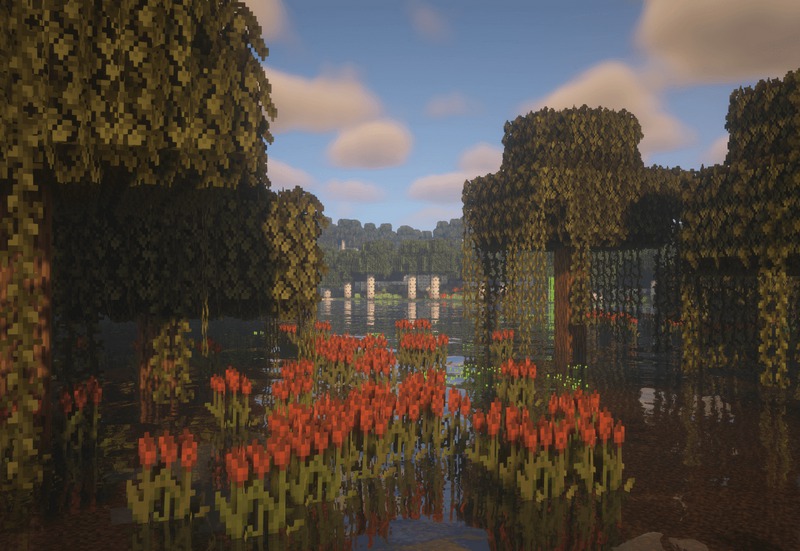
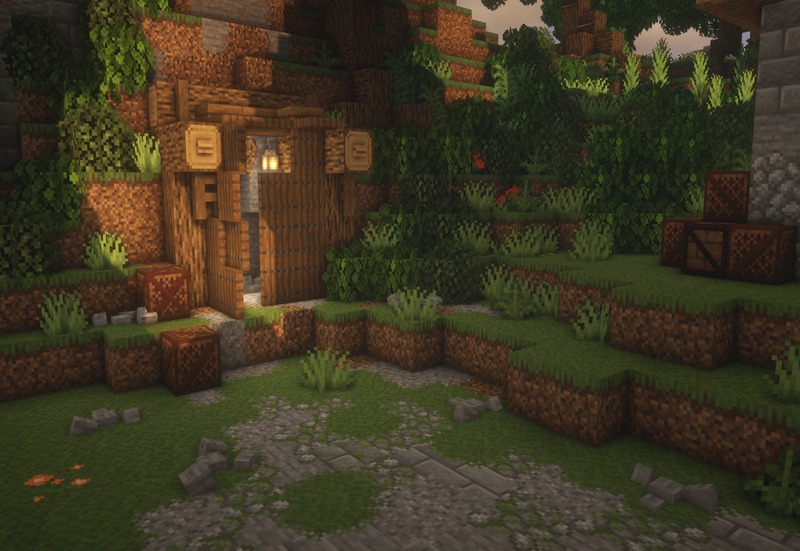
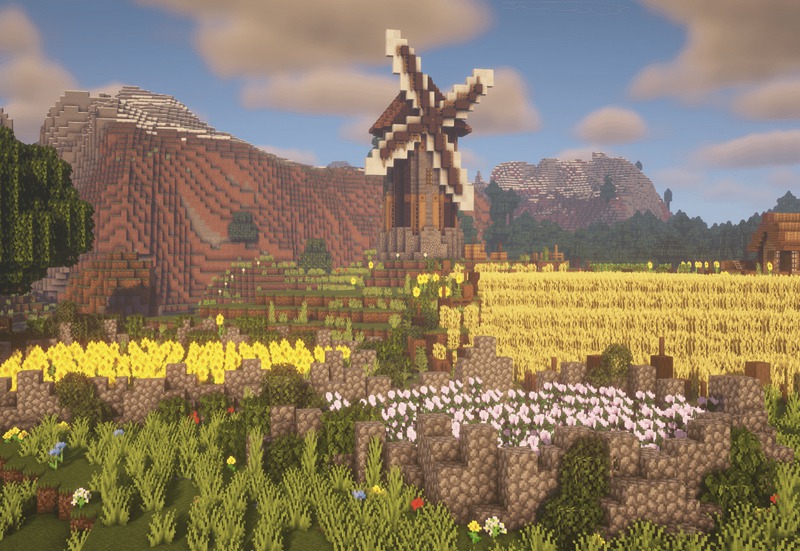
Stylized Aesthetic: The Novik Pack features a stylized aesthetic that gives Minecraft a new lease on life. Max_Novik has successfully crafted a visual experience that maintains the essence of Minecraft while introducing new textures that feel both familiar and refreshingly different. The pack’s vibrant color palette makes environments pop, transforming landscapes into visually stunning scenes.
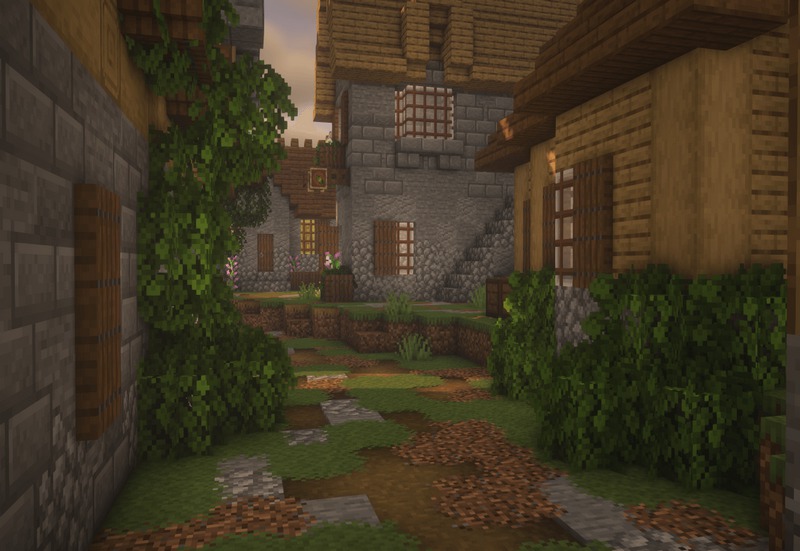
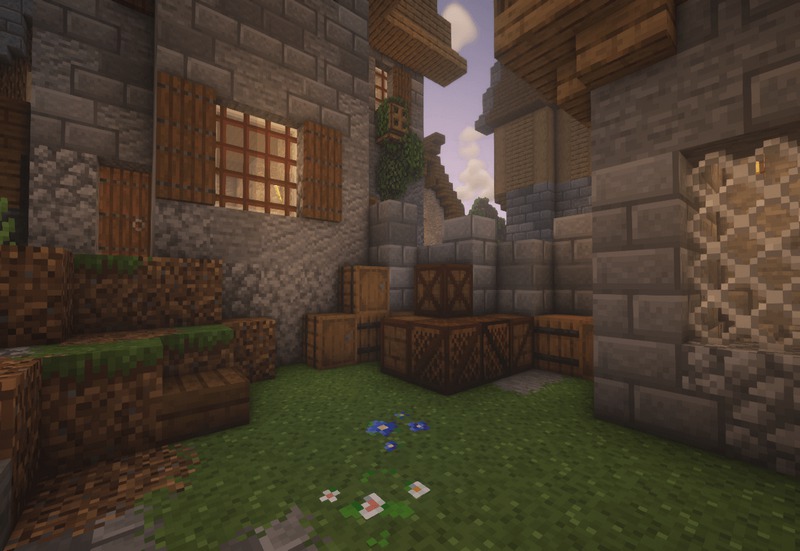
Enhanced Block Textures: One of the pack’s most notable features is the redesign of block textures. Each block in the Novik Pack has been carefully reimagined to enhance the overall experience. From the rustic look of wood and stone to the bright and colorful designs of ores and plants, every texture is crafted with an artistic touch. This attention to detail helps to create a cohesive and immersive environment, encouraging players to explore and build.
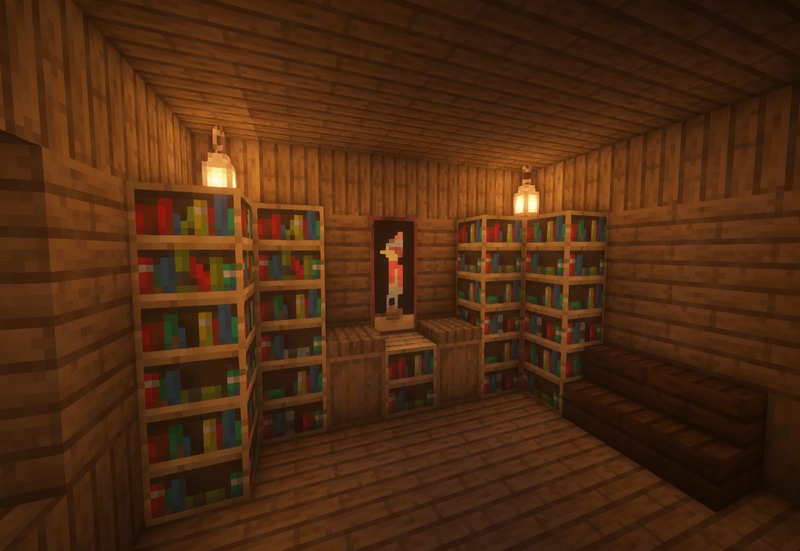
Dynamic and Atmospheric Lighting: The Novik Pack takes full advantage of Minecraft’s lighting system, enhancing the game’s atmosphere. The pack’s textures interact beautifully with light, casting realistic shadows and creating dynamic highlights. Whether exploring a sunlit forest or delving into dark caves, players will notice how the textures respond to light, adding depth and realism to every scene.
Support for Multiple Resolutions: Max_Novik has designed the Novik Pack to cater to a wide range of players by offering multiple resolution options. The pack is available in various resolutions, including 16x, 32x, and even higher, making it accessible to both casual players and those with high-performance systems. This flexibility ensures that players can enjoy the enhanced visuals without compromising performance.
Compatibility with Shaders: The Novik Pack is optimized for use with popular Minecraft shaders, enhancing the overall visual experience. When paired with shaders like SEUS or BSL, players can expect stunning effects such as realistic reflections, vibrant colors, and lifelike shadows. This compatibility makes the Novik Pack an excellent choice for players looking to elevate their gameplay experience.
Custom Item and GUI Textures: In addition to block textures, the Novik Pack also includes custom item and GUI textures. Players will notice that tools, weapons, and armor have been retextured to match the pack’s overall aesthetic. The GUI elements have also been redesigned to provide a seamless experience, enhancing the game’s interface and making it feel more immersive.
Unique Mob Designs: Max_Novik has introduced new textures for various mobs, giving them a unique look that fits the pack’s overall theme. From reimagined villagers to creatively designed animals and monsters, the Novik Pack breathes new life into Minecraft’s inhabitants, making encounters with mobs more engaging and visually appealing.
The Novik Pack Texture Pack by Max_Novik is a remarkable resource for Minecraft players seeking a visually stunning and refreshing experience. Its stylized aesthetic, vibrant colors, and meticulous attention to detail make it a standout choice for both casual players and seasoned veterans. With enhanced block textures, dynamic lighting, and support for multiple resolutions, the Novik Pack delivers a delightful visual journey that enhances every aspect of Minecraft gameplay.
Whether you’re building intricate structures, exploring vast landscapes, or simply enjoying the beauty of the game, the Novik Pack is sure to elevate your Minecraft experience to new heights. Dive into the world of Novik and discover a new way to enjoy Minecraft today!
How to install Novik Pack Texture Pack
- Download and install OptiFine.
- Download the texture pack that is compatible with your game version and Minecraft edition.
- Launch Minecraft.
- Click on “Options” in the main menu.
- In the options menu, go to the submenu “Resource Packs”.
- Click on “Open Pack Folder” at the bottom left.
- Move the downloaded ZIP file into your resourcepacks folder.
- You will see the pack on the left half of the resource pack screen.
- Move the cursor to the pack logo and click the arrow pointing to the right.
Click on “Done”.
✅ None of the files are hosted on our server. All direct download links on our website are official authors links. The packs are free of viruses. Therefore, they are completely safe and secure.
✅ Please share this post on social media.
✅ Are there any thoughts you’d like to share? Please write a comment and rate the pack.